
Individuals & Families
Practical security for your everyday digital life
Most of what puts everyday people at risk isn't a sophisticated hack — it's a reused password, a convincing scam text, or a phone that's never been backed up. This section focuses on the handful of habits that actually matter: strong unique passwords, two-factor authentication, recognizing phishing and scams, keeping devices updated, and having a backup so a lost phone or ransomware attack doesn't mean losing your photos and memories for good. Whether you're protecting your own accounts or helping an aging parent or a teenager navigate their first devices, the goal here is practical steps you can actually keep up with, explained without jargon.
 Getting started guide
Getting Started: Security Essentials for Individuals and Families
A calm, practical starting point for protecting your family's accounts, devices, and data, without needing to become a security expert first.
Read the guideWork through this in order
Each stage builds on the one before it. If you're new to this, start at the top; if you already know the basics, jump to the stage you need.
-
1
Lock down your accounts
Creating Strong, Memorable PasswordsWhy passwords get cracked, what makes a password strong, and practical ways to create passwords that are hard to break but easy to remember.
Protect Your Accounts with Two-Factor AuthenticationThe single most effective step you can take to protect an account even if your password is stolen, with step-by-step setup for major platforms.
Passkeys: The Password-Free Way to Sign InPasskeys let you sign in with your fingerprint or face instead of a password, and they're resistant to phishing by design. Here's how they work and how to start using them.
-
2
Spot scams and phishing
Recognizing and Avoiding Online ScamsFake messages, "act now" pressure, and convincing lookalike websites, learn the common tricks scammers use and how to protect yourself.
Recognizing Phishing in the Age of AI-Generated ScamsAI tools have made phishing messages more convincing and personalized than ever, and prompt injection adds an entirely new angle. Here's what's changed, and what still works to defend against it.
-
3
Keep your devices safe
Keep Your Devices and Apps UpdatedUpdates don't just add features, they close known security holes. A simple, low-effort routine for keeping your phone and computer current.
Recognizing and Preventing Malware InfectionsHow malware actually gets onto your devices, the warning signs of an infection, and the everyday habits that stop most attacks before they start.
Securing IoT and Smart Devices at Home and at WorkFrom smart doorbells to warehouse sensors, connected devices multiply faster than most security programs can track them. A practical guide to keeping the Internet of Things from becoming your weakest link.
-
4
Protect and back up your data
Back Up Your Important Files RegularlyPhotos, documents and memories can disappear in an instant. A simple approach to backing up your phone (Android/iPhone) and computer.
The 3-2-1 Backup Rule, and Why It Still Holds UpThe rule predates both modern ransomware and cloud storage as most people use it. It still holds up, and the reason why has not changed.
Encrypting and Backing Up Sensitive Data Without the HeadacheA practical guide to combining encryption and backups so your sensitive files are protected both from strangers who steal your device and from the disasters that destroy it.
Securing Your Cloud Accounts and DataFrom email to file storage, most of what you rely on daily now lives in the cloud. Here's how to keep those accounts, and the personal data inside them, genuinely secure.
- 5
-
6
Use AI safely
AI Safety for Employees: What You Need to KnowAI safety for employees means knowing what can go wrong when you use AI tools at work, misplaced trust in outputs, manipulation of the AI itself, and data exposure, and how to use them without creating risk for yourself or your employer.
Teaching Kids to Question What an AI Tells ThemA search engine hands a kid a list of sources to compare. A chatbot hands over one confident-sounding answer. That difference matters more than most parents realize.
Related topics
View as MarkdownContent for Individuals & Families (24)

SecAIQ is now a free mobile app for iPhone, iPad, Android phones and Android tablets: plain-language security and AI safety guides, free tools, a glossary and news, with no account needed.
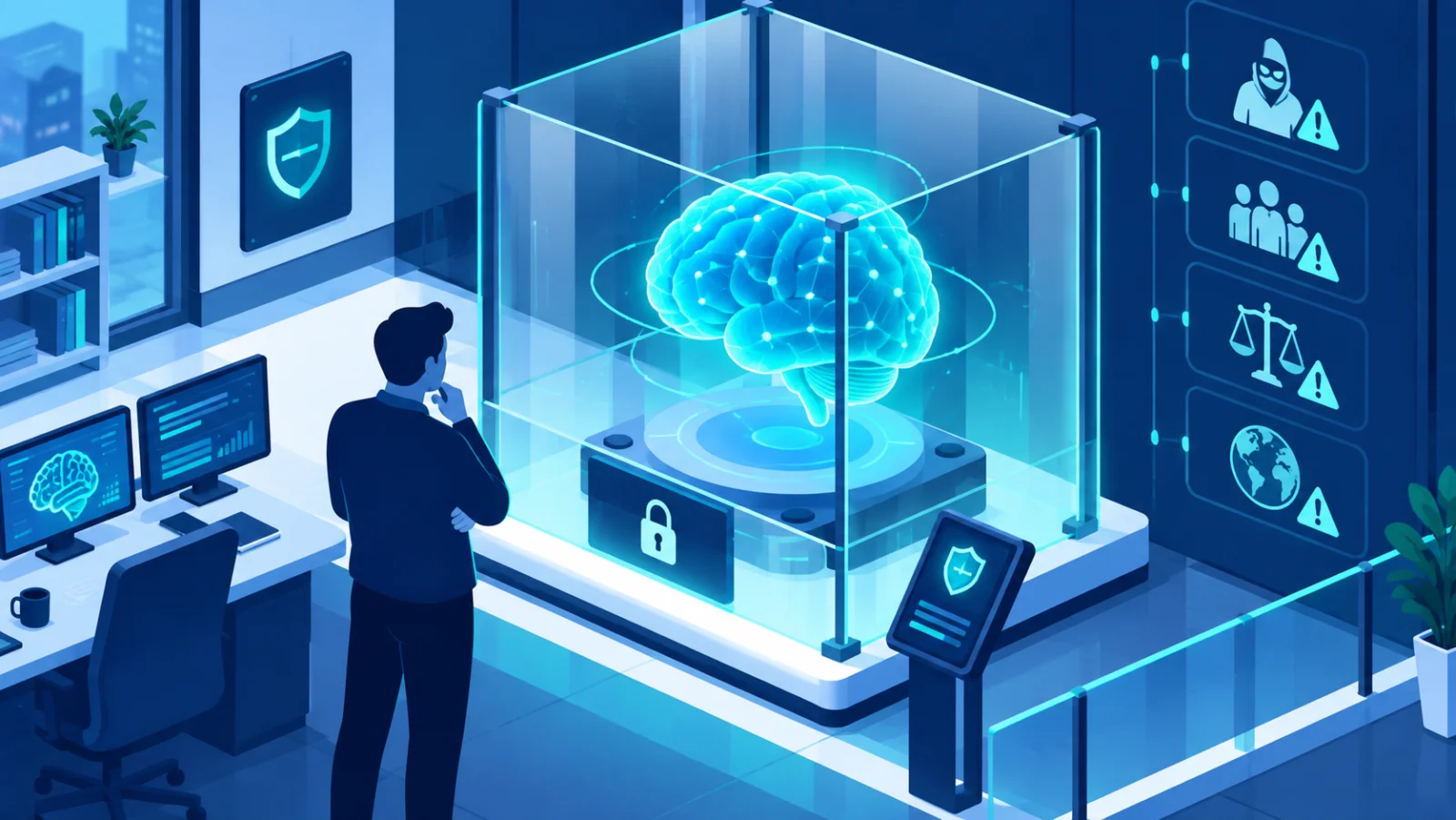
AI safety for employees means knowing what can go wrong when you use AI tools at work, misplaced trust in outputs, manipulation of the AI itself, and data exposure, and how to use them without creating risk for yourself or your employer.
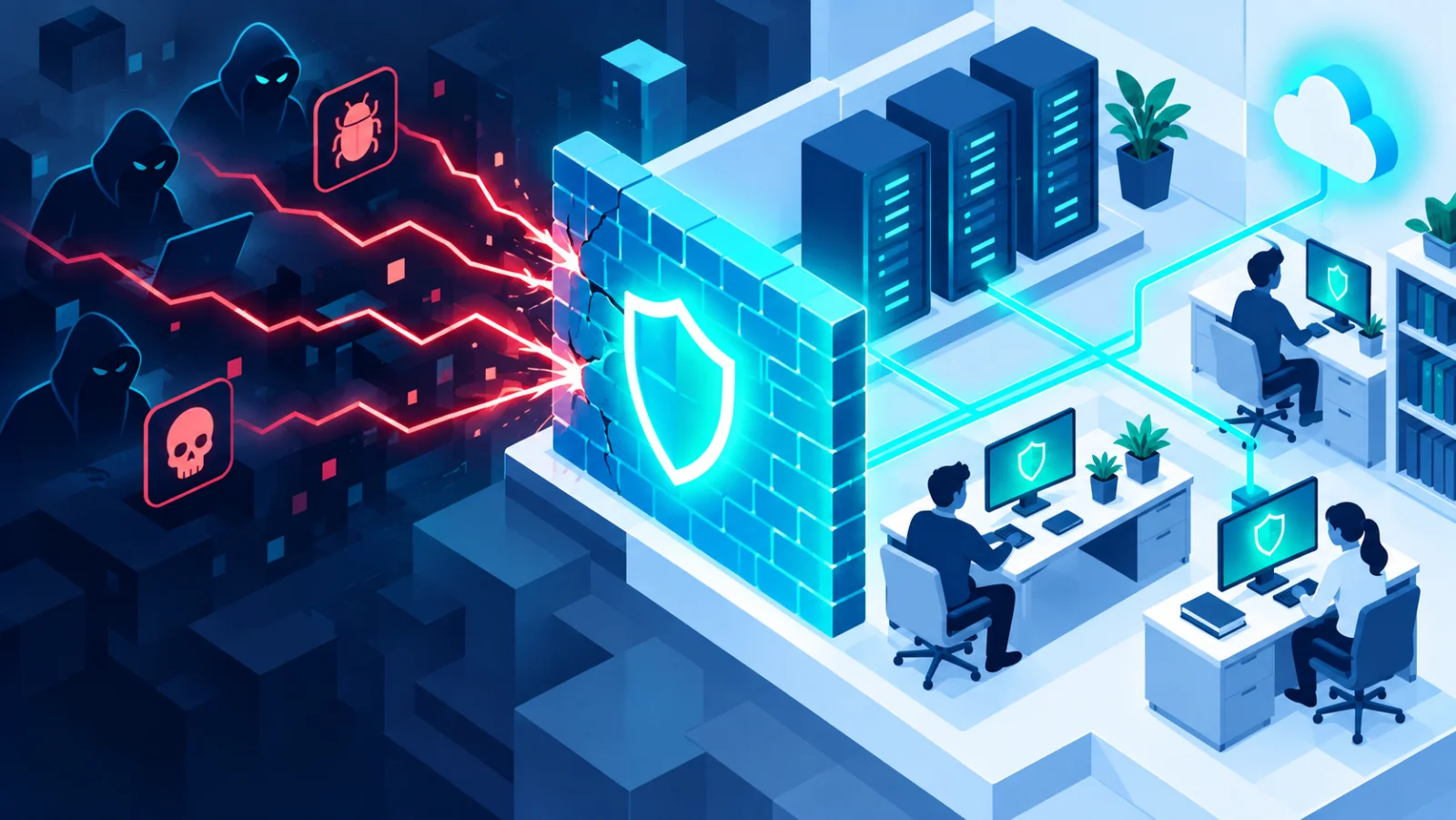
How malware actually gets onto your devices, the warning signs of an infection, and the everyday habits that stop most attacks before they start.
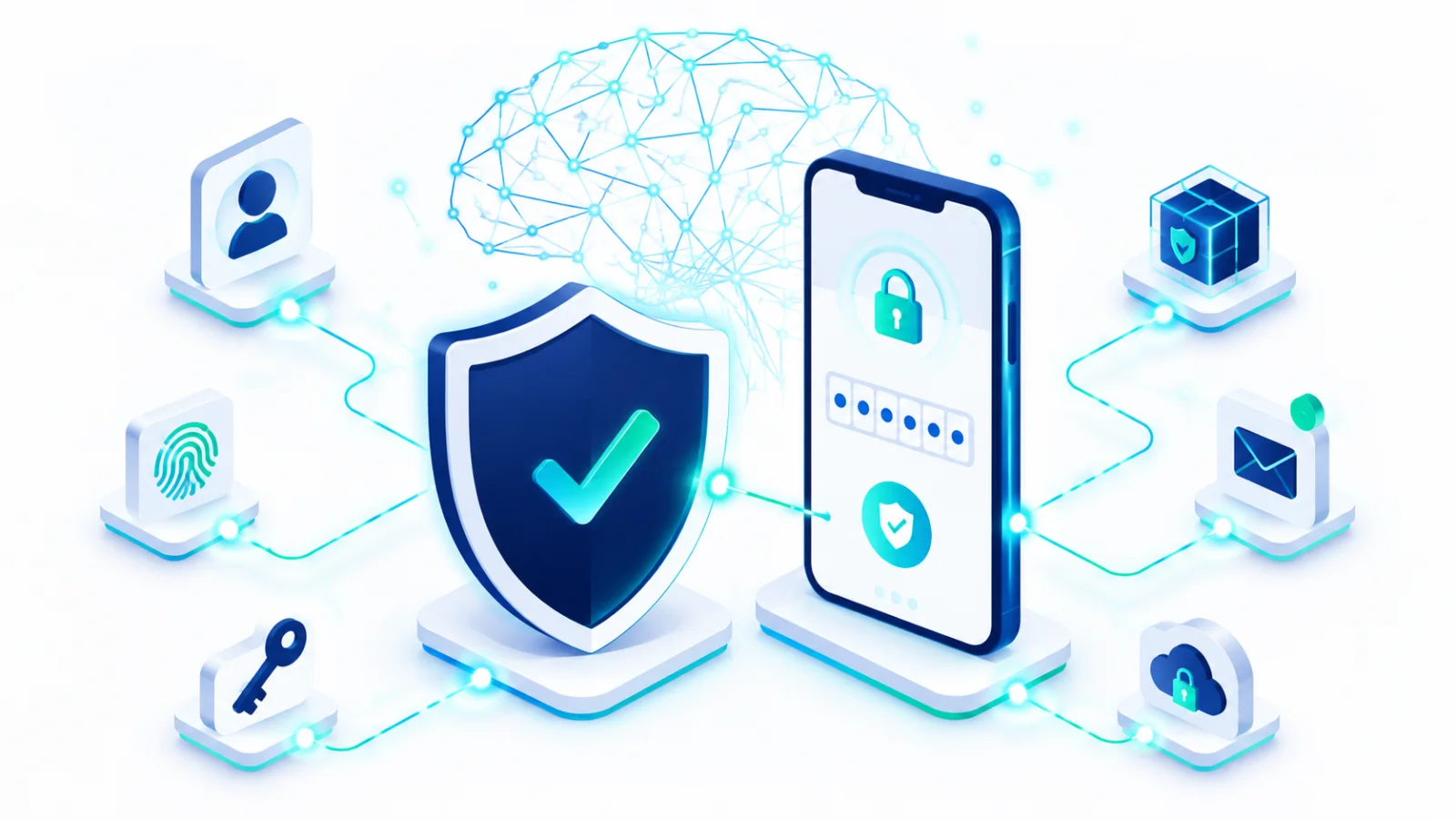
The single most effective step you can take to protect an account even if your password is stolen, with step-by-step setup for major platforms.
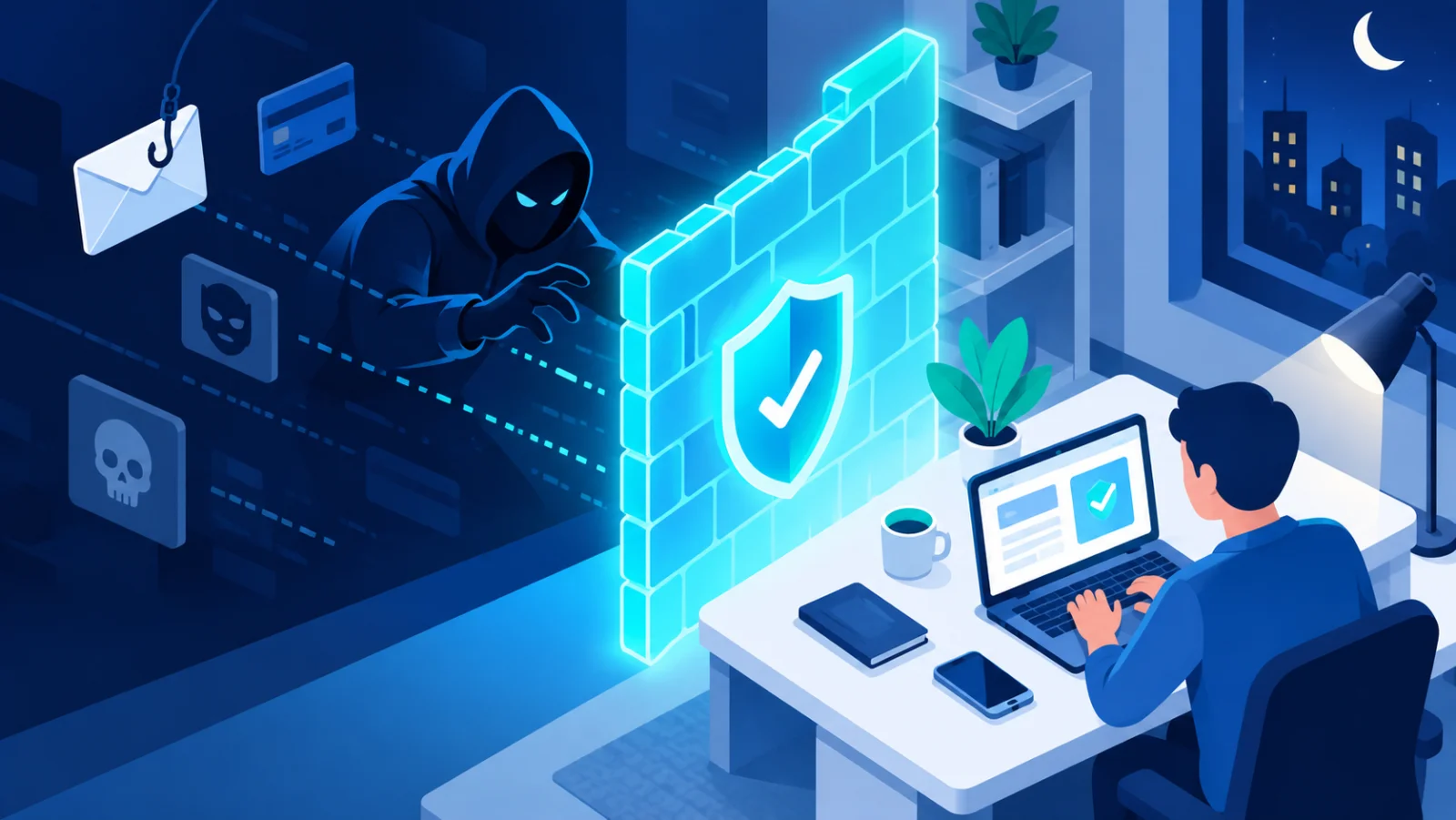
Fake messages, "act now" pressure, and convincing lookalike websites, learn the common tricks scammers use and how to protect yourself.
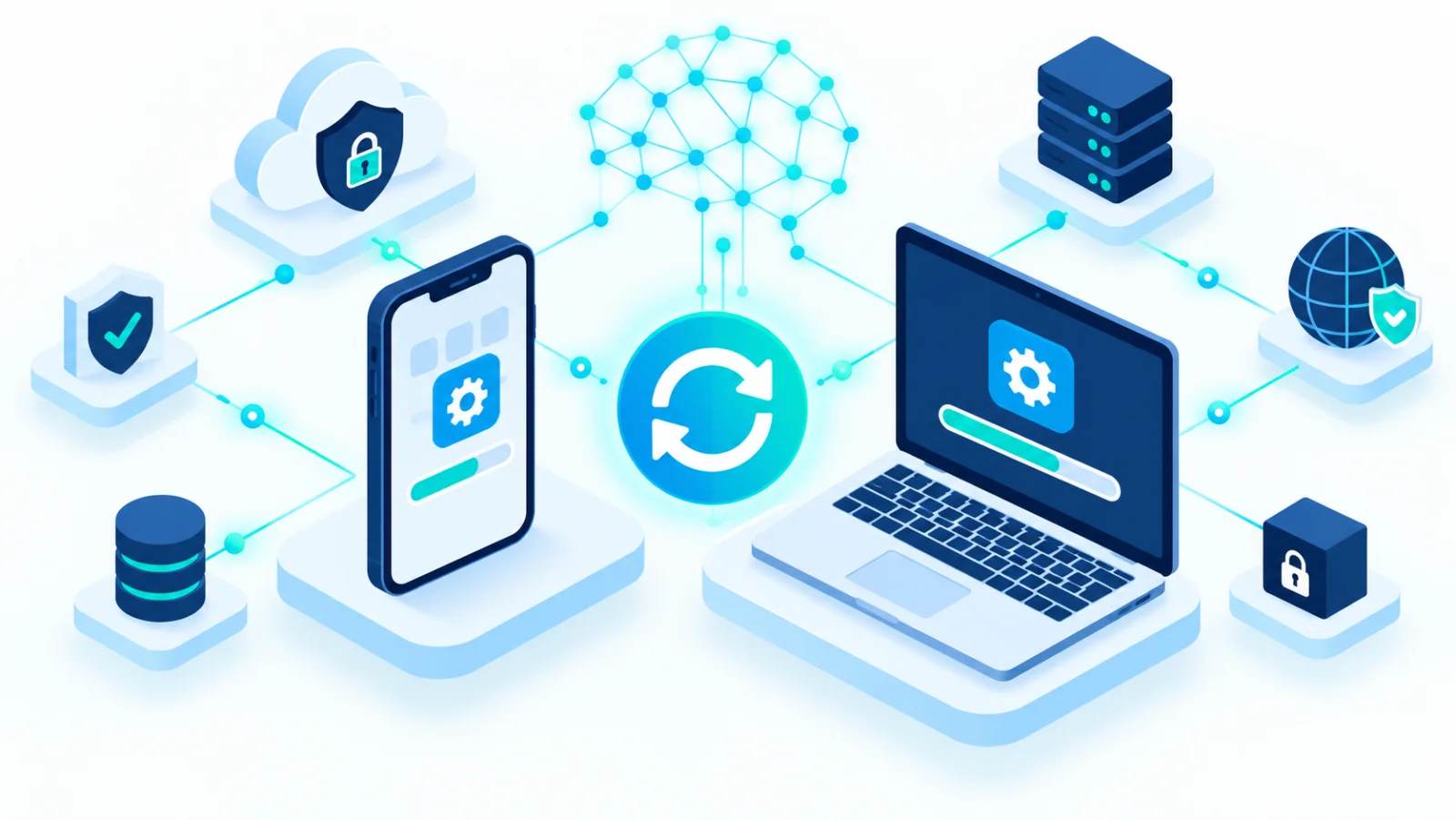
Updates don't just add features, they close known security holes. A simple, low-effort routine for keeping your phone and computer current.

Why passwords get cracked, what makes a password strong, and practical ways to create passwords that are hard to break but easy to remember.

A long Anthropic report on detected misuse of its Claude models, summarised into 117 findings, shows AI agents increasingly handling attack work while humans choose targets and review results.

Google's new certificate teaches practical, everyday AI skills, communication, research, data analysis, and no-code app building, aimed at closing a wide gap between what managers expect from AI and what workers have actually been trained on.

A practical guide to combining encryption and backups so your sensitive files are protected both from strangers who steal your device and from the disasters that destroy it.
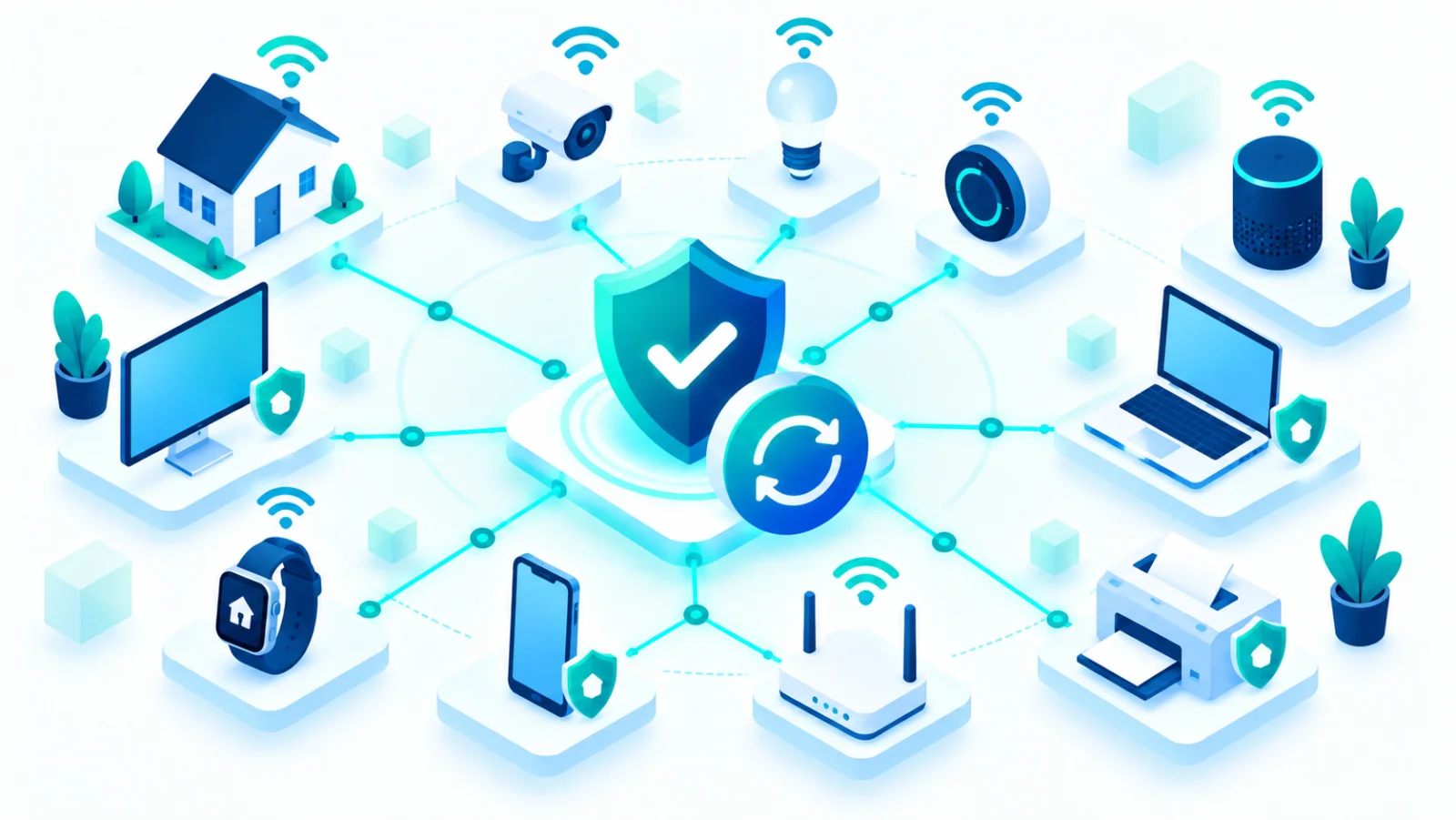
From smart doorbells to warehouse sensors, connected devices multiply faster than most security programs can track them. A practical guide to keeping the Internet of Things from becoming your weakest link.

AI tools have made phishing messages more convincing and personalized than ever, and prompt injection adds an entirely new angle. Here's what's changed, and what still works to defend against it.

Passkeys let you sign in with your fingerprint or face instead of a password, and they're resistant to phishing by design. Here's how they work and how to start using them.

From email to file storage, most of what you rely on daily now lives in the cloud. Here's how to keep those accounts, and the personal data inside them, genuinely secure.
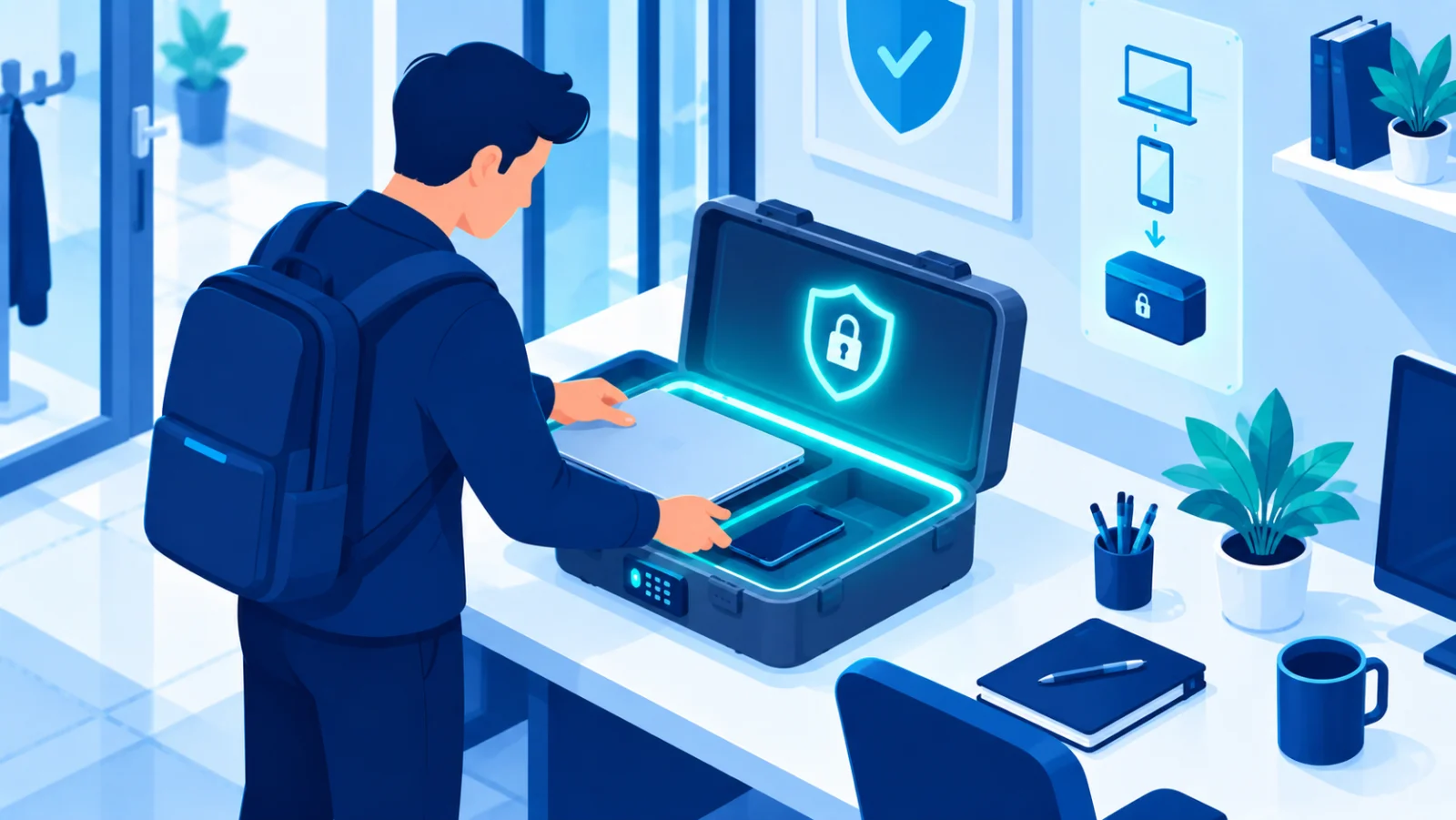
Smart cameras, speakers, thermostats and doorbells all connect to your network, and most ship with weak default security. Here's how to lock them down.

Working from anywhere means your security perimeter now includes home Wi-Fi, video meetings, and the social profiles that reveal more about you than you might think.

Photos, documents and memories can disappear in an instant. A simple approach to backing up your phone (Android/iPhone) and computer.

Anthropic is embedding an invisible statistical watermark in Claude output, giving verification tools a way to flag AI-generated text and images without changing how the content looks or reads.

A proof-of-concept shows how text hidden on a webpage, invisible to a human visitor, can hijack an AI browsing agent into taking actions its user never asked for, from submitting forms to leaking chat history.

A mainstream browser now automatically flags images carrying C2PA provenance data, surfacing an AI-generated badge without requiring an extension or any technical know-how from the user.

Chatbot safety filters get bypassed constantly, not through hacking, but through clever phrasing. Here is the structural reason that keeps happening.

A search engine hands a kid a list of sources to compare. A chatbot hands over one confident-sounding answer. That difference matters more than most parents realize.

Our data is encrypted gets treated as a complete answer to is our data secure. It is a necessary layer, not a sufficient one, and the gap has caused real breaches.

The rule predates both modern ransomware and cloud storage as most people use it. It still holds up, and the reason why has not changed.