
Getting Started: Security Essentials for Individuals and Families
A calm, practical starting point for protecting your family's accounts, devices, and data, without needing to become a security expert first.

Most online safety advice is written for IT professionals and then handed to everyone else. This guide is different. It is the short list of things that actually protect a household's accounts, photos, and money, in the order that matters most. None of it needs technical expertise. Setting it all up takes roughly an hour or two, once, and then most of it runs by itself.
Why this matters for a family, specifically
A household is not one target but several: parents' work accounts, children's school and gaming logins, shared streaming and banking, and family photos stretching back years. One weak password reused in several places, or one family member clicking one bad link, can expose everyone who shares that Wi-Fi network or that photo library. The good news is that a handful of habits, applied consistently, protect the whole household at once.
The six steps at a glance
| Step | What to do | Time | What it protects you from |
|---|---|---|---|
| 1. Passwords | Use a password manager↗ so every account has its own password | 30 to 60 minutes | One leak unlocking many accounts |
| 2. Two-factor sign-in | Add a second check on email, banking, and social media | 10 minutes per account | Account takeover↗ even after a password leaks |
| 3. Passkeys | Use fingerprint or face sign-in where offered | 2 minutes per account | Fake login pages |
| 4. Backups | Turn on automatic backup↗ for photos and documents | 20 minutes | Losing memories to a lost phone or ransomware↗ |
| 5. Scam awareness | Learn the pattern: urgency, secrecy, unusual payment | 10 minutes to read | Fraud and phishing↗ |
| 6. Updates | Switch on automatic updates for phones, computers, and apps | 10 minutes | Attacks on flaws that already have a fix |
Step 1: Fix your passwords, once, properly
If you remember only one thing, make it this: stop reusing passwords, and use a password manager so you do not have to remember dozens of different ones. A password manager is an app that creates and remembers strong passwords for you, and you only need to remember one main password. 
Step 2: Turn on two-factor authentication↗ wherever it is offered
Two-factor authentication means a second check when you sign in, such as a code from an app. This one change blocks the great majority of account takeover attempts, even if a password does leak. Start with email, banking, and social media, since those unlock everything else. 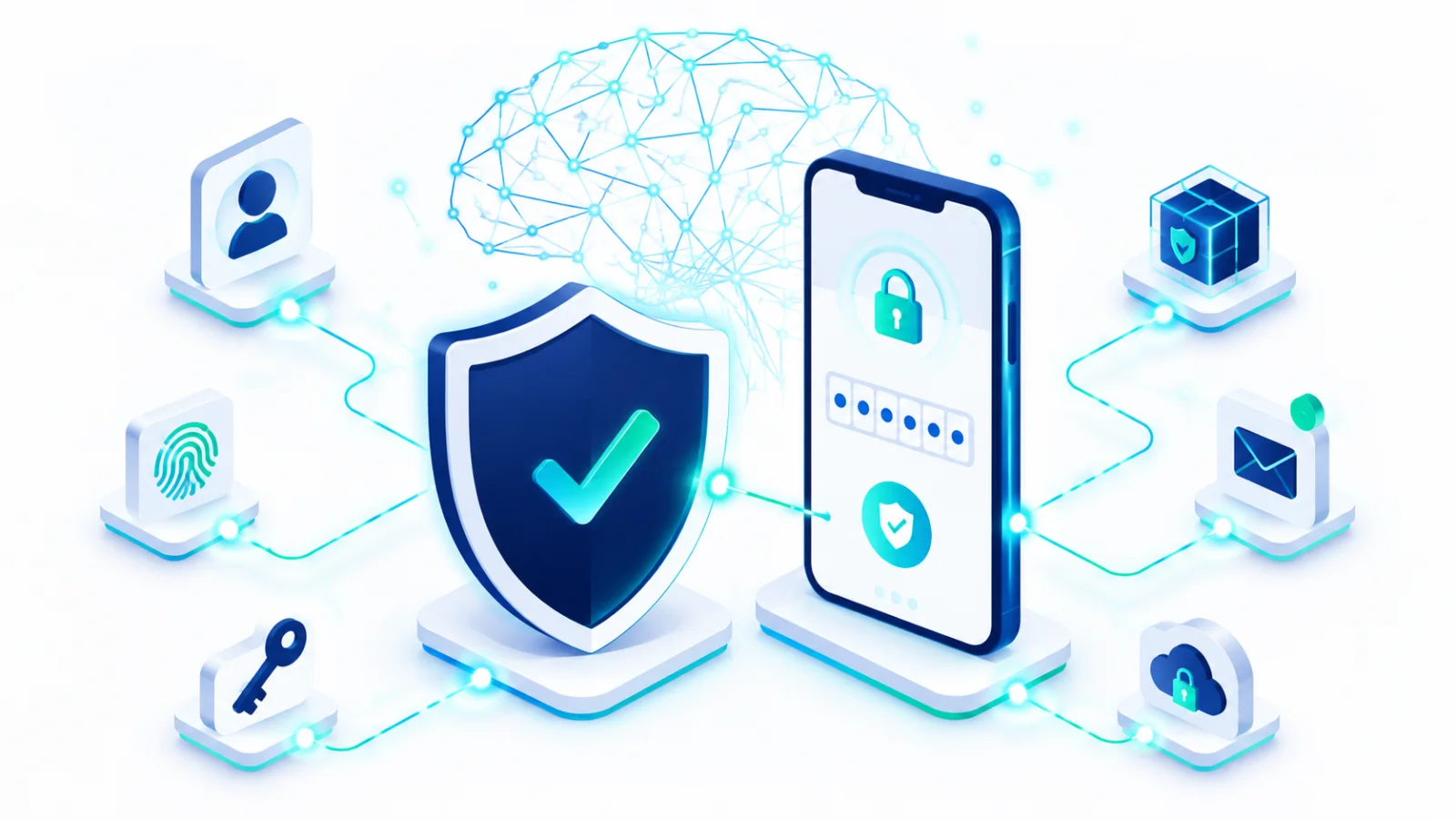
Step 3: Where possible, skip passwords entirely
Many services now support passkeys, a newer way to sign in with your fingerprint, face, or device PIN instead of typing anything. A passkey↗ cannot be tricked by a fake website. Where it is offered, it is both easier and safer than a password. 
Step 4: Back up what you cannot afford to lose
Family photos and important documents are often the most irreplaceable things on any device, and the easiest to lose to a broken phone, a lost laptop, or ransomware (software that locks your files and demands money). A simple automatic backup means one bad day never means losing years of memories. 
Step 5: Learn to spot what is trying to trick you
Scams increasingly use AI to sound convincing: a "your package could not be delivered" text, an urgent message that appears to come from a family member, a deal that is too good to be true. Recognizing the pattern matters more than recognizing any one scam. The pattern is almost always pressure to act fast, a request to keep it secret, and an unusual way of paying. 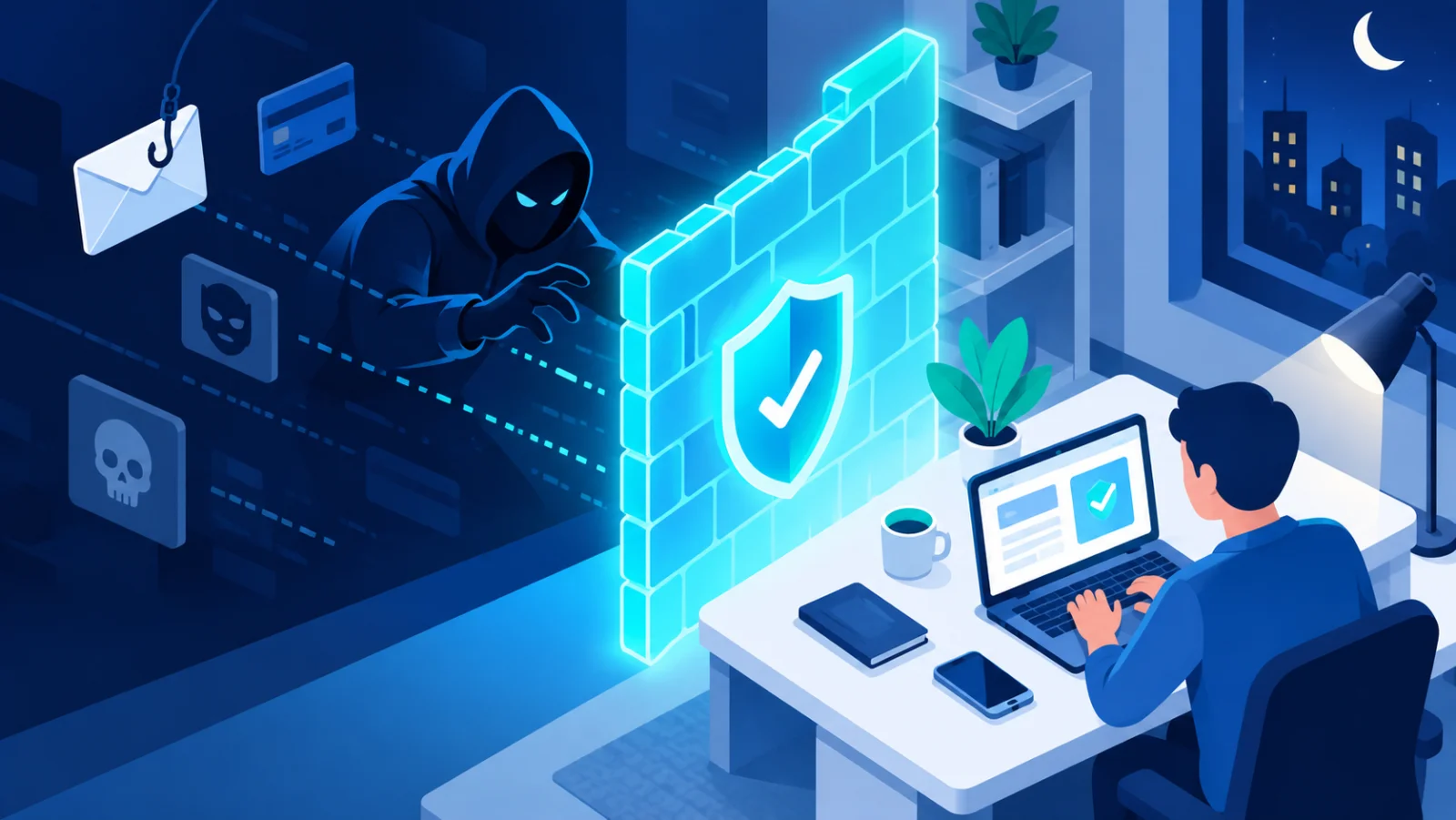
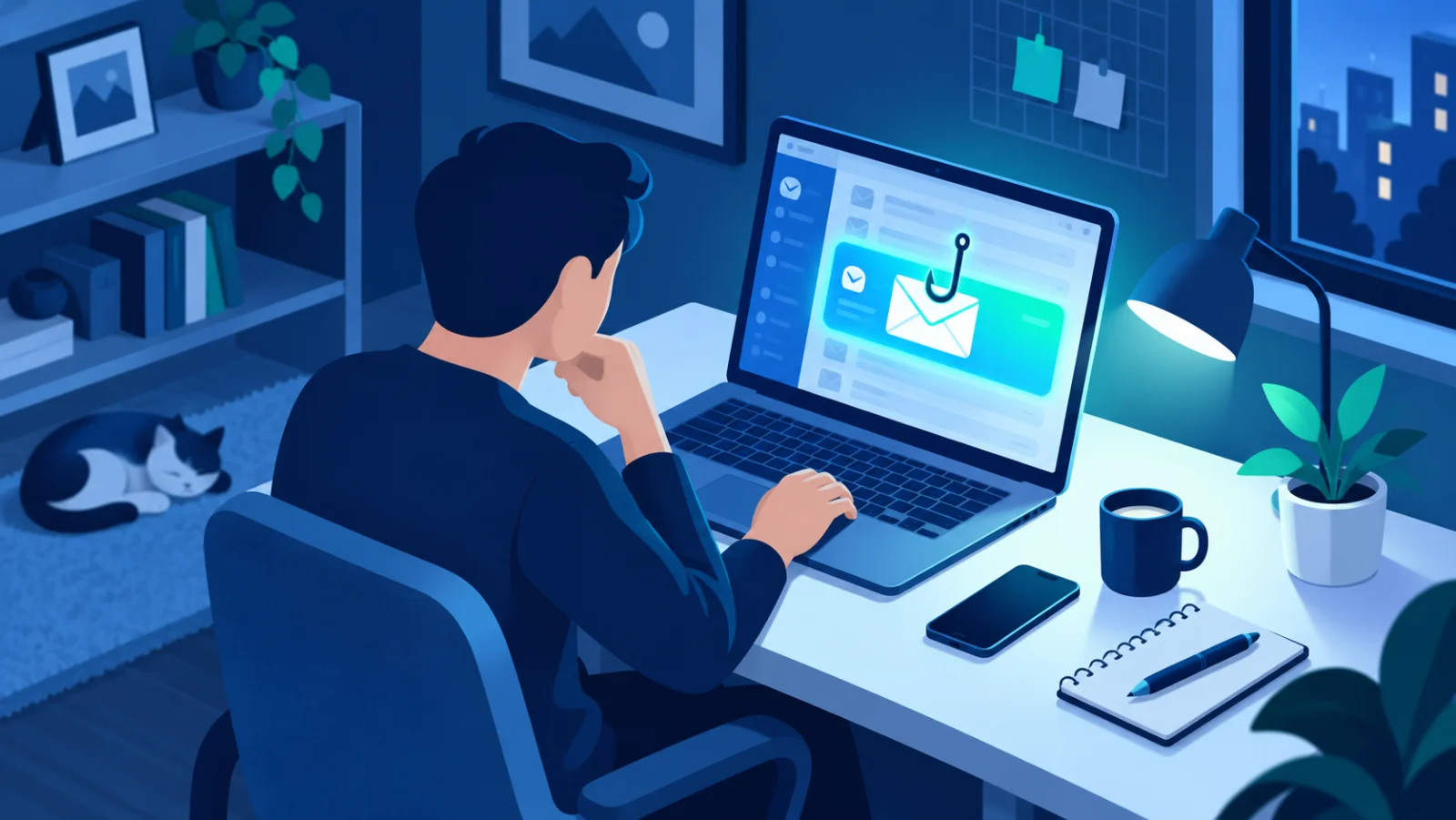
Agree a family rule: if someone phones or messages asking for money or codes, even in a loved one's voice, hang up and call back on the number you already have. Some families choose a private code word for emergencies.
Step 6: Keep devices updated automatically
Software updates usually exist specifically to close security holes. Turning on automatic updates for phones, computers, and apps is one of the lowest-effort, highest-impact habits there is. 
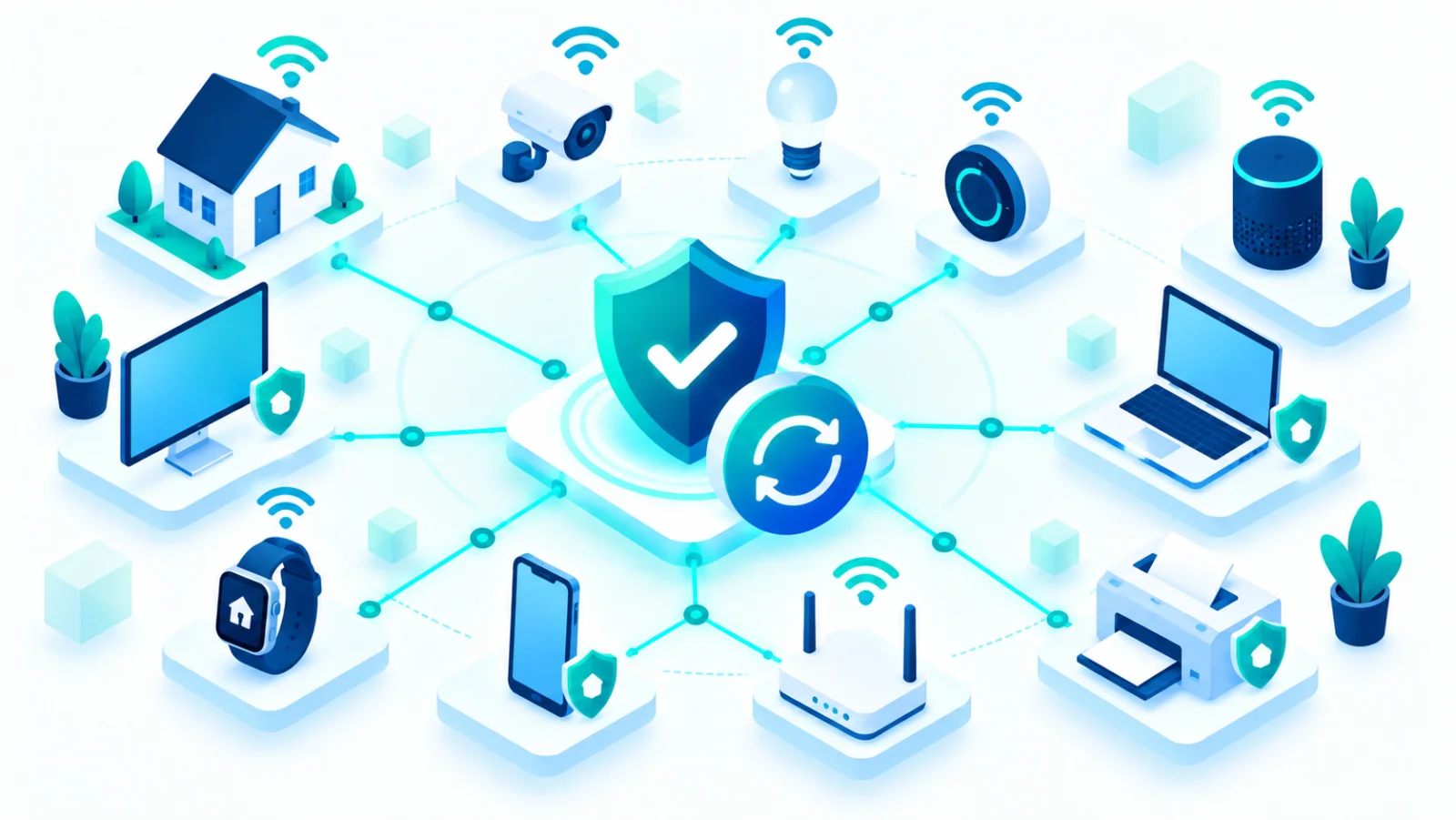
Do not forget the devices around the house
Smart speakers, cameras, doorbells, and connected toys are increasingly common in family homes, and most ship with weak default settings worth changing. 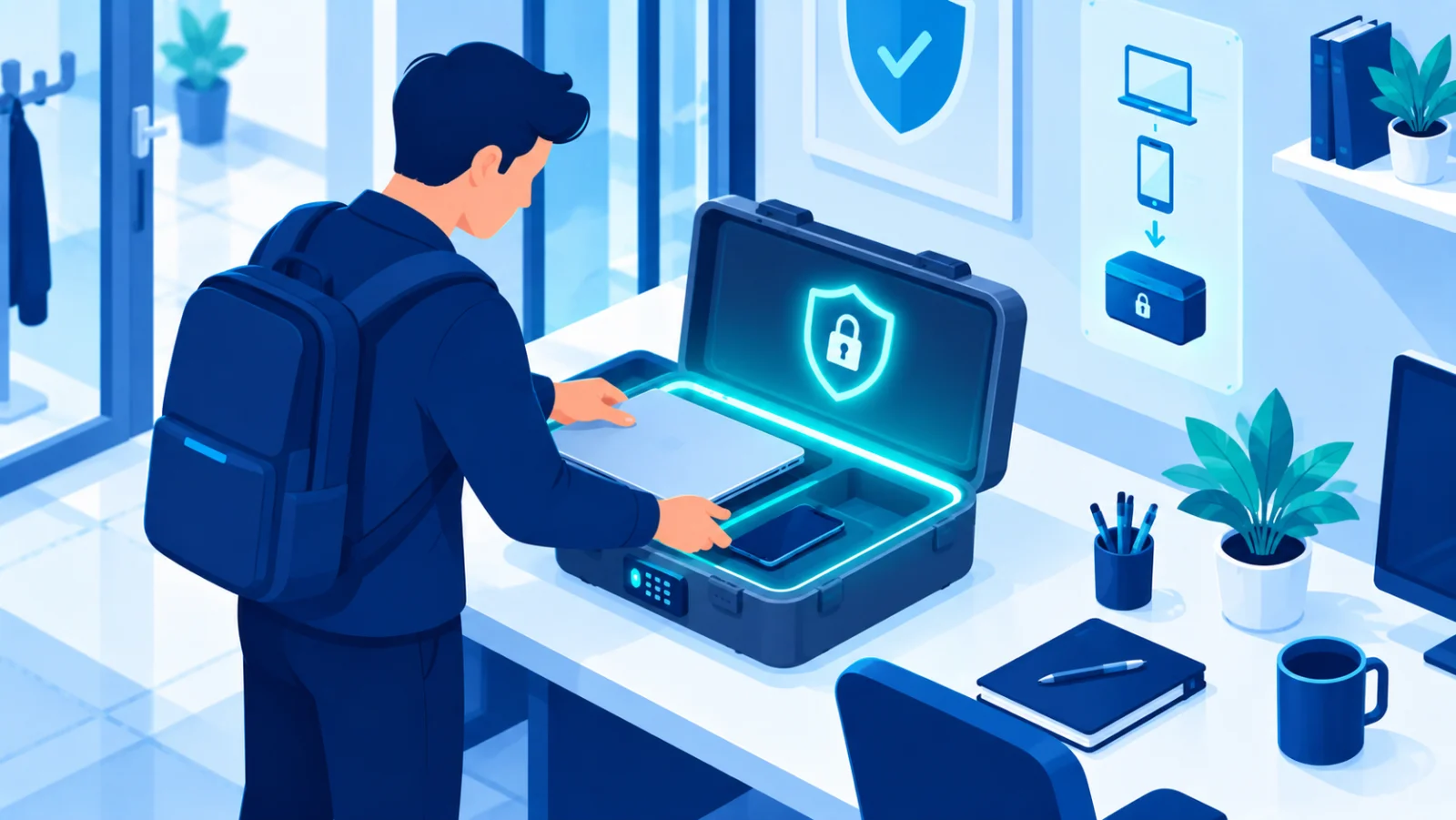
Think about the children
- Give each child their own account instead of sharing yours, and use the family or parental controls built into the device or service.
- Talk, instead of only restricting: explain that nobody real asks for passwords, and that they can tell you about anything strange without getting in trouble.
- Check what games and apps ask for. A coloring game does not need access to contacts or location.
A note on privacy, not just security
Beyond stopping attackers, it is worth understanding what your everyday apps and services do with your family's personal information, including AI tools, which may keep what you type. Try these quick checks: 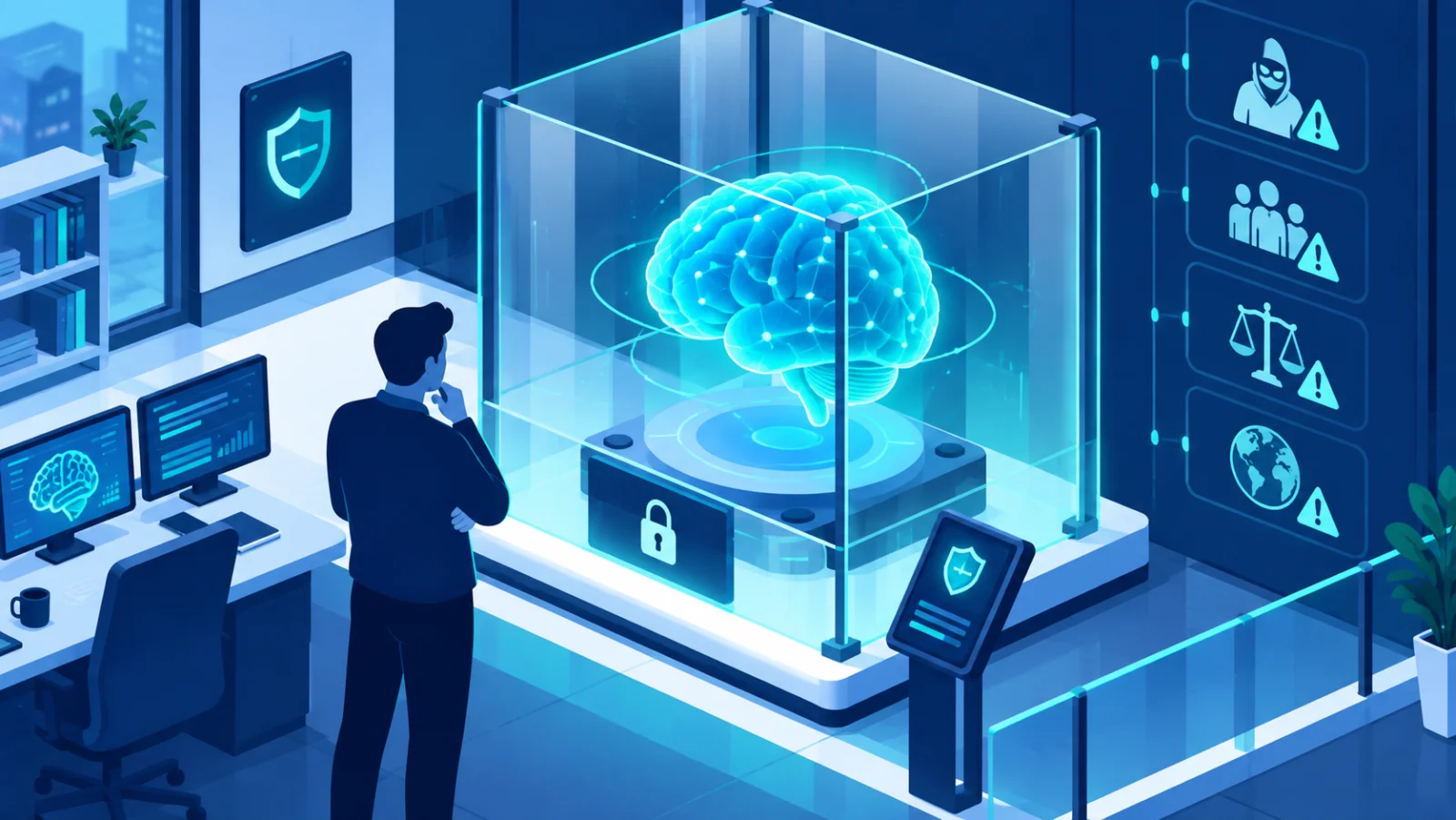


A first-weekend plan
- Saturday morning: install a password manager and change the passwords on email and banking.
- Saturday afternoon: turn on two-factor sign-in for email, banking, and social media.
- Sunday morning: switch on automatic photo backup and automatic updates on every phone and computer.
- Sunday afternoon: hold a ten-minute family chat about scams and agree on the call-back rule.
The bottom line
You do not need to become a security expert. Unique passwords with a manager, two-factor sign-in on your important accounts, automatic backups for photos and documents, automatic updates, and healthy skepticism toward urgent messages protect a household far better than any single expensive tool.