
Recognizing Phishing in the Age of AI-Generated Scams
AI tools have made phishing messages more convincing and personalized than ever, and prompt injection adds an entirely new angle. Here's what's changed, and what still works to defend against it.
How has AI made phishing harder to spot?
AI removes the old giveaways, spelling errors and generic greetings, and adds fluent writing, personal details taken from social media, and even cloned voices or video.

Phishing↗ used to be easy to spot: spelling mistakes and generic greetings. AI tools have changed that. Attackers can now produce fluent, personal, convincing messages in large numbers, using information from public social media to make them feel real. Phishing means a message that tries to trick you into giving away a password, money, or personal information.
How AI has changed phishing
| What changed | What it means for you |
|---|---|
| Better writing | The old advice "look for spelling mistakes" is much less reliable |
| Personalization at scale | Details taken from social media, such as your employer, job title, or recent posts, can be added automatically so the message seems meant for you |
| Voice and video cloning | Scammers can use AI-made voice or video to impersonate a colleague, a family member, or a boss asking for an urgent transfer or action |

What still works
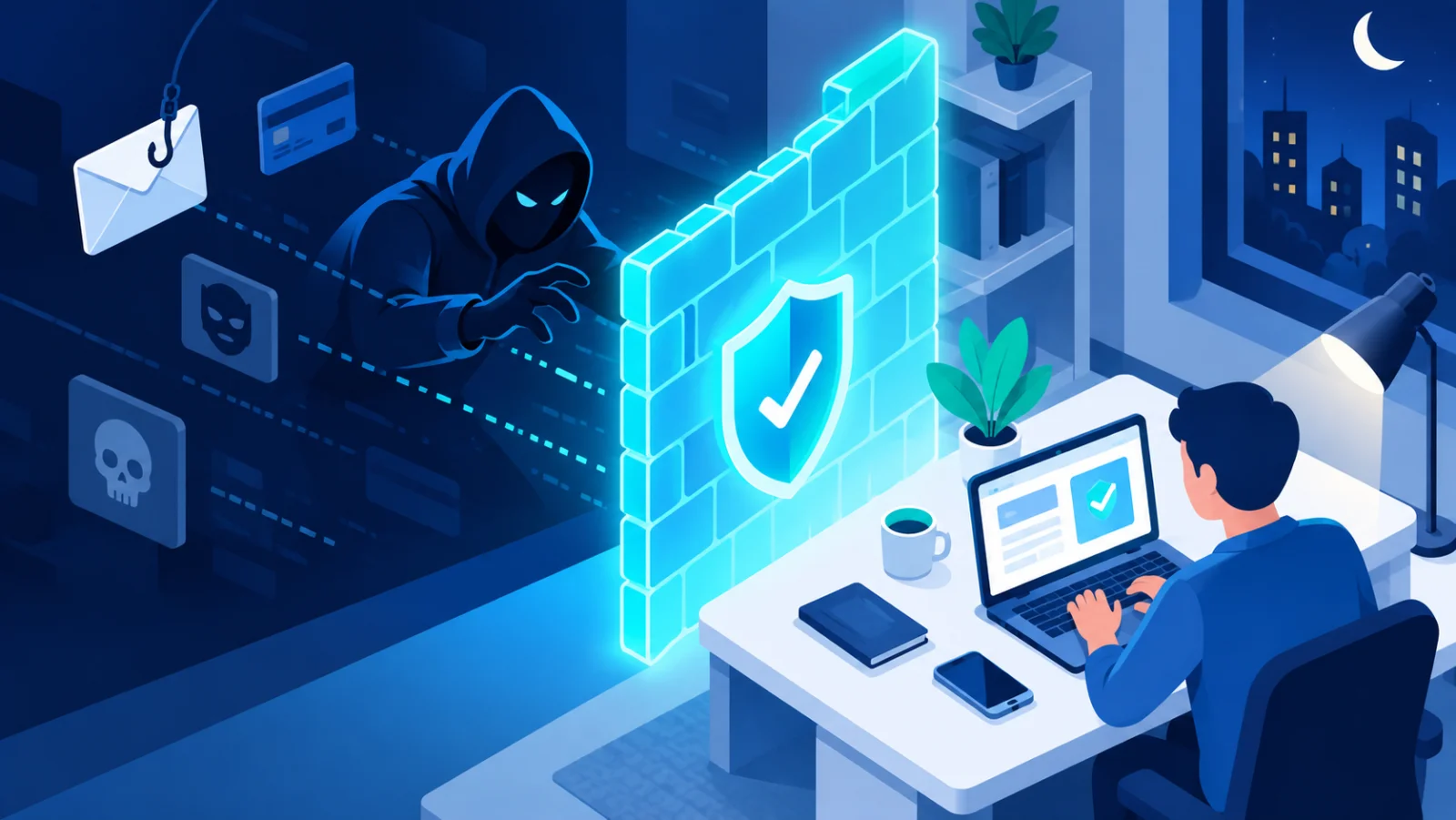
The basic defense has not changed: check unexpected or urgent requests through a separate channel you already trust before you act. If a message asks you to send money, share a password, or do something urgent, contact the supposed sender directly using a phone number or channel you already know is genuine, never one given in the suspicious message itself.
Warning signs that still apply
- Urgency or pressure. "Act now" and "your account will be closed" are classic tricks to stop you from thinking.
- Unusual requests. A request for gift cards, a change of bank details, or a password reset you did not ask for.
- Secrecy. "Do not tell anyone" is a strong red flag.
- Links and attachments you did not expect. Open the website yourself by typing the address, instead of clicking the link.
What to do in different situations
| Situation | What to do |
|---|---|
| An email or text asks you to log in or pay urgently | Do not use its links. Open the official website or app yourself, or call the organization on a number you already have. |
| A voice or video call from someone you know asks for money | Hang up and call them back on their usual number, or ask a question only the real person could answer. |
| You already clicked or entered details | Change the password for that account right away, turn on two-step verification, and tell your bank or your IT team if money or work accounts are involved. |
Prompt injection↗: phishing aimed at AI
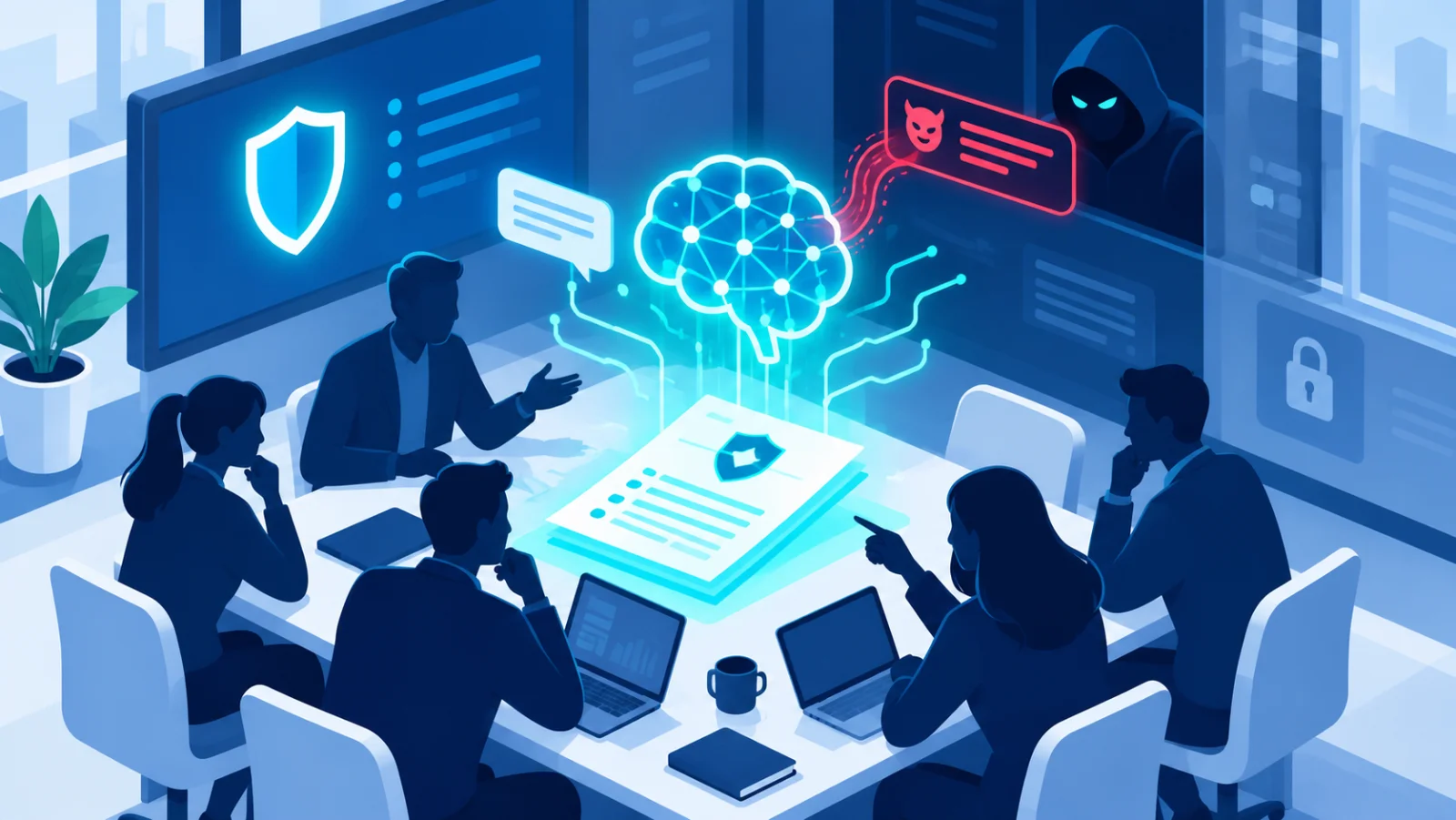
A newer, related risk is prompt injection. Instead of tricking a person, the attacker hides instructions in content to manipulate an AI system that reads it. As AI assistants start handling emails and documents for people, this is a risk worth knowing about, even if you are not technical.
Reduce what scammers can find about you
Much of this personalization uses public social media information. Reviewing your privacy settings and limiting what is publicly visible (your employer, real-time location, family details) makes a targeted phishing attempt against you less convincing.
AI has not invented a new kind of scam. It has made the old ones more convincing. The core defense, checking before you act, works exactly as well as it always did.
Frequently Asked Questions
How has AI made phishing harder to spot?
AI removes the old giveaways, spelling errors and generic greetings, and adds fluent writing, personal details taken from social media, and even cloned voices or video.
What is the single best defense against AI-generated phishing?
Check unexpected or urgent requests through a separate channel you already know is genuine, never one given in the suspicious message, however convincing it sounds.