Keep Your Devices and Apps Updated
Updates don't just add features, they close known security holes. A simple, low-effort routine for keeping your phone and computer current.
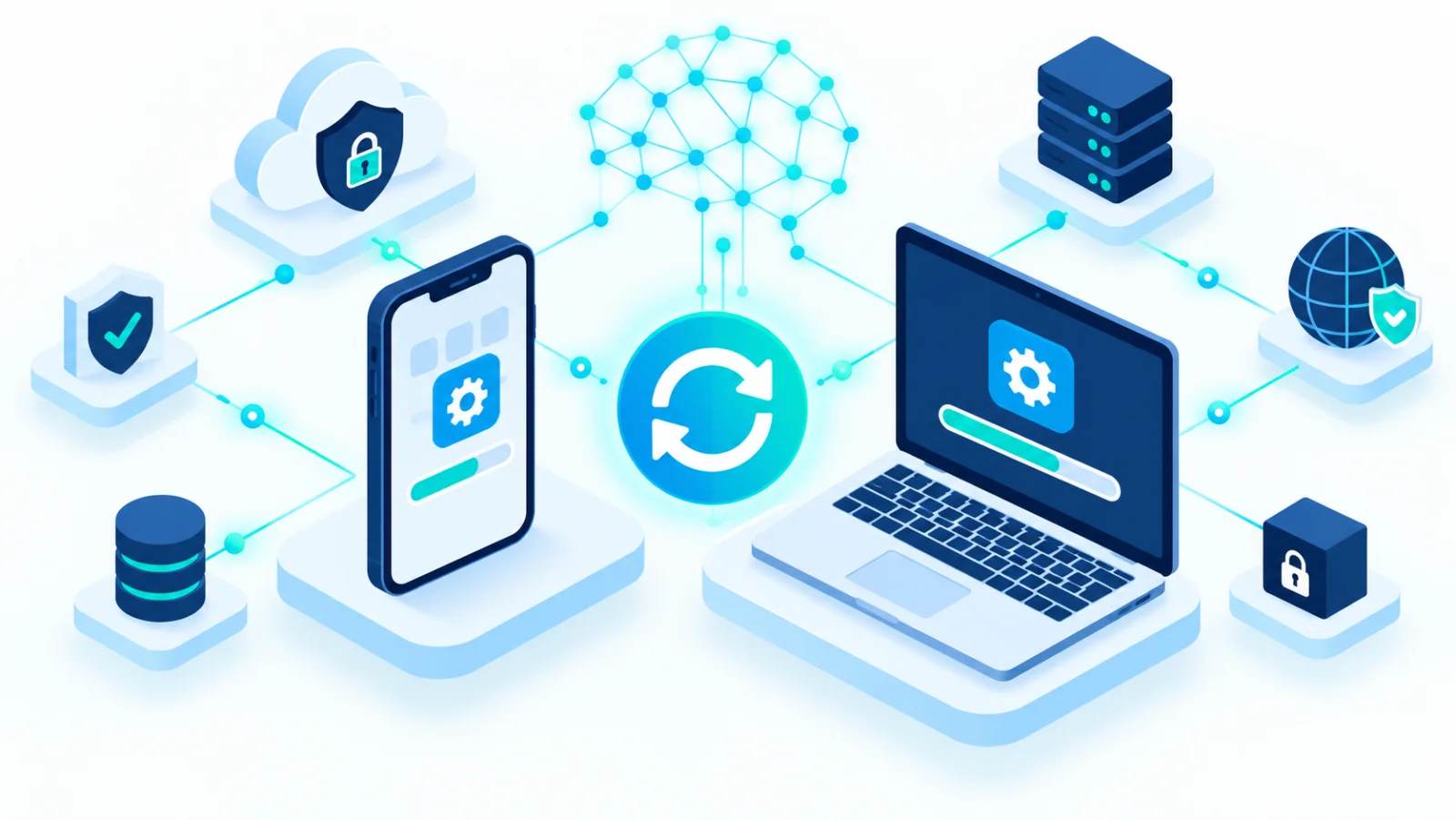
Software updates can feel like a chore, but most of them exist to close security holes that attackers actively exploit↗. An out-of-date phone, computer, or app can be attacked through a flaw the maker has already fixed. The good news: once you switch on automatic updates, they take almost no effort.
A simple picture
Imagine the maker of your front door lock announces that thieves have found a way to open a certain model, and sends you a free replacement part. Ignoring the letter leaves your door vulnerable to something everyone now knows about. A software update is that replacement part.
Why does this matter so much?
When a flaw is found, the maker releases an update that fixes it. Until you install it, your device stays exposed. Attackers usually do not chase the newest flaws. They target old, well-known ones that people never got around to fixing, because millions of unpatched devices make an easy target. Many attacks are automated and do not care who you are, only whether you are exposed.
The "I'll do it later" trap and common myths
| Myth | Reality |
|---|---|
| "Updates will slow my phone down." | Security updates are usually small and often improve performance. The real risk is not updating. |
| "Nothing will happen to me." | Most attacks are not aimed at a specific person. They are automated and only check whether you are exposed. |
| "I have antivirus↗, that's enough." | Antivirus is one layer of defense. It does not replace closing a known hole. |
| "The update might break something." | Rarely. Back up important files first, and install updates when you can afford a restart. |
Turn on automatic updates first
The single most useful step is to switch on automatic updates for your operating system and your apps. Then you do not have to remember anything. Check manually only now and then, to be sure nothing was missed.
Update your phone
Android
Operating system: Settings → System → Software update (on some devices: Settings → About phone → Software update), then tap "Download and install".
Apps: Play Store → profile icon (top right) → "Manage apps and device" → "Update all". You can also turn on auto-update from the same menu.
iPhone (iOS)
Operating system: Settings → General → Software Update → "Download and Install". Turn on "Automatic Updates" on the same screen.
Apps: Settings → App Store → turn on "App Updates" so apps stay current automatically.
Menu names can change between versions. If you cannot find an option, search for "update" in your phone's settings.
Computers and other devices
- Windows: Settings → Windows Update → "Check for updates".
- Mac: System Settings → General → Software Update.
- Browser: the program you probably use most on the internet. An up-to-date version protects you from malicious sites. Most browsers update themselves when you close and reopen them.
- Smart home devices and routers: these run software too. Check for firmware updates (the device's built-in software) now and then.
- Older devices: devices and operating systems that no longer receive updates ("end of support") carry real risk. Replace them where you can.
After you update
Some updates only take effect after a restart. Do not keep dismissing the "restart now" prompt. Before big updates, it is a good habit to back up anything important.
A quick monthly check
- ☐ Phone: system update installed, automatic app updates on
- ☐ Computer: system update installed and restarted
- ☐ Browser: restarted recently
- ☐ Router and smart devices: no pending updates, and none that are too old to be supported
The rule is simple: when an update notification appears, install it as soon as you reasonably can, and restart the device if it asks you to.
Related reading