Securing IoT and Smart Devices at Home and at Work
From smart doorbells to warehouse sensors, connected devices multiply faster than most security programs can track them. A practical guide to keeping the Internet of Things from becoming your weakest link.
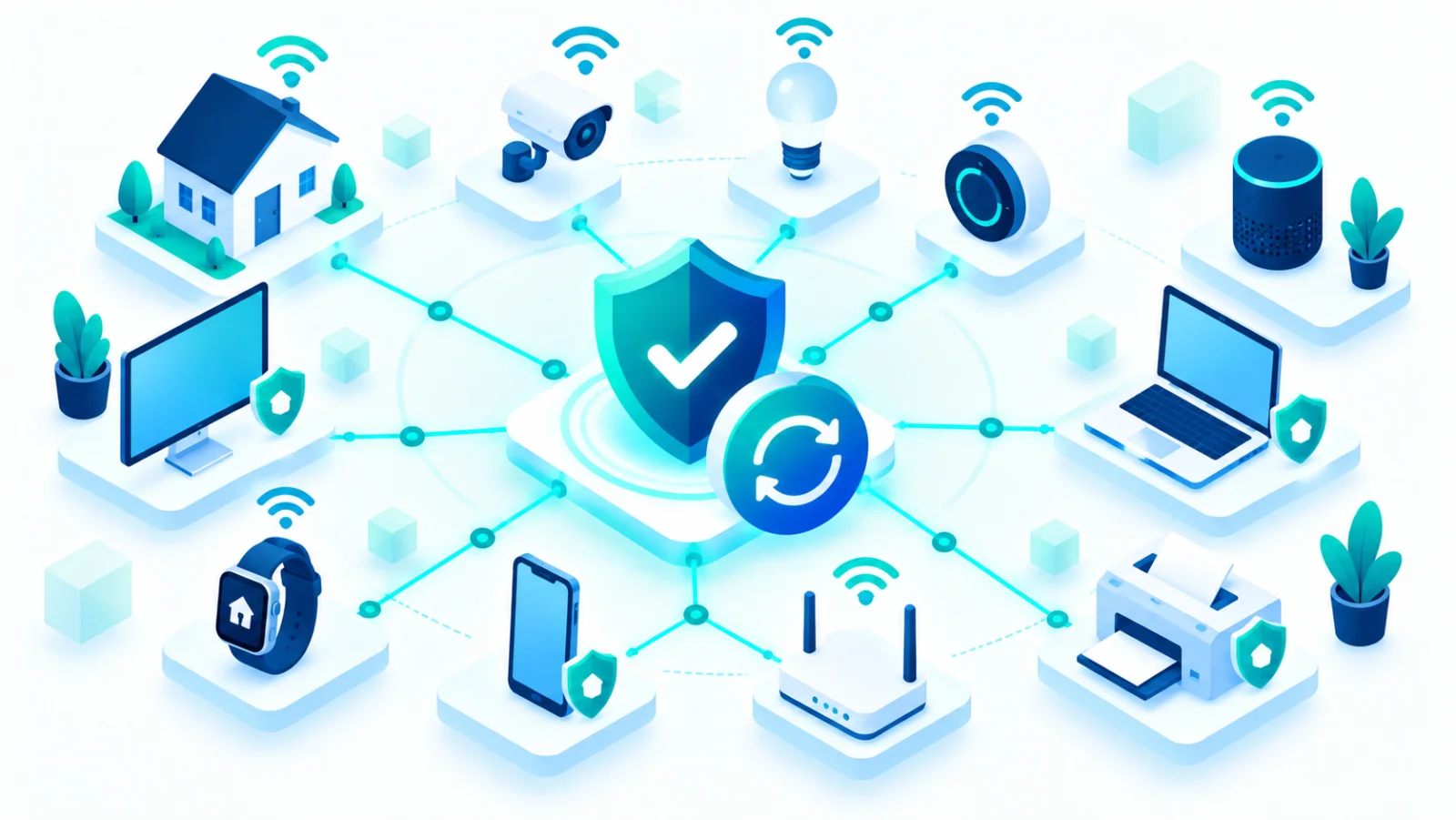
Smart TVs, video doorbells, thermostats, warehouse sensors, connected printers: the Internet of Things (IoT) has quietly become the largest category of device on most networks, and often the least secured. Unlike a laptop, most IoT devices show no security software, offer no obvious way to check for updates, and were designed for convenience first. This guide covers both a home and a workplace, so you can pick the part that applies to you.
Why IoT devices are attractive targets
| Weakness | Why it matters |
|---|---|
| Weak default credentials | Many devices ship with a default username and password that is never changed, and is often published online for that exact model |
| Rare or no updates | Some makers stop releasing security fixes within a year or two, leaving known flaws permanently open |
| Always on and connected | Unlike a laptop that is sometimes off, most IoT devices are online around the clock, giving attackers all the time they want |
| Low visibility | Many do not show up in ordinary device management tools, so a hacked camera can sit unnoticed for months |
What attackers actually do with hacked IoT devices
The device itself is rarely the target. Hijacked IoT devices are most often recruited into botnets, large groups of compromised devices used to flood websites with traffic (a distributed denial-of-service, or DDoS, attack). They can also be used as a foothold to move toward more valuable systems on the same network, and, in the case of cameras and microphones, for direct surveillance.
Practical steps for home use
- Change every default password right after setup, on every device: router, camera, smart speaker, thermostat, everything.
- Put IoT devices on a separate network from your computers and phones. Most modern routers offer a "guest" or second network. Use it for smart devices so a hacked lightbulb cannot reach your laptop.
- Turn on automatic updates where the device supports them, and otherwise check the maker's app or website for updates now and then.
- Disable features you do not use. Remote access, voice assistants, or cloud connections you never use are extra attack surface↗ for no benefit.
- Retire abandoned devices. A smart device that no longer receives security updates is a permanent weakness.
Practical steps for businesses
- Keep an IoT asset inventory as part of your wider asset list. You cannot secure devices you do not know exist.
- Use network segmentation↗, meaning dividing the network into separate zones. At scale, IoT devices belong on their own virtual network (a VLAN) with strict rules on what they can reach.
- Include IoT in your update routine. It is less convenient than updating laptops, but schedule regular firmware checks (firmware is the device's built-in software) as part of routine maintenance.
- Check vendors' update track records before you buy. A cheaper device with no update history is rarely cheaper once you add up the risk.
A worked example, at home and at work
At home: a smart doorbell with a default password is found by a scanning program and used as part of a botnet↗. The owner notices only that the doorbell seems slow. A changed password and automatic updates would have prevented it.
At work: a warehouse temperature sensor, installed years ago by a contractor, still has its default password and sits on the same network as the finance system. An attacker who takes over the sensor can then look around for more valuable targets. A separate network for sensors would have kept the attacker contained.
The bigger picture
As IoT devices multiply, from personal wearables to industrial sensors, the gap between "connected" and "secured" keeps widening. Treating every connected device, however small or harmless it seems, as something that needs a password change, a network boundary, and an update plan is the single highest-leverage habit for closing that gap.
Related reading