IoT and Smart Device Security Basics
Smart cameras, speakers, thermostats and doorbells all connect to your network, and most ship with weak default security. Here's how to lock them down.
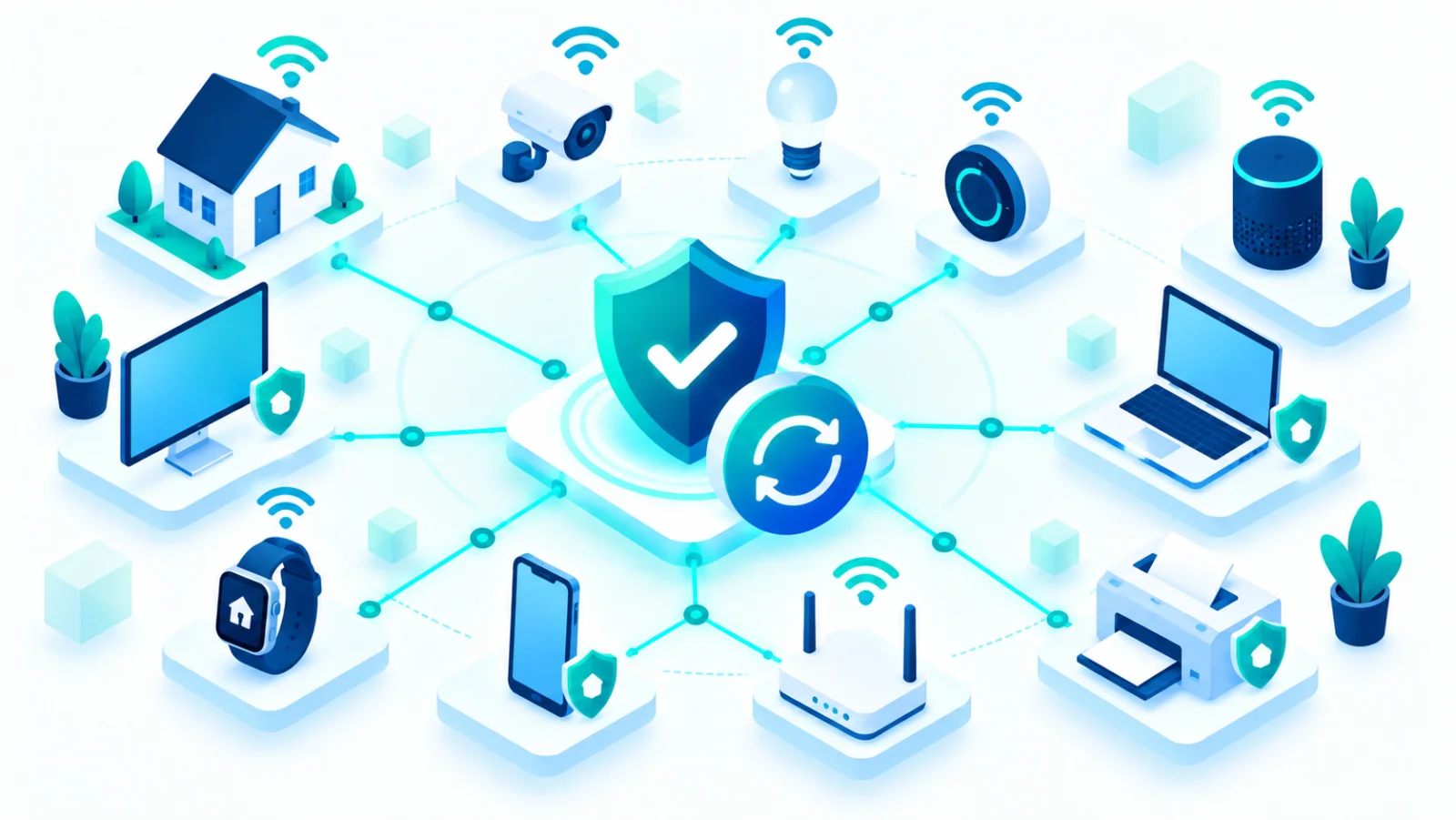
The Internet of Things (IoT) means everyday objects that connect to the internet: smart speakers, doorbell cameras, thermostats, TVs, and even light bulbs. These devices bring real convenience, but many are built with low cost and speed to market as the priority, not security. A compromised smart device can be used to spy on your home, join a botnet↗ (a network of hijacked devices used to attack others), or serve as a stepping stone into the rest of your network.
A simple picture
Think of each smart device as an extra door into your home network. A laptop usually has a good lock, but a cheap smart plug may have a flimsy one, and if the lock is the same on every unit the maker sold, a burglar who learns the trick can try it on thousands of houses at once.
Why smart devices are often the weakest link
| Weakness | What it means |
|---|---|
| Default password | Many ship with a password that is identical across every unit sold, and owners never change it |
| Updates stop early | Manufacturers often stop releasing security updates a few years after launch |
| Too much access | Devices often reach more of the network than they need. A smart light bulb rarely needs to talk to your laptop |
| Hard to see | There is rarely a screen or warning, so you may never notice a problem |
Setting up a new smart device securely
- Change the default password immediately during setup. Never leave the factory password in place.
- Register the device and turn on automatic updates if the manufacturer offers them.
- Turn off features you do not use: remote access, voice purchasing, or microphones and cameras you do not need active.
- Use a separate Wi-Fi network for smart devices if your router supports a "guest" or second network. This keeps a compromised device from reaching your computers and phones.
- Use a unique password for the device's app account, and turn on two-factor authentication↗ there if offered.

A worked example
A family buys a cheap indoor camera and leaves its default password in place. The camera is reachable from the internet, and a scanning program finds it and logs in with the published default. The family never knows, because nothing looks different. Had they changed the password, turned off remote access they never used, and put the camera on the guest network, the same attack would have gone nowhere.
Before you buy
Look for products from manufacturers with a track record of releasing security updates, and check reviews for security issues, not just features. Find out how long the maker promises to supply updates. If a smart device is unusually cheap compared with its competitors, security is often where the money was saved.
Retiring old smart devices
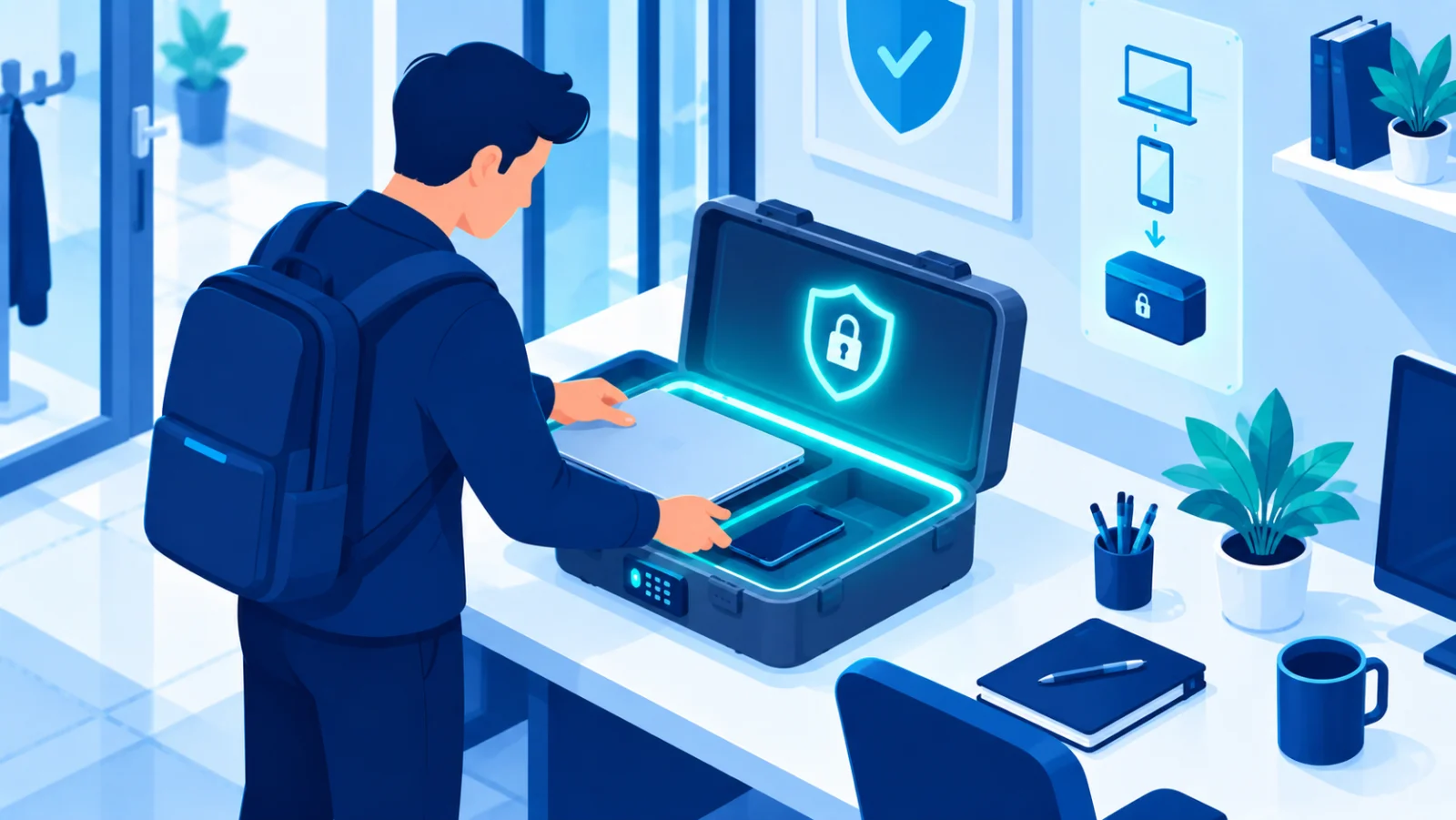
Before you discard, sell, or recycle any smart device, reset it to factory settings and remove it from your account in its app. Otherwise a previous owner's data or access can remain tied to it.
A quick home check
- ☐ Do I know every smart device on my network?
- ☐ Have I changed the default password on each?
- ☐ Are they on a guest or separate network?
- ☐ Is anything too old to still get updates?
Every smart device on your network is a small computer with its own security. Treat it with the same care as your phone or laptop, not as "just a light bulb".
Related reading