Recognizing and Preventing Malware Infections
How malware actually gets onto your devices, the warning signs of an infection, and the everyday habits that stop most attacks before they start.
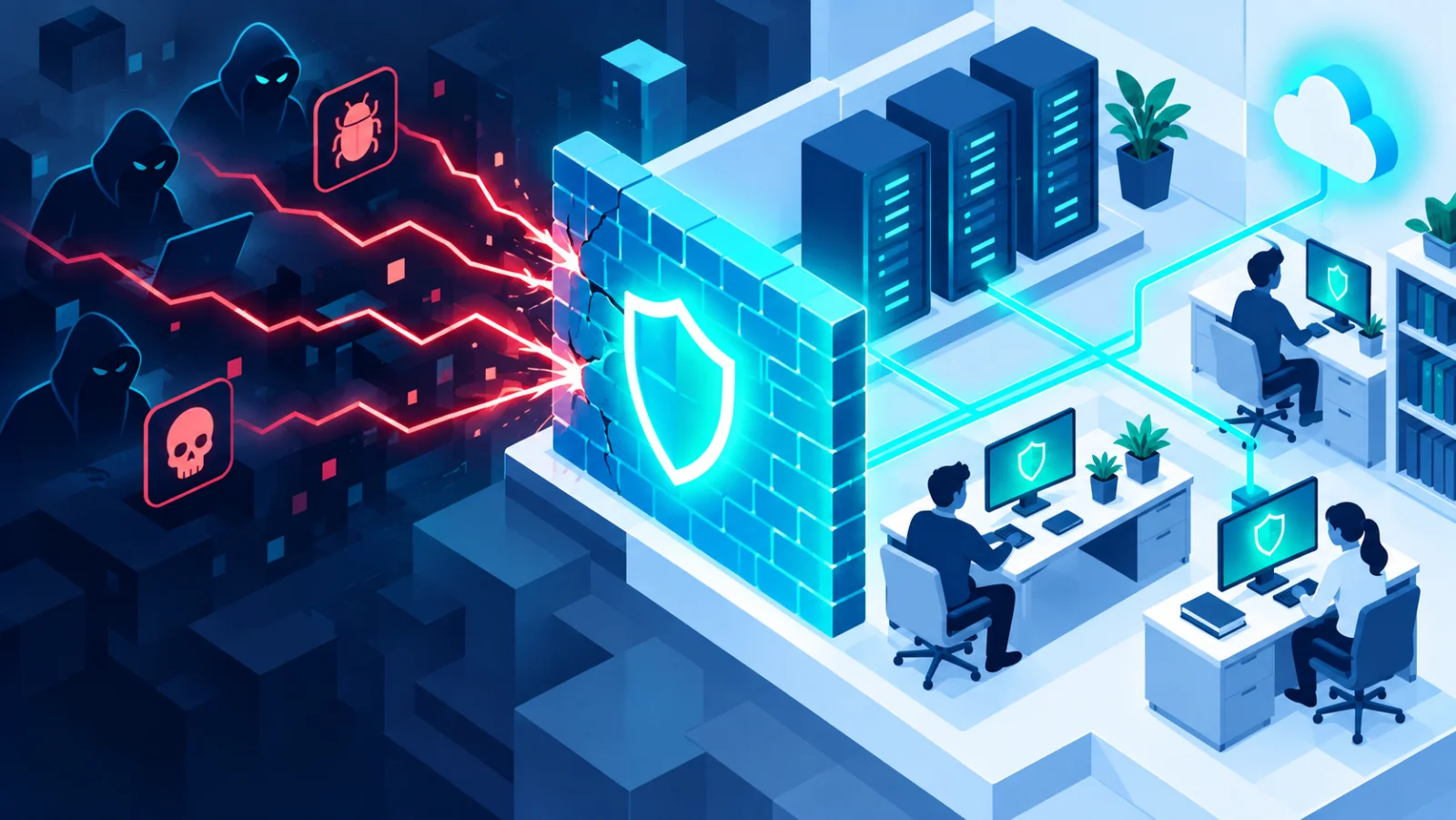
Malware↗ is the umbrella term for any software designed to damage, spy on, or take control of your devices. Viruses, spyware↗, trojans, and ransomware↗ are all types of malware. Most infections are not the work of a genius hacker targeting you personally. They are automated and opportunistic, and rely on a handful of predictable tricks you can learn to spot.
The main types, in plain words
| Type | What it does | An everyday comparison |
|---|---|---|
| Virus or worm↗ | Spreads from file to file or device to device | A cold that passes from person to person |
| Spyware | Secretly watches what you do and steals passwords or card numbers | Someone reading over your shoulder |
| Trojan↗ | Pretends to be something useful, then does harm once installed | A gift that hides a burglar |
| Ransomware | Locks your files and demands payment | A thief who changes the locks on your own house |
How malware actually gets in
- Malicious email attachments disguised as invoices, shipping notices, or documents that ask you to "enable macros" or "enable content". (Macros are small programs inside documents.)
- Fake or cracked software downloaded from unofficial sites. Pirated software is one of the most common ways malware spreads.
- Infected USB drives plugged in without scanning first, including ones "found" in a parking lot.
- Drive-by downloads from compromised or malicious websites that exploit↗ an out-of-date browser or plugin.
- Malicious ads and pop-ups such as "Your device is infected, click to clean". These are almost always fake.
- Fake tech support calls or pages that persuade you to install a "repair tool" or give someone remote control of your computer.
Warning signs of an infection
Not all malware announces itself, but common symptoms include a device suddenly running much slower, unfamiliar programs or browser toolbars appearing, security software silently switched off, pop-ups appearing even when the browser is closed, or friends receiving strange messages "from you" that you never sent. Any one of these can have an innocent cause, but several together deserve attention. 
Ransomware: the most costly form of malware
Ransomware encrypts (scrambles) your files and demands payment for the key to unlock them. It spreads the same way as other malware, but the impact is far more severe. For a business it can mean days of downtime and permanent data loss, and for a family it can mean losing every photo on the computer.
The single most effective defense against ransomware is not antivirus↗ software. It is a backup↗ that ransomware cannot reach, such as a copy on a drive you unplug after use. 
A worked example
You receive an email that looks like a delivery notice, with a document attached. Opening it shows a gray bar saying "Enable content to view this document". If you click it, a hidden program runs. The safe move: delete the email, and if you really expect a parcel, go to the courier's website yourself and enter the tracking number there. A real delivery notice never needs you to "enable content".
Practical habits that stop most malware
- Keep everything updated. Most malware exploits flaws that were fixed months or years earlier.
- Install software only from official sources: your device's app store or the vendor's own website.
- Do not enable macros or "editing mode" in documents you did not expect, even from people you know, because their account may be compromised.
- Use built-in security software. Microsoft Defender (formerly Windows Defender) on Windows and the built-in protections on macOS are effective when kept updated. You rarely need to pay for extra antivirus.
- Think before you click. Urgency and unexpected attachments are the two biggest red flags.
If you think you are infected
- Disconnect the device from the internet and any shared drives immediately. This limits how far ransomware can spread and stops malware reporting back.
- Do not pay a ransomware demand. There is no guarantee you will get your files back, and payment funds further attacks.
- Run a full scan with your built-in security software, or ask a professional if you are unsure.
- Restore from a clean backup taken before the infection.
- Change passwords for important accounts, from a different, clean device.
If you are not sure what to do first, this tool can guide you: 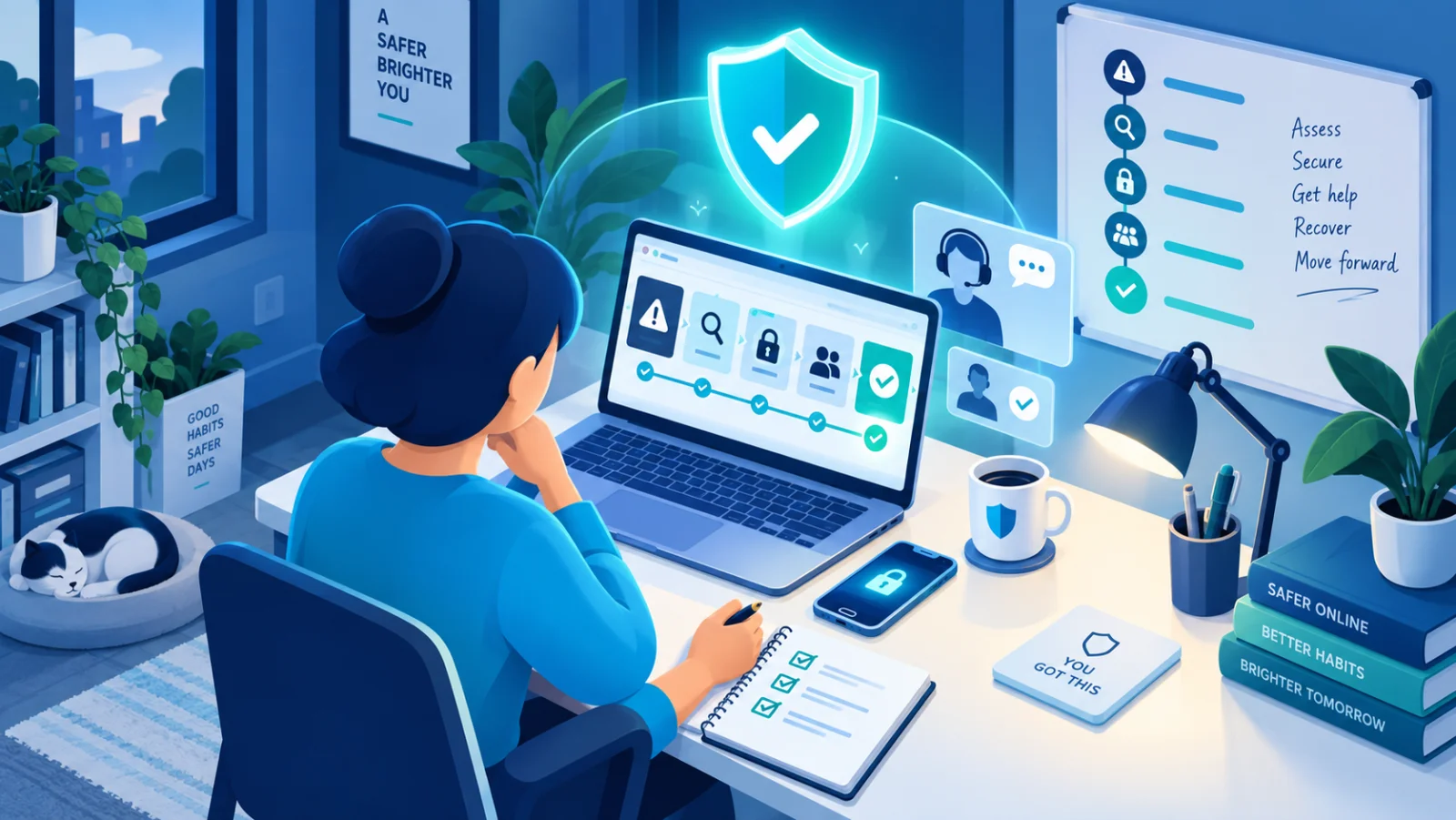
Most malware is not sophisticated, it is opportunistic. Keeping software updated and being cautious with unexpected files closes the door on the majority of attacks.
Related reading