Securing Remote Work, Video Calls, and Social Media
Working from anywhere means your security perimeter now includes home Wi-Fi, video meetings, and the social profiles that reveal more about you than you might think.

Remote and hybrid work moved a lot of security responsibility out of the office and into people's homes. Securing this setup is not complicated, but it needs a few habits that never came up when everyone worked from one managed office network. This guide covers three areas: your home setup, video calls, and what your social media profiles reveal.
The three areas at a glance
| Area | Main risk | Most useful habit |
|---|---|---|
| Home work setup | An unmanaged router and shared network | Change the router's admin password; keep work devices apart from smart gadgets |
| Video calls | Uninvited guests and accidental exposure | Use a waiting room and check your background |
| Social media | Oversharing that helps scammers | Limit what is public and avoid real-time location |
Securing your home work setup
- Change your router's default admin password. This is different from your Wi-Fi password, and it is often left at the factory default indefinitely. Anyone who gets onto your network could otherwise change its settings.
- Use a separate network for work devices if you share your home with smart devices or family members' unmanaged gadgets. Many routers offer a "guest" network that does the job.
- Lock your screen whenever you step away, especially in shared or public spaces. On most computers the shortcut is Windows key + L, or Control + Command + Q on a Mac.
- Use a VPN when connecting to company resources from public Wi-Fi (cafes, airports, co-working spaces). A VPN is a protected tunnel that stops others on the same network from reading your traffic.
- Keep work and personal use apart where you can, for example with a separate browser profile.
Video conferencing hygiene
Video calls introduced a new kind of accidental exposure: sensitive documents visible in the background, family members walking into frame, or meeting links shared publicly and joined by uninvited guests (sometimes called "Zoombombing"). A few habits prevent most of this:
- Use a waiting room or admit-on-request setting for meetings with outside participants.
- Do not post meeting links publicly (social media, public forums) without a password.
- Check what is visible in your camera view, including whiteboards, screens, and documents. Blurring or replacing the background helps.
- Before sharing your screen, close anything private and share a single window instead of the whole desktop.
- Mute your microphone and consider switching off your camera when you are not speaking, especially in larger meetings.
What your social media reveals
Social profiles are among the richest sources of information for anyone trying to impersonate you, guess your security questions, or write a convincing phishing↗ message. Common oversharing includes your full birth date, your employer and job title (useful for business email compromise scams, in which a criminal imitates a boss to request payment), your real-time location, and the answers to common security questions, such as pet names, schools attended, and your mother's maiden name. 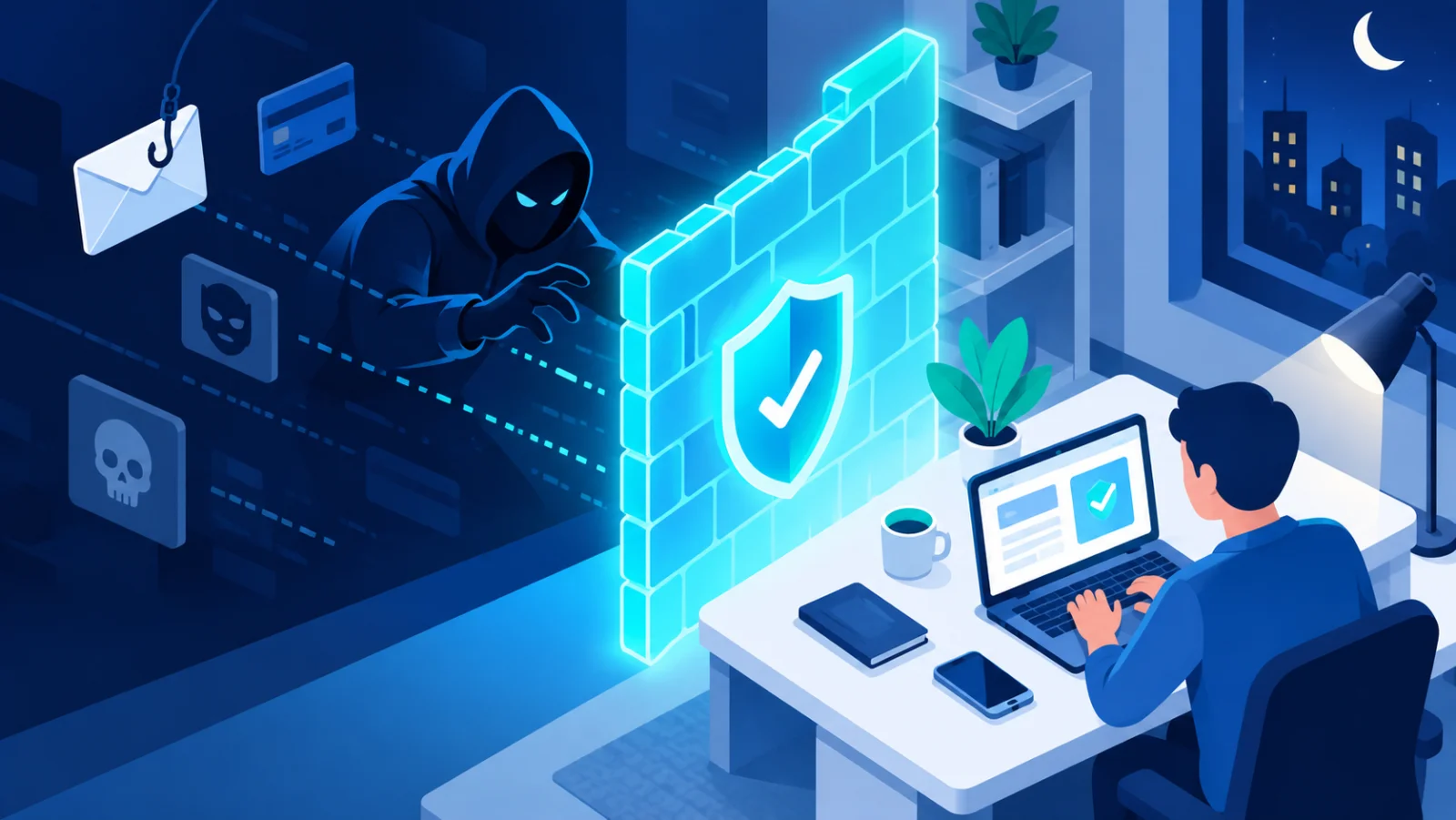
A quick social media privacy check
- Review who can see your posts, friend or follower list, and profile details. Set them to the most private option that still works for you.
- Avoid posting travel plans in real time. Share holiday photos after you are back.
- Search your own name occasionally to see what is publicly visible about you. A tool can help:
 Digital Footprint CheckMost people underestimate how much a stranger can piece together about them from public information alone. This is a guided self-assessment, not an automated scan, walking you through exactly what to go check yourself: search-engine results, old social accounts, data-broker listings, location data in photos, and what your professional profile gives away. Your progress is saved only in your own browser.
 - Remove old accounts you no longer use.
A worked example
A scammer finds your public profile: you list your employer, you posted a photo of your new manager's farewell party, and you mention working from home on Fridays. They send you an email that appears to come from your new manager, asking you to buy gift cards urgently. Each piece of information made the email believable. Tightening your profile, and the habit of confirming unusual requests by phone, would have stopped it.
Remote work security is not about locking everything down. It is about applying the same care to your home network and public profile that an office once provided by default.
Related reading