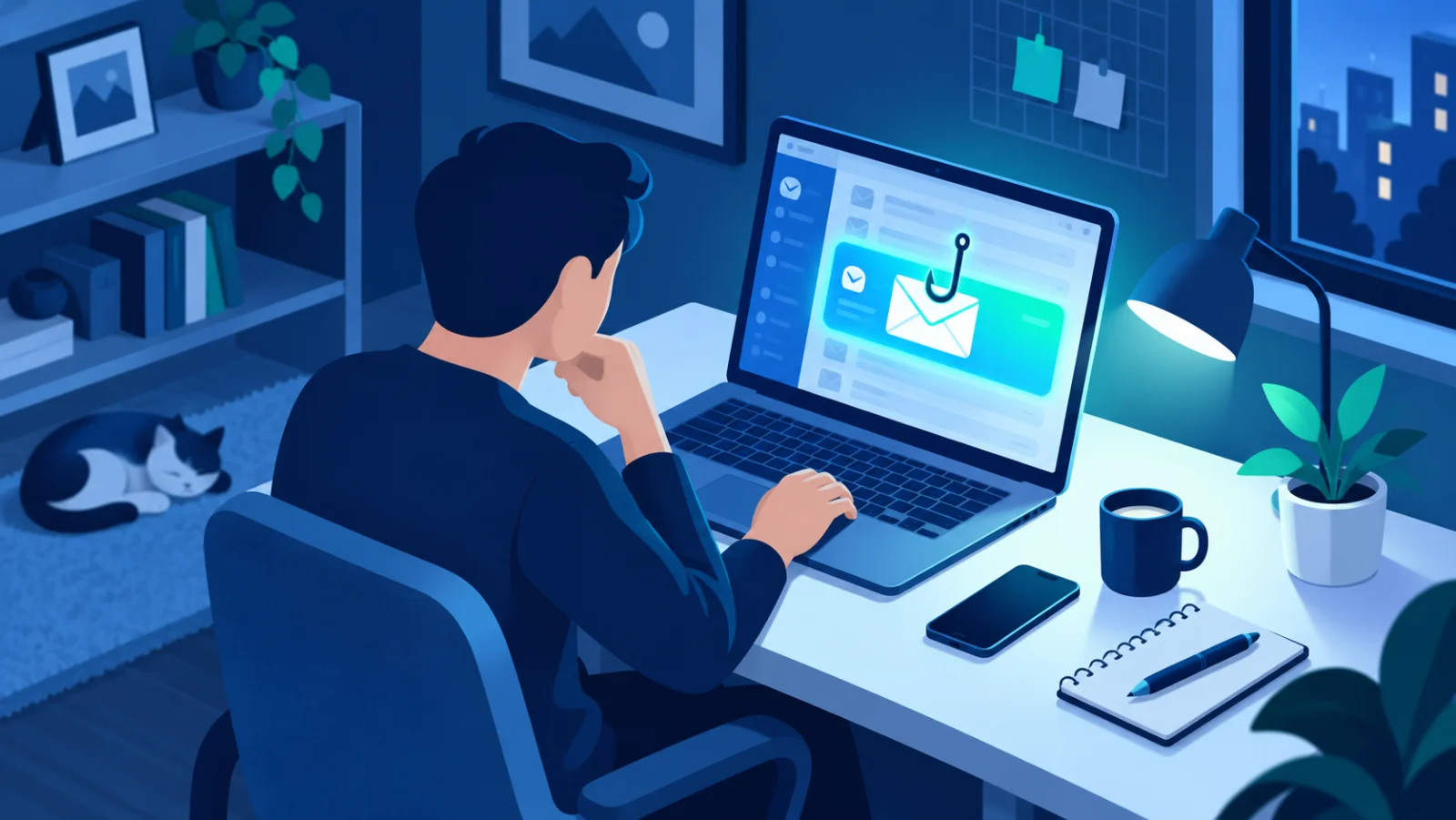
Recognizing and Avoiding Online Scams
Fake messages, "act now" pressure, and convincing lookalike websites, learn the common tricks scammers use and how to protect yourself.
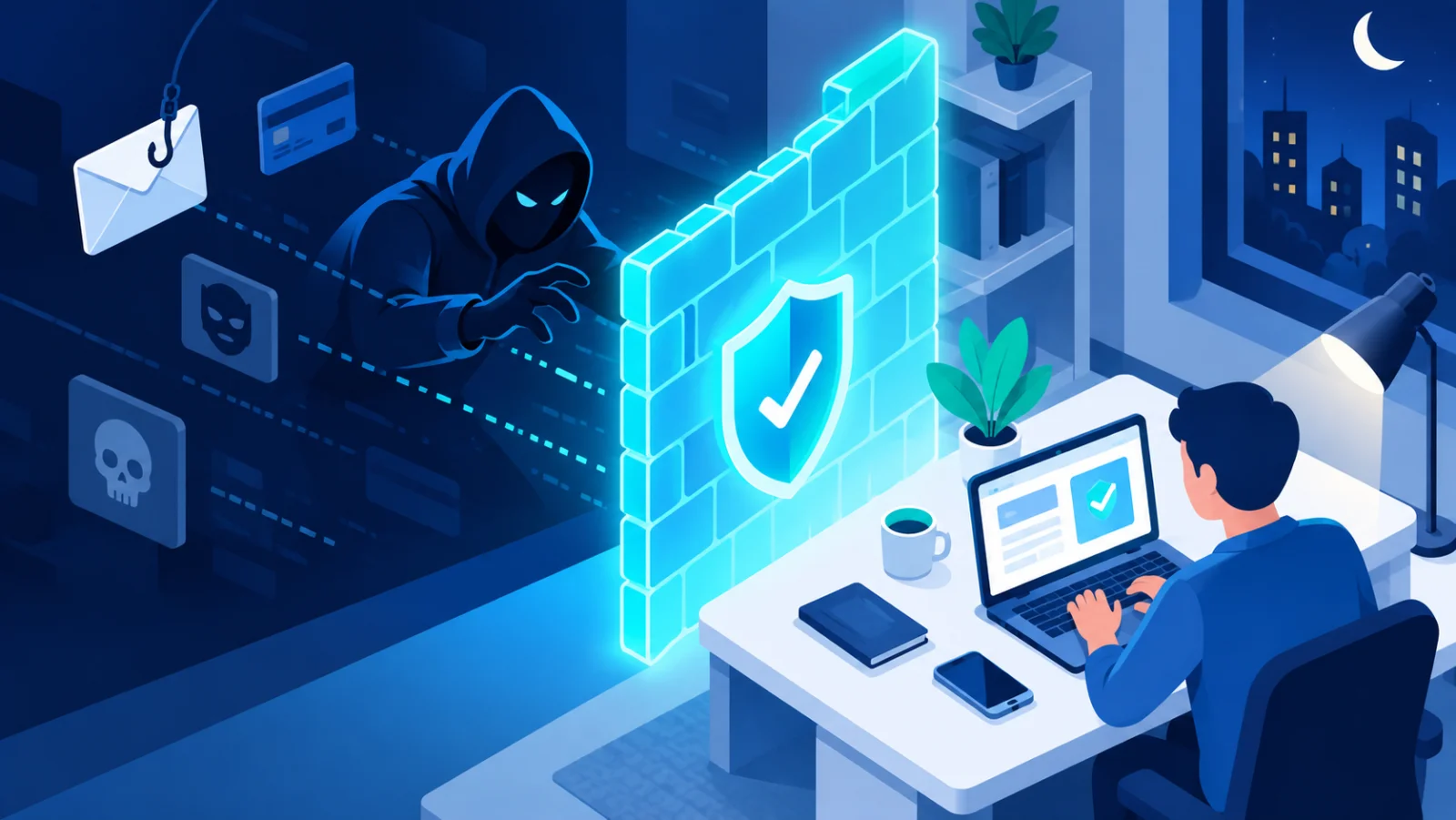
Scammers pretend to be a bank, a delivery company, a government agency, a teacher, or someone you know, and try to push you into acting quickly. Their goal is your money or your information. The tactics vary, but the logic never does: trigger trust, fear, or greed, and get you to act before you stop to think. This is called social engineering↗, which means tricking people instead of breaking technology.
Common traps
| Trap | What it looks like |
|---|---|
| Fake SMS or email | "Your package is waiting, pay a small fee" or "Your account will be closed" with a link |
| Fake login pages | Near-perfect copies of a bank's or app's real sign-in page, built to steal what you type |
| Phone scams | Someone posing as bank or support staff asks for a code, or for remote access to your device |
| Investment and prize scams | Promises of guaranteed, high returns, or a prize you never entered for; fake crypto platforms |
| Fake shopping sites | Suspiciously cheap products, bank-transfer-only payment, and no real contact information |
| Romance and "help me" scams | A friendly stranger or a "relative in trouble" with a story designed to extract money |
| Job and scholarship scams | An offer that is too good to be true, or one that asks you to pay a fee or share ID documents first |
The golden rule: stop, think, verify
- Stop. Urgency and fear are the biggest red flags. Any request that pressures you to hurry is suspicious.
- Think. Would a real organization ever ask for your password, PIN, or one-time code? It would not.
- Verify. Contact the organization using the number on the back of your card or on its official website, never the number or link in the message itself.
A worked example
You get a text: "Your parcel could not be delivered. Pay 1.99 to reschedule: [link]". It looks harmless, the amount is tiny, and you were expecting a parcel. But the link leads to a copy of a delivery company's site that asks for your card number and then a code sent by your bank. Entering them gives the scammer your card and approves their payment. The safe move: do not tap the link, open the delivery company's app or type its address yourself, and check whether a parcel really exists.
A few solid habits
- Check the actual address before clicking a link, and be suspicious of unfamiliar domains.
- Never let anyone talk you into installing remote-access software (AnyDesk, TeamViewer, and similar) on your device.
- Never share a one-time verification code with anyone.
- Pay only through trusted, well-known methods, and be wary of anyone insisting on bank transfer or cryptocurrency only.
- Be careful with what you share publicly. Scammers use details from social media to make messages feel personal.
No legitimate bank or organization will ever ask for your password, PIN, or verification code by phone or text.
If you realize you have been scammed
- Contact your bank immediately and freeze the affected card or account. Speed matters.
- Change the passwords on any affected accounts, and turn on two-factor authentication↗.
- Report the incident to your local cybercrime authority, consumer protection agency, or national CERT (the national computer emergency response team).
- Do not feel embarrassed. These scams are designed by professionals, and reporting quickly helps both you and others.
Most of these scams start with a phishing↗ message. Learning to recognize a fake before you click is one of the highest-leverage skills in personal security. Try a quick practice quiz: 

Related reading