
Students & Educators
Building security and AI-safety literacy
Students are often first to adopt new technology — and first to encounter its risks, from account takeovers and social-media scams to the growing question of how to use AI tools responsibly for schoolwork without crossing into academic dishonesty or data exposure. Educators, meanwhile, are responsible for both their own security and for building genuine security and AI-safety literacy in the people they teach. This section covers the fundamentals every student should know before their first year of independent online life, alongside classroom-ready guidance for teachers and academic staff who want to build that literacy into their curriculum rather than treat it as an afterthought.
 Getting started guide
Getting Started: Building Security and AI-Safety Literacy for Students and Educators
A starting roadmap for students building cybersecurity knowledge and career direction, and for educators building that literacy into their classrooms.
Read the guideWork through this in order
Each stage builds on the one before it. If you're new to this, start at the top; if you already know the basics, jump to the stage you need.
-
1
Build everyday habits
Creating Strong, Memorable PasswordsWhy passwords get cracked, what makes a password strong, and practical ways to create passwords that are hard to break but easy to remember.
Protect Your Accounts with Two-Factor AuthenticationThe single most effective step you can take to protect an account even if your password is stolen, with step-by-step setup for major platforms.
Keep Your Devices and Apps UpdatedUpdates don't just add features, they close known security holes. A simple, low-effort routine for keeping your phone and computer current.
-
2
Avoid scams, sign in smarter
Recognizing and Avoiding Online ScamsFake messages, "act now" pressure, and convincing lookalike websites, learn the common tricks scammers use and how to protect yourself.
Passkeys: The Password-Free Way to Sign InPasskeys let you sign in with your fingerprint or face instead of a password, and they're resistant to phishing by design. Here's how they work and how to start using them.
-
3
Understand how security works
Anatomy of a Cyber Attack: From Reconnaissance to RansomUnderstanding the typical stages of a cyber attack helps you recognize warning signs earlier, and understand why national cyber strategy focuses where it does.
Cryptography Basics: How Encryption Protects YouYou rely on encryption dozens of times a day without noticing. Here's a practical, non-mathematical explanation of how it works and why it matters for secure design.
Modern Authentication Architecture: Passwords, Passkeys, and BeyondHow passwords, passkeys, cryptography, and secure design fit together into a coherent authentication strategy, for teams designing systems, not just using them.
-
4
AI safety literacy
AI Safety for Employees: What You Need to KnowAI safety for employees means knowing what can go wrong when you use AI tools at work, misplaced trust in outputs, manipulation of the AI itself, and data exposure, and how to use them without creating risk for yourself or your employer.
Prompt Injection: The New Frontier of AI AttacksWhen an AI assistant reads a webpage, email, or document, hidden instructions inside that content can hijack its behavior. Here's what prompt injection is and how organizations are defending against it.
Teaching Kids to Question What an AI Tells ThemA search engine hands a kid a list of sources to compare. A chatbot hands over one confident-sounding answer. That difference matters more than most parents realize.
-
5
Build a safer school culture
Building a People-Centred Security CultureThe most effective security programs treat people as a defense, not just a risk. Here's how education, practice, and culture combine to make security actually work.
Inclusive Security: Why Diversity Strengthens Cyber DefenceDiverse teams catch blind spots that homogeneous teams miss, and academic research consistently backs this up. Here's why inclusion is a security advantage, not just a values statement.
Inclusive Security Exercises: Testing Your Human DefensesTabletop exercises and simulations reveal gaps that policy documents never do, and they work best when they reflect the full diversity of the people who will actually respond.
-
6
Grow into a security career
Building the Next Generation of Cyber Talent Through Education and OutreachThe cybersecurity skills gap will not close through hiring alone. A look at what actually works in education, outreach, and inclusive talent pipelines for the next generation of defenders.
Choosing the Right Cybersecurity Certification for Your Career PathFrom entry-level foundations to specialized offensive security credentials, a practical guide to which certifications actually matter at each stage of a cybersecurity career.
Related topics
View as MarkdownContent for Students & Educators (23)

SecAIQ is now a free mobile app for iPhone, iPad, Android phones and Android tablets: plain-language security and AI safety guides, free tools, a glossary and news, with no account needed.
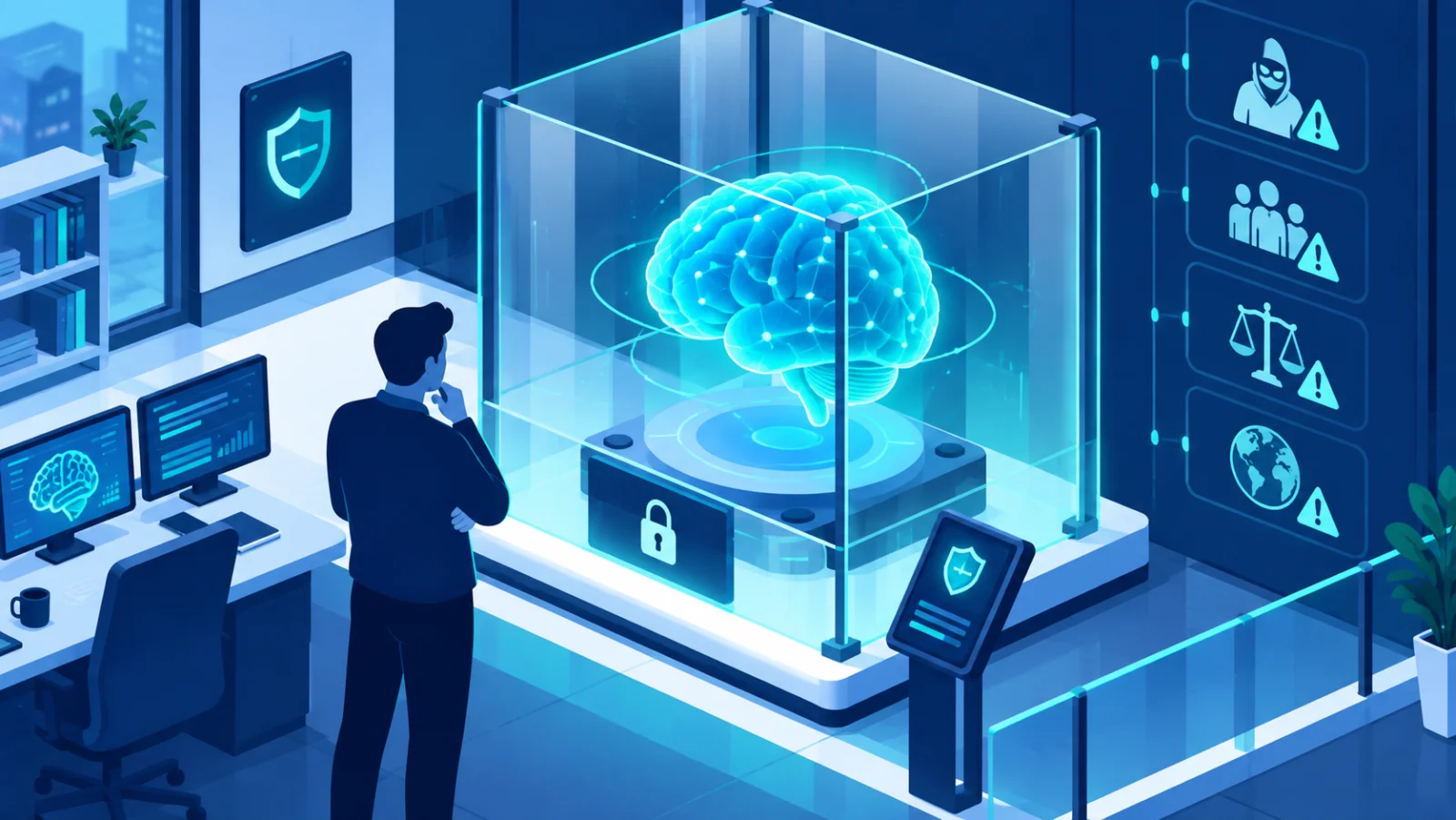
AI safety for employees means knowing what can go wrong when you use AI tools at work, misplaced trust in outputs, manipulation of the AI itself, and data exposure, and how to use them without creating risk for yourself or your employer.
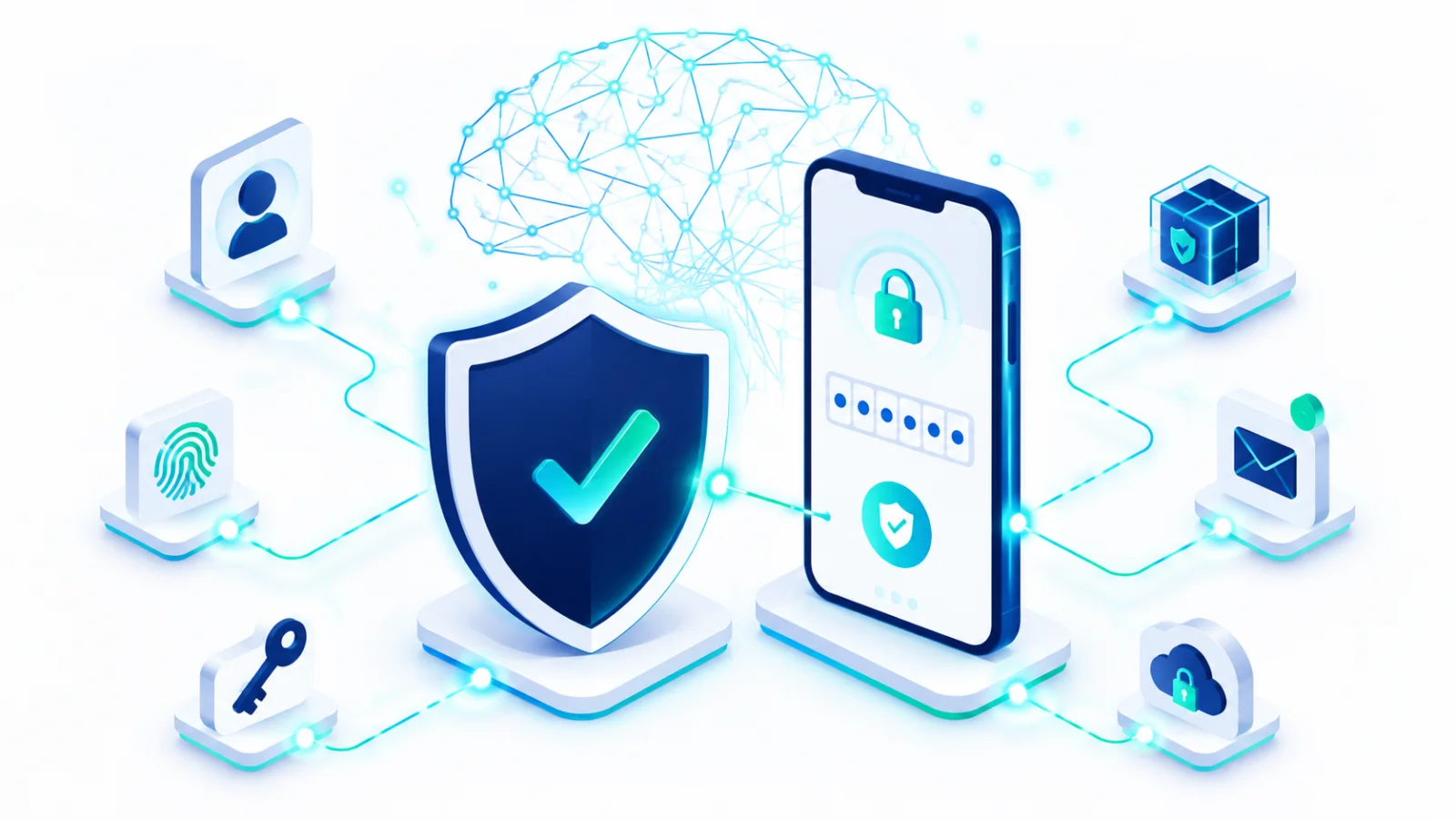
The single most effective step you can take to protect an account even if your password is stolen, with step-by-step setup for major platforms.
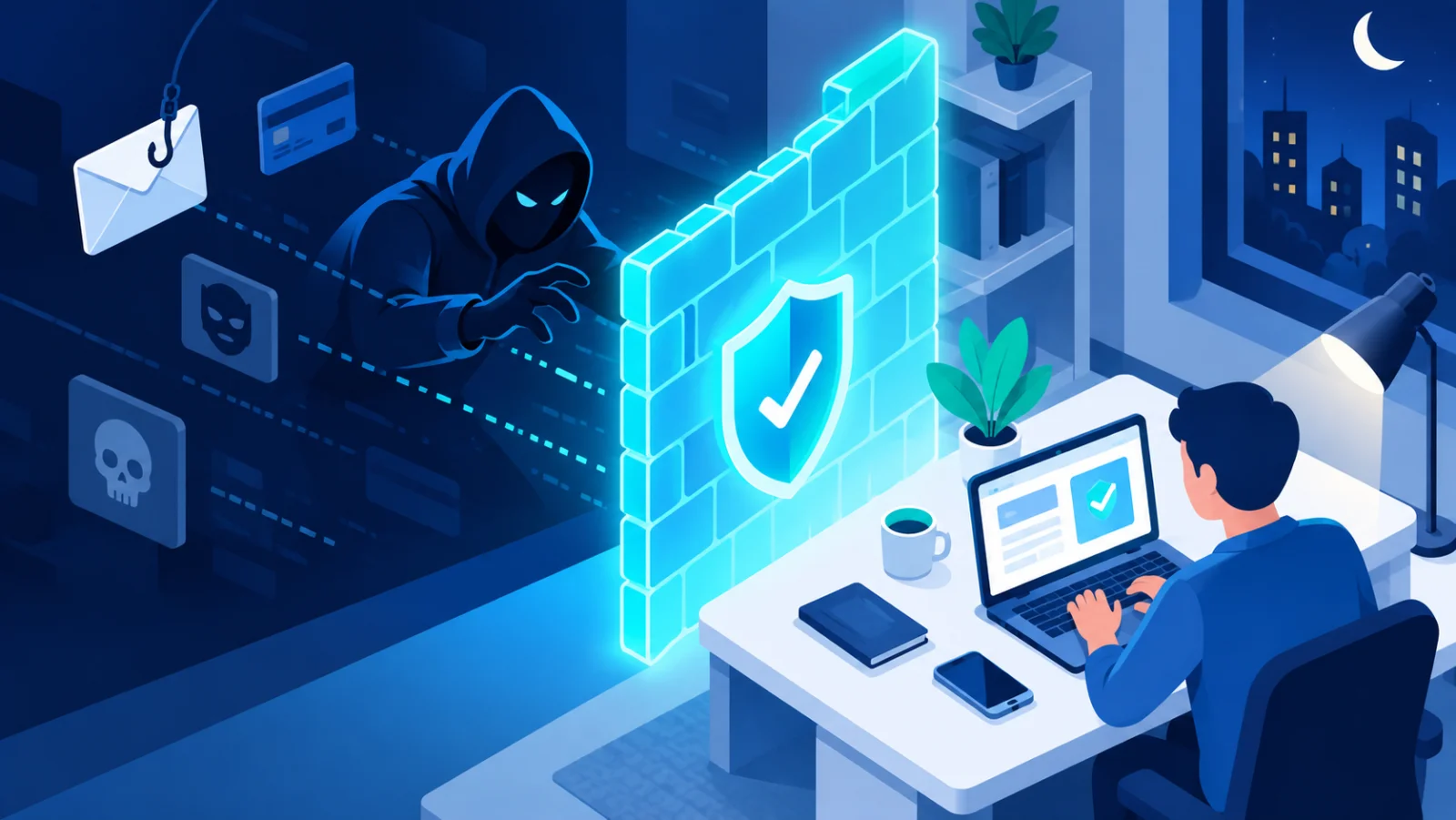
Fake messages, "act now" pressure, and convincing lookalike websites, learn the common tricks scammers use and how to protect yourself.

Why passwords get cracked, what makes a password strong, and practical ways to create passwords that are hard to break but easy to remember.
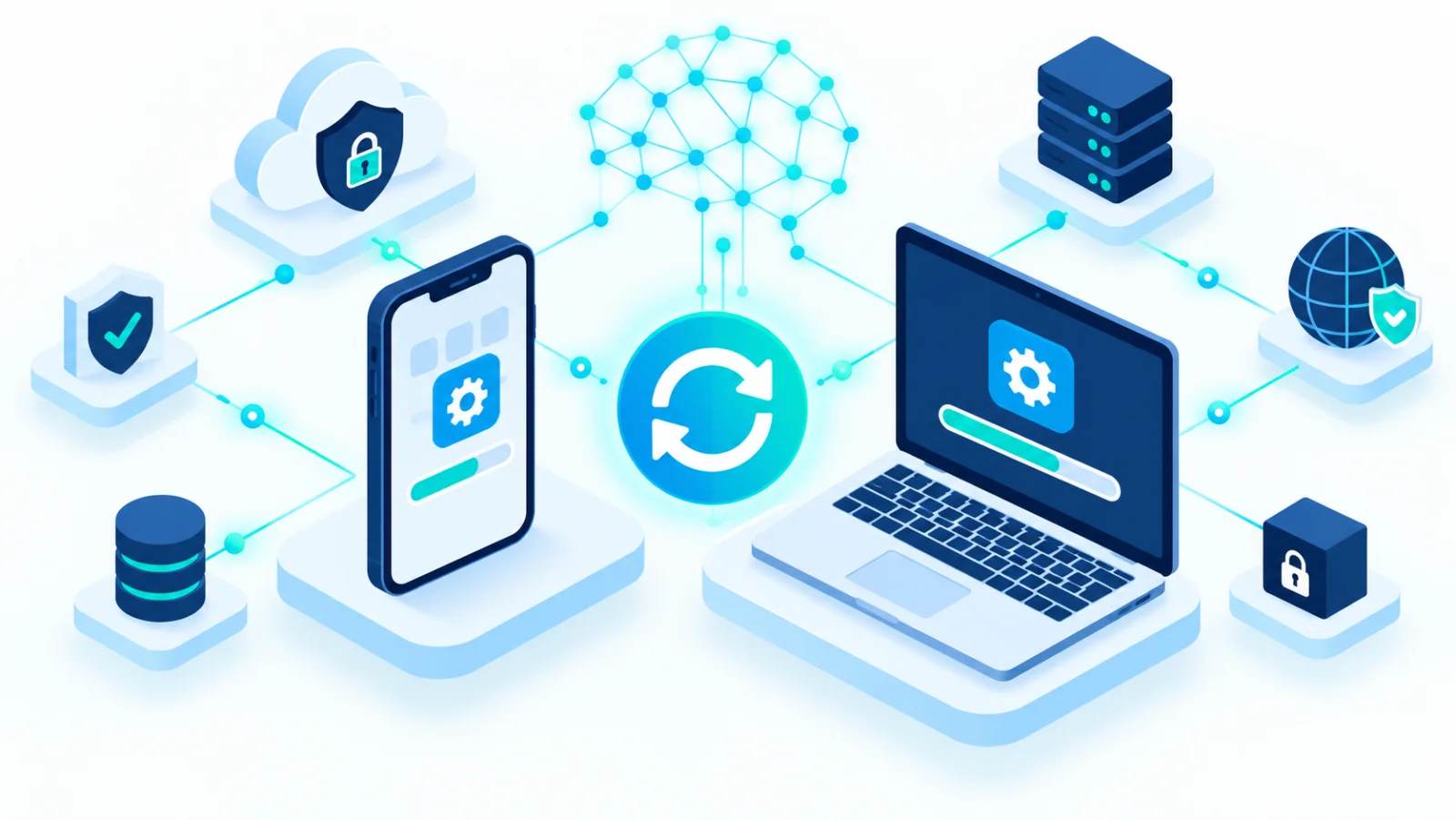
Updates don't just add features, they close known security holes. A simple, low-effort routine for keeping your phone and computer current.

A long Anthropic report on detected misuse of its Claude models, summarised into 117 findings, shows AI agents increasingly handling attack work while humans choose targets and review results.

Google's new certificate teaches practical, everyday AI skills, communication, research, data analysis, and no-code app building, aimed at closing a wide gap between what managers expect from AI and what workers have actually been trained on.

From entry-level foundations to specialized offensive security credentials, a practical guide to which certifications actually matter at each stage of a cybersecurity career.

The cybersecurity skills gap will not close through hiring alone. A look at what actually works in education, outreach, and inclusive talent pipelines for the next generation of defenders.

The cybersecurity talent shortage starts with education. Programs that introduce students to the field early, and the research that supports them, are a long-term defense investment.

Tabletop exercises and simulations reveal gaps that policy documents never do, and they work best when they reflect the full diversity of the people who will actually respond.

Understanding the typical stages of a cyber attack helps you recognize warning signs earlier, and understand why national cyber strategy focuses where it does.

How passwords, passkeys, cryptography, and secure design fit together into a coherent authentication strategy, for teams designing systems, not just using them.
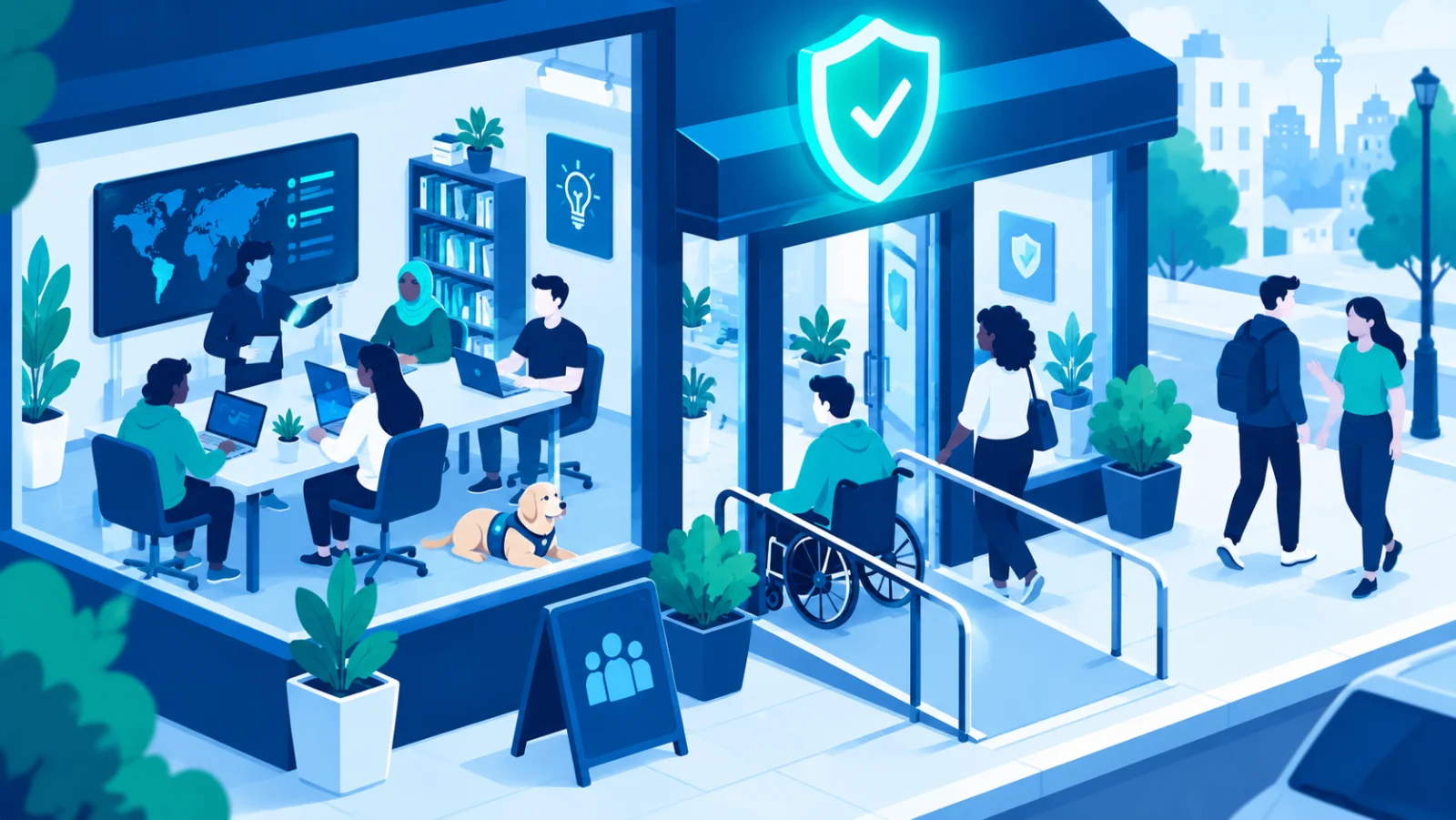
Diverse teams catch blind spots that homogeneous teams miss, and academic research consistently backs this up. Here's why inclusion is a security advantage, not just a values statement.

The most effective security programs treat people as a defense, not just a risk. Here's how education, practice, and culture combine to make security actually work.

You rely on encryption dozens of times a day without noticing. Here's a practical, non-mathematical explanation of how it works and why it matters for secure design.
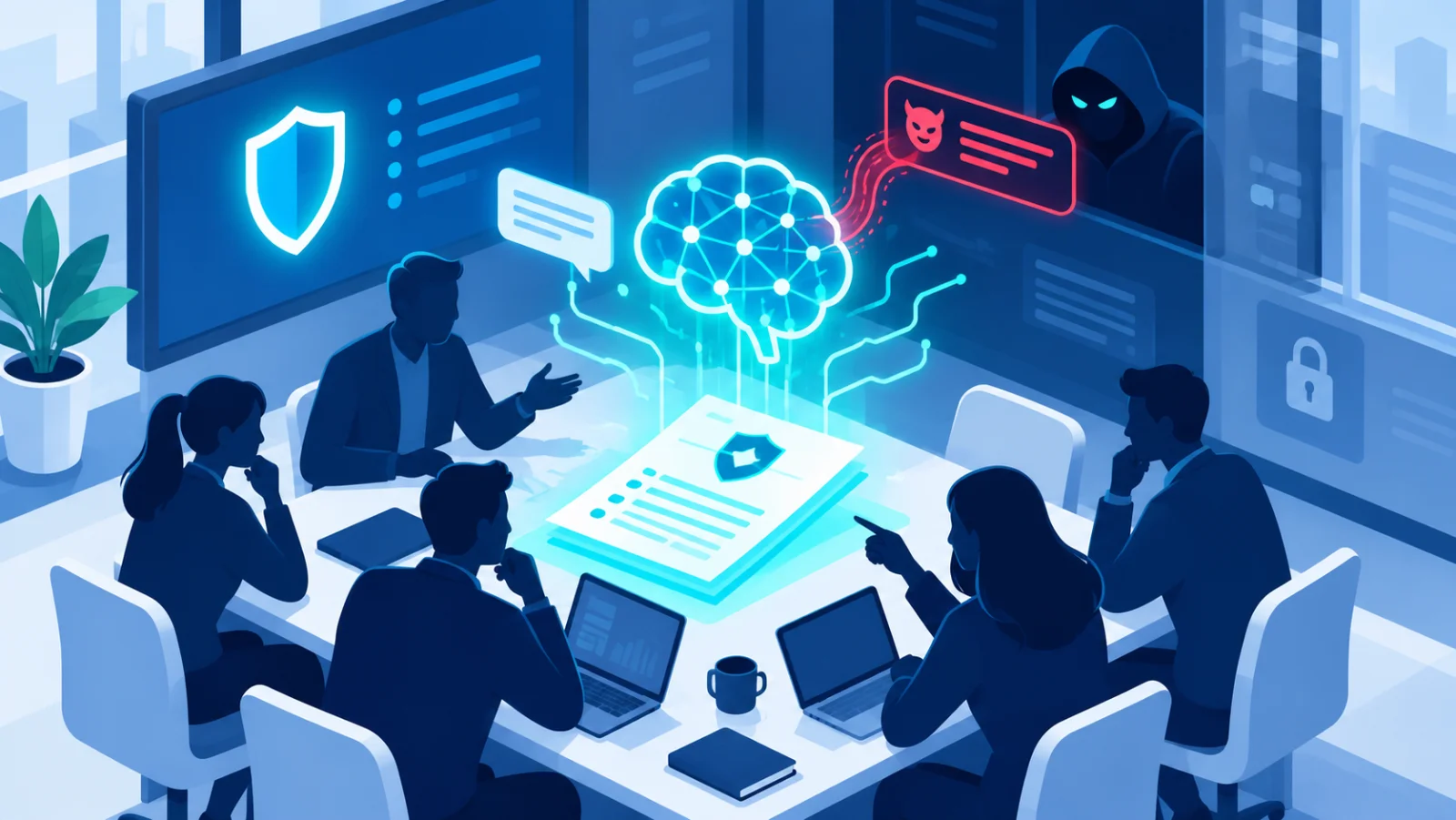
When an AI assistant reads a webpage, email, or document, hidden instructions inside that content can hijack its behavior. Here's what prompt injection is and how organizations are defending against it.

Passkeys let you sign in with your fingerprint or face instead of a password, and they're resistant to phishing by design. Here's how they work and how to start using them.

Photos, documents and memories can disappear in an instant. A simple approach to backing up your phone (Android/iPhone) and computer.

Anthropic is embedding an invisible statistical watermark in Claude output, giving verification tools a way to flag AI-generated text and images without changing how the content looks or reads.

A mainstream browser now automatically flags images carrying C2PA provenance data, surfacing an AI-generated badge without requiring an extension or any technical know-how from the user.

A search engine hands a kid a list of sources to compare. A chatbot hands over one confident-sounding answer. That difference matters more than most parents realize.