
Freelancers
Security that fits a one-person business
As a freelancer or solo operator, you're your own IT department, your own security team, and often your own single point of failure — there's no colleague to double-check a suspicious invoice or a company policy to fall back on. That also means you can fix your biggest risks in an afternoon instead of navigating months of committee approval. This section prioritizes what actually matters for a one-person business: protecting client data and contracts, securing the accounts tied to how you get paid, keeping your one or two work devices locked down, and having a backup so a single bad day never becomes a business-ending one.
 Getting started guide
Getting Started: Security Essentials for Freelancers
You are your own IT department. Here is the short, practical list of what actually matters for a one-person business, in the order it matters.
Read the guideWork through this in order
Each stage builds on the one before it. If you're new to this, start at the top; if you already know the basics, jump to the stage you need.
-
1
Secure your accounts and devices
Creating Strong, Memorable PasswordsWhy passwords get cracked, what makes a password strong, and practical ways to create passwords that are hard to break but easy to remember.
Keep Your Devices and Apps UpdatedUpdates don't just add features, they close known security holes. A simple, low-effort routine for keeping your phone and computer current.
Recognizing and Preventing Malware InfectionsHow malware actually gets onto your devices, the warning signs of an infection, and the everyday habits that stop most attacks before they start.
- 2
-
3
Protect client data
Securing Your Cloud Accounts and DataFrom email to file storage, most of what you rely on daily now lives in the cloud. Here's how to keep those accounts, and the personal data inside them, genuinely secure.
A Practical Guide to Data Classification for Small TeamsData classification sounds like a large-enterprise exercise with thirty categories and a governance team. A three-tier version works fine for a team of five.
Back Up Your Important Files RegularlyPhotos, documents and memories can disappear in an instant. A simple approach to backing up your phone (Android/iPhone) and computer.
- 4
-
5
Know what your AI tools are doing
-
6
Be ready when something goes wrong
Building an Incident Response Plan for Small TeamsYou don't need a security team to have a plan. A simple, written incident response plan turns a chaotic security event into a manageable one.
Building a Security Operations Center on a Small BudgetYou do not need a room full of monitors to get most of what a SOC actually does. Here is a scaled-down version that works.
Related topics
View as MarkdownContent for Freelancers (13)
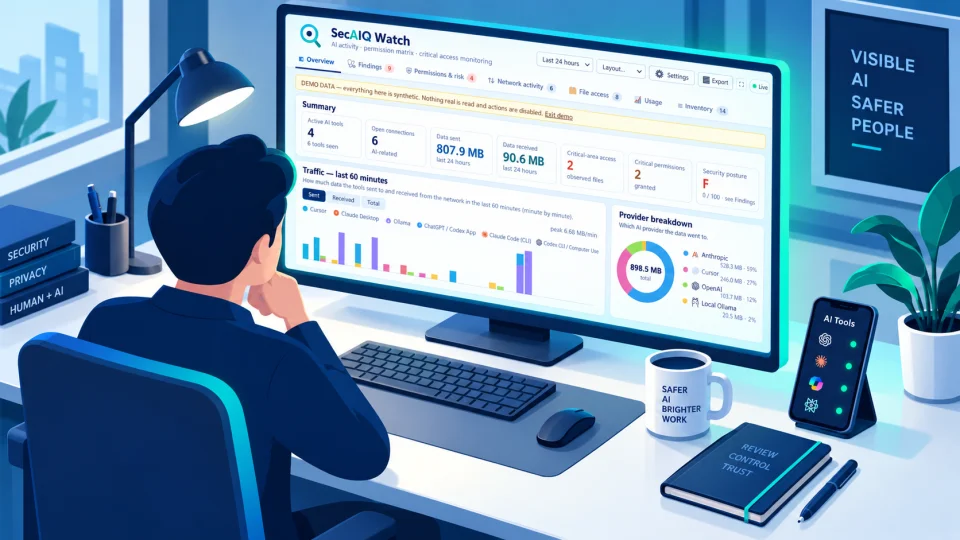
A free, open-source, local dashboard that shows which AI tools run on your machine, what they connect to, what they can access and how many tokens they use, without ever seeing your prompts or files.
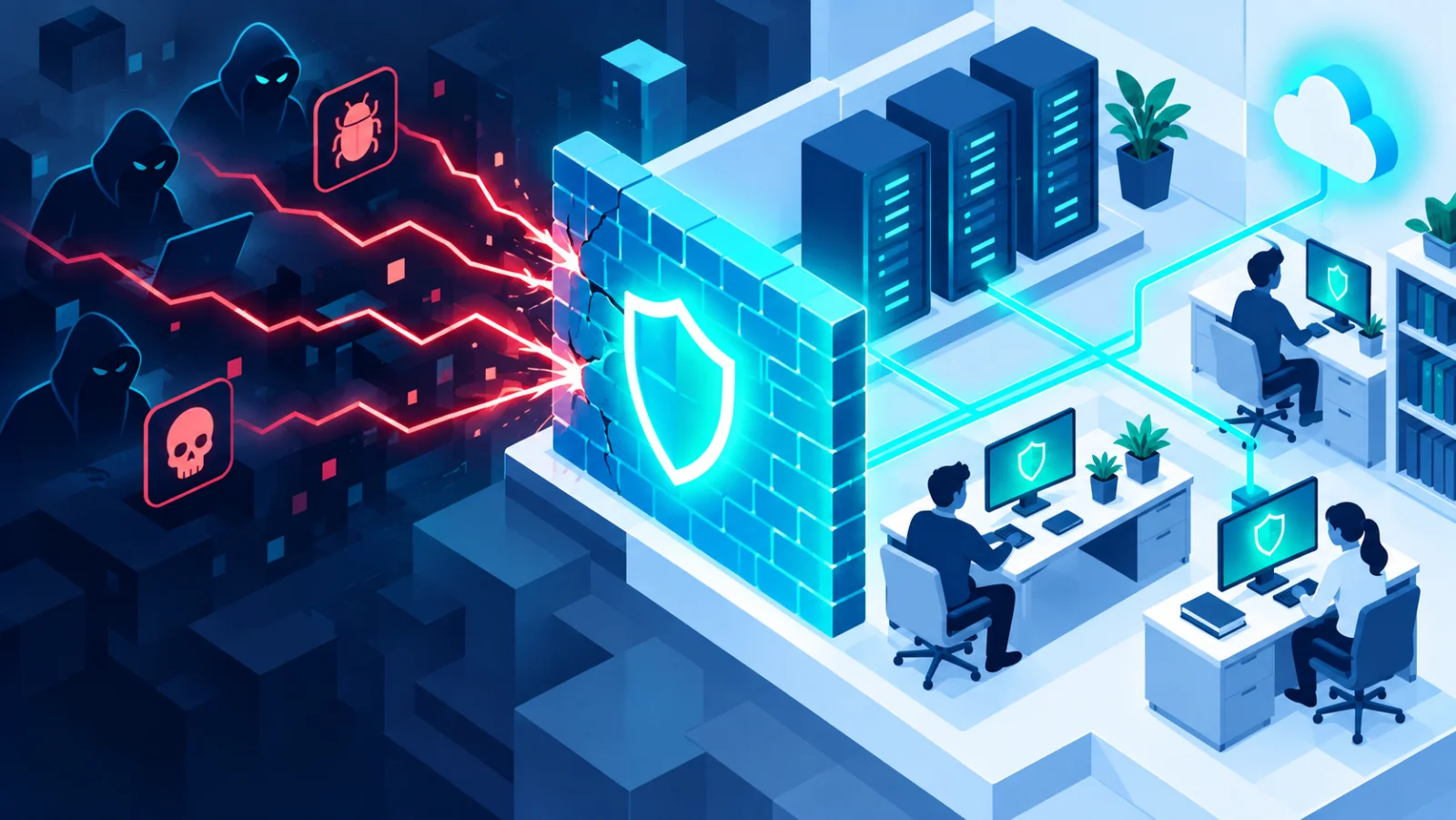
How malware actually gets onto your devices, the warning signs of an infection, and the everyday habits that stop most attacks before they start.
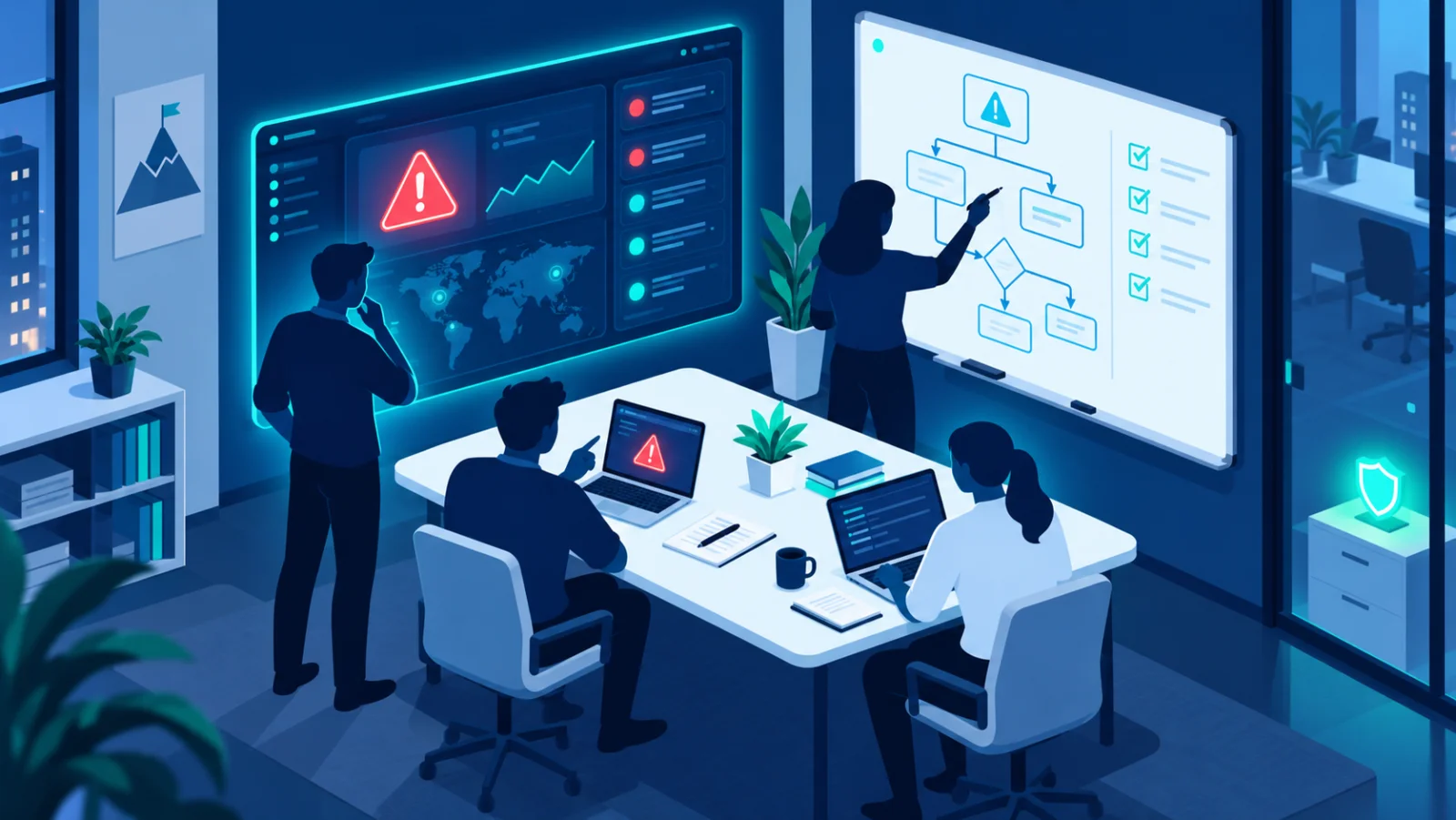
You don't need a security team to have a plan. A simple, written incident response plan turns a chaotic security event into a manageable one.

Why passwords get cracked, what makes a password strong, and practical ways to create passwords that are hard to break but easy to remember.
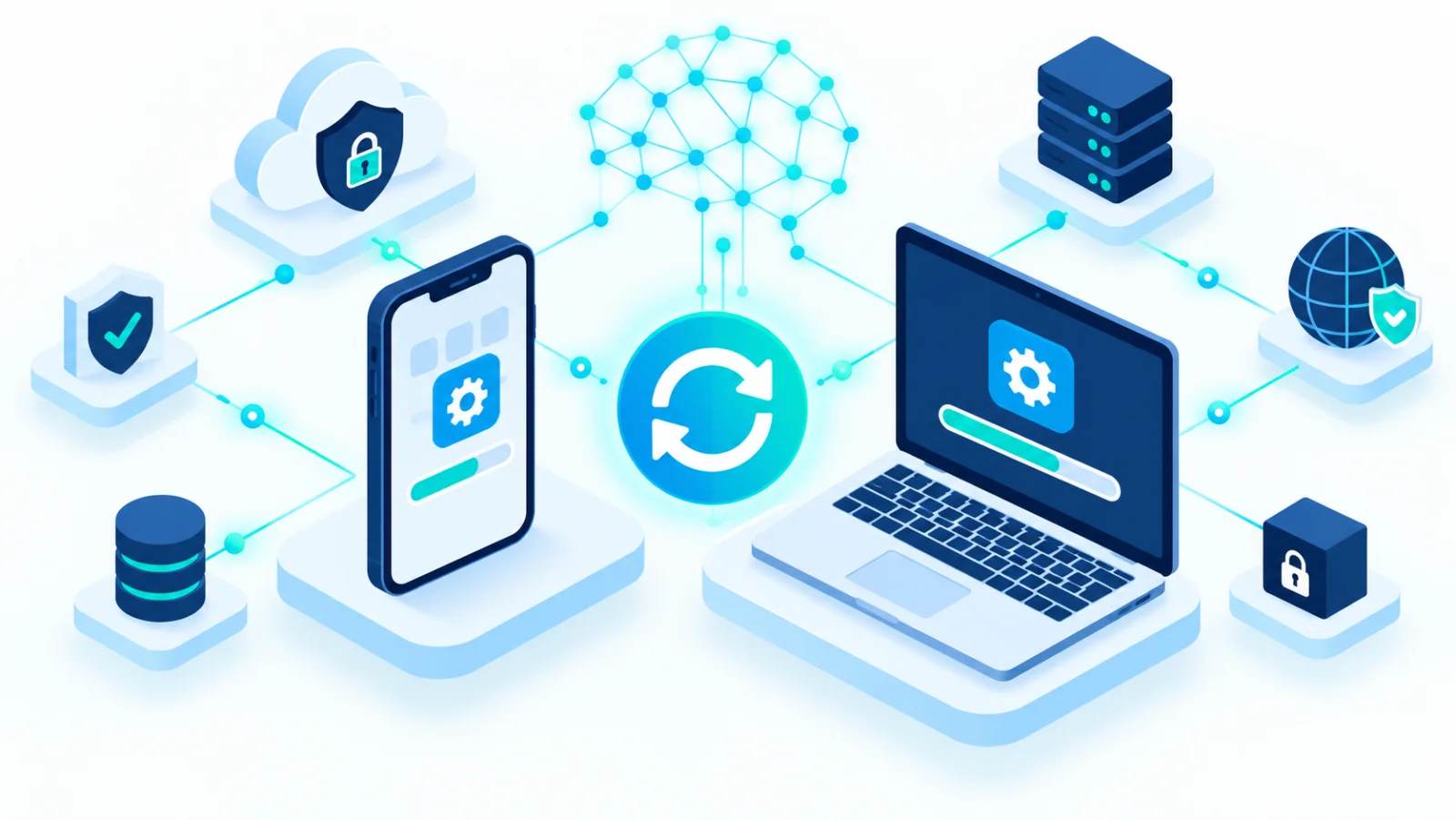
Updates don't just add features, they close known security holes. A simple, low-effort routine for keeping your phone and computer current.
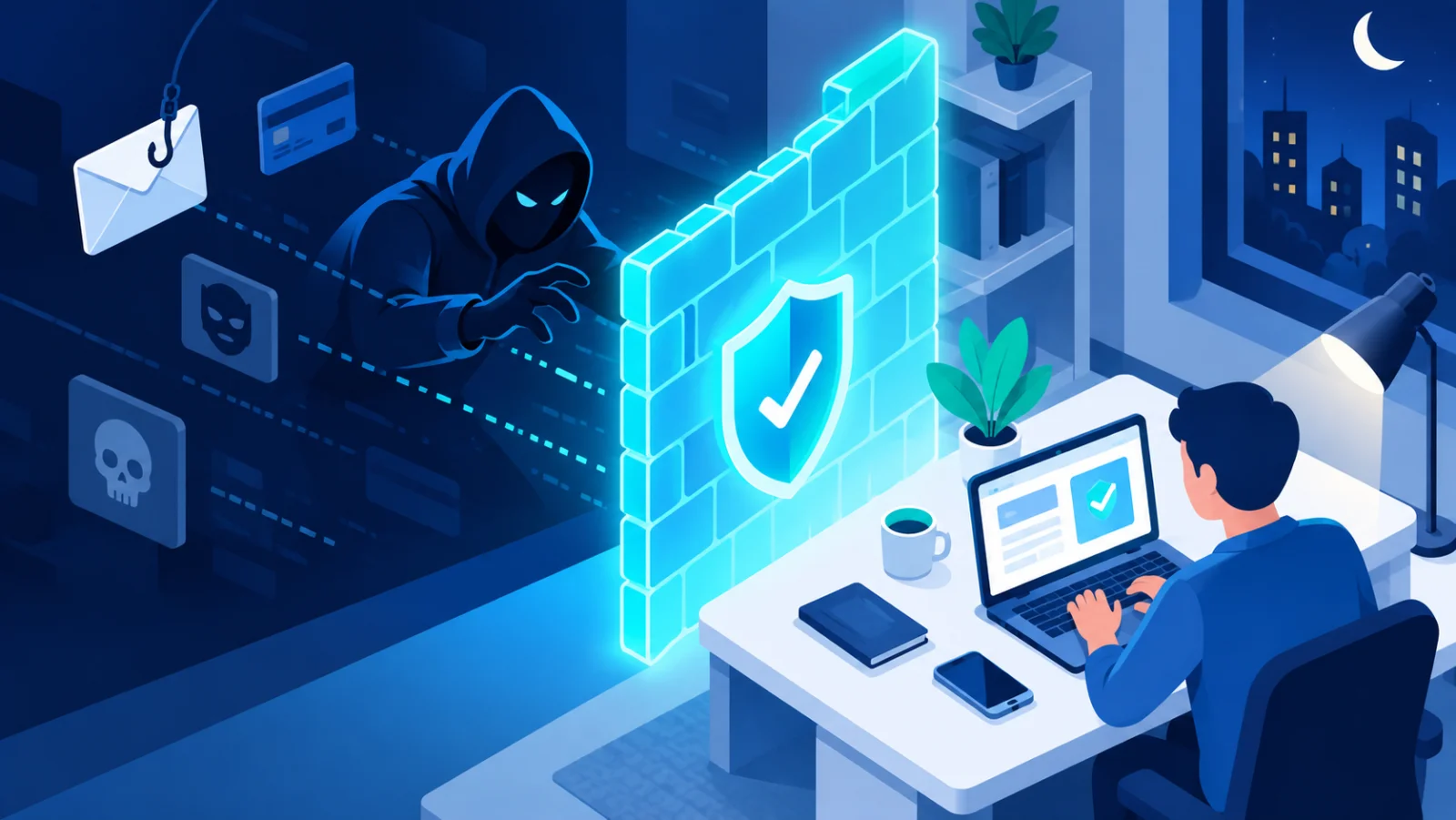
Fake messages, "act now" pressure, and convincing lookalike websites, learn the common tricks scammers use and how to protect yourself.
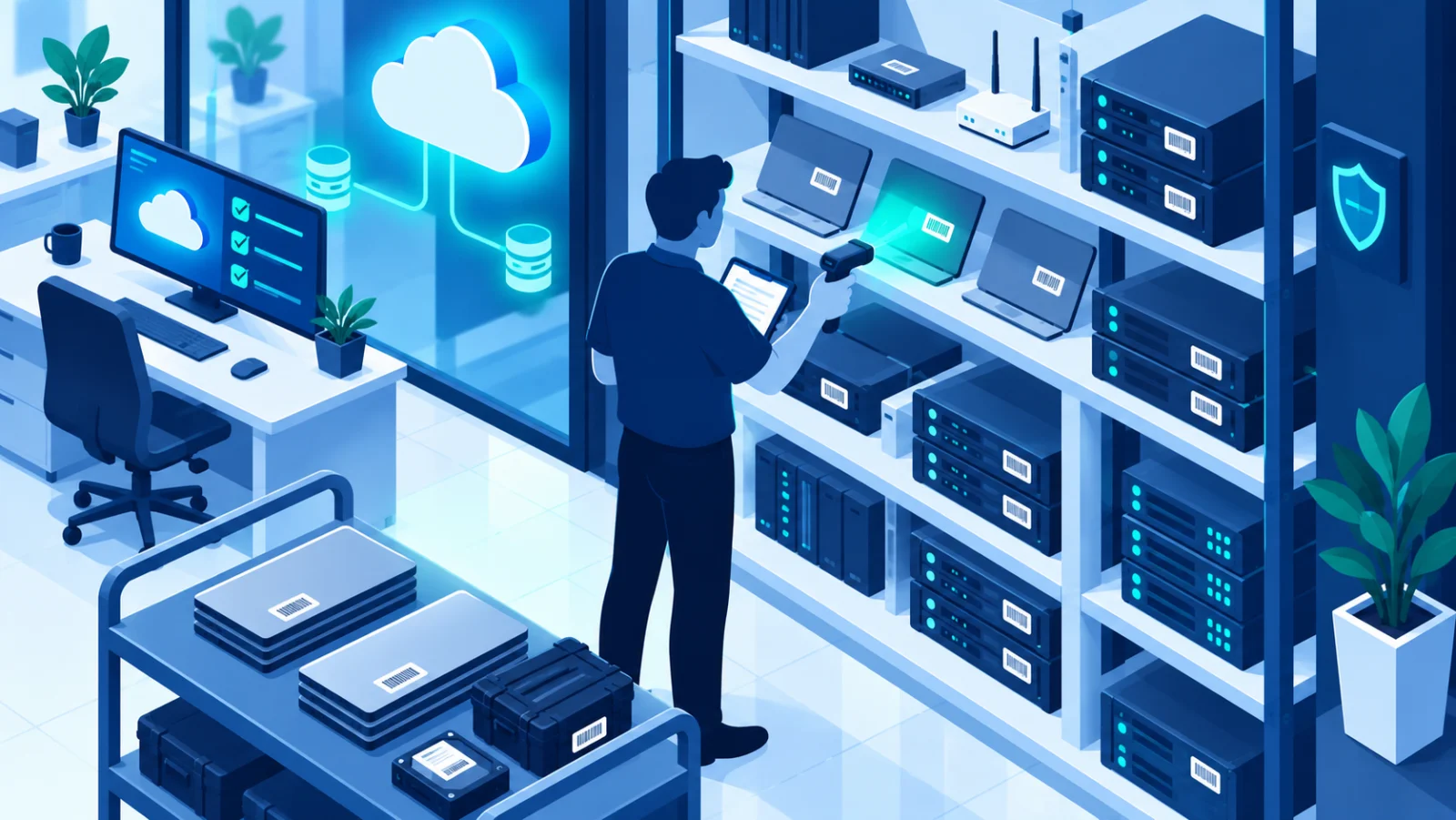
From email to file storage, most of what you rely on daily now lives in the cloud. Here's how to keep those accounts, and the personal data inside them, genuinely secure.

Working from anywhere means your security perimeter now includes home Wi-Fi, video meetings, and the social profiles that reveal more about you than you might think.
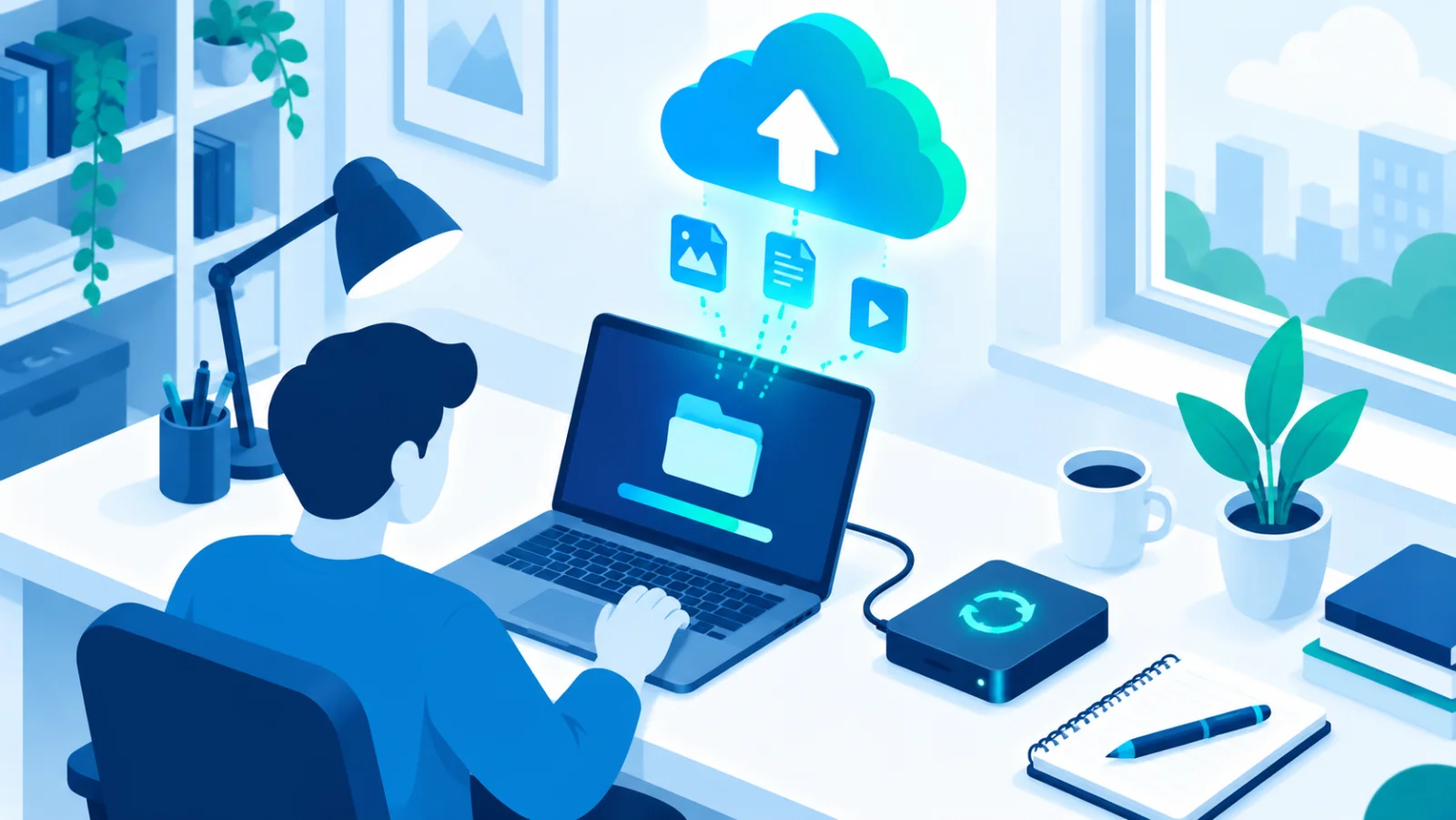
Photos, documents and memories can disappear in an instant. A simple approach to backing up your phone (Android/iPhone) and computer.

Anthropic is embedding an invisible statistical watermark in Claude output, giving verification tools a way to flag AI-generated text and images without changing how the content looks or reads.

DeepMind has open-sourced a testing framework that automates prompt-injection red-teaming, giving smaller teams access to a class of security testing previously limited to well-resourced AI labs.

You do not need a room full of monitors to get most of what a SOC actually does. Here is a scaled-down version that works.

Data classification sounds like a large-enterprise exercise with thirty categories and a governance team. A three-tier version works fine for a team of five.