
Password Strength & Breach Check
Check how strong a password is and whether it has already leaked in a known data breach, entirely in your browser. Your password is never sent anywhere in full.
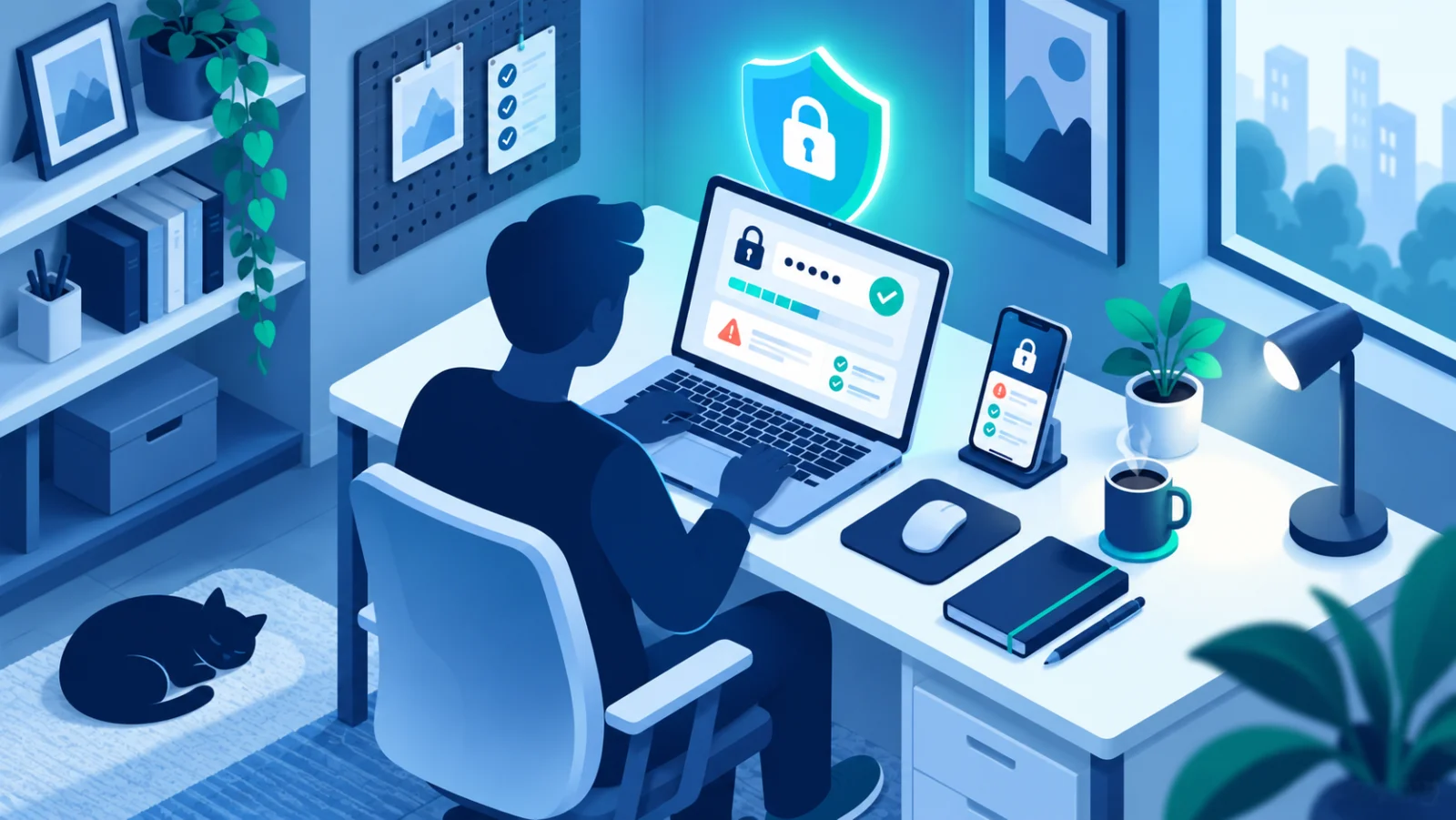
Check how strong a password actually is, and whether it has already shown up in a known data breach, entirely inside your browser. Your password is never transmitted anywhere in full, so it's safe to test a password you actually use.
Frequently Asked Questions
Is it safe to check my real password here?
Yes. Strength is calculated locally in your browser, and the breach check uses a privacy-preserving method that never sends your full password anywhere.
What makes a password strong?
Length matters more than complexity tricks, a long, random passphrase is stronger and easier to remember than a short password with substituted symbols. Uniqueness matters just as much: a strong password reused across accounts is only as safe as the weakest site that stored it.
What do I do if my password has been breached?
Change it immediately on that account and anywhere else you reused it, and turn on two-factor authentication if you haven't already.
Related: Creating Strong, Memorable Passwords · Protect Your Accounts with Two-Factor Authentication
- ○ At least 12 characters
- ○ Upper and lower case
- ○ At least one number
- ○ At least one symbol
- ○ Not a common / easily guessed password
Data breach check
Checks whether this password has appeared in a known data breach.
How this stays private
The strength meter runs entirely in your browser, your password is never sent anywhere for it.
The breach check never sends your actual password either. It hashes it (SHA-1) in your browser and only sends the first 5 characters of that hash to Have I Been Pwned. The match against the full hash happens locally, this is called k-anonymity, the real password can't be reconstructed from what's sent.
What makes a password strong?
- Length matters most: 12+ characters, ideally a passphrase of 3-4 random words.
- Make it unique: use a different password on every account, so one leak doesn't expose the rest.
- Use a password manager: it generates and remembers long, unique passwords for you.
- Turn on two-factor authentication: it adds a second layer of protection even if a password does leak.