
Getting Started: Security Essentials for Small and Medium Businesses
The practical, budget-conscious starting point for protecting your business, your team, and your customers, without needing a dedicated security hire.
What is the most important cybersecurity checklist item for a small business?
Working, tested backups and a basic incident response plan. They turn a potentially business-ending event, such as ransomware or hardware failure, into a recoverable one.
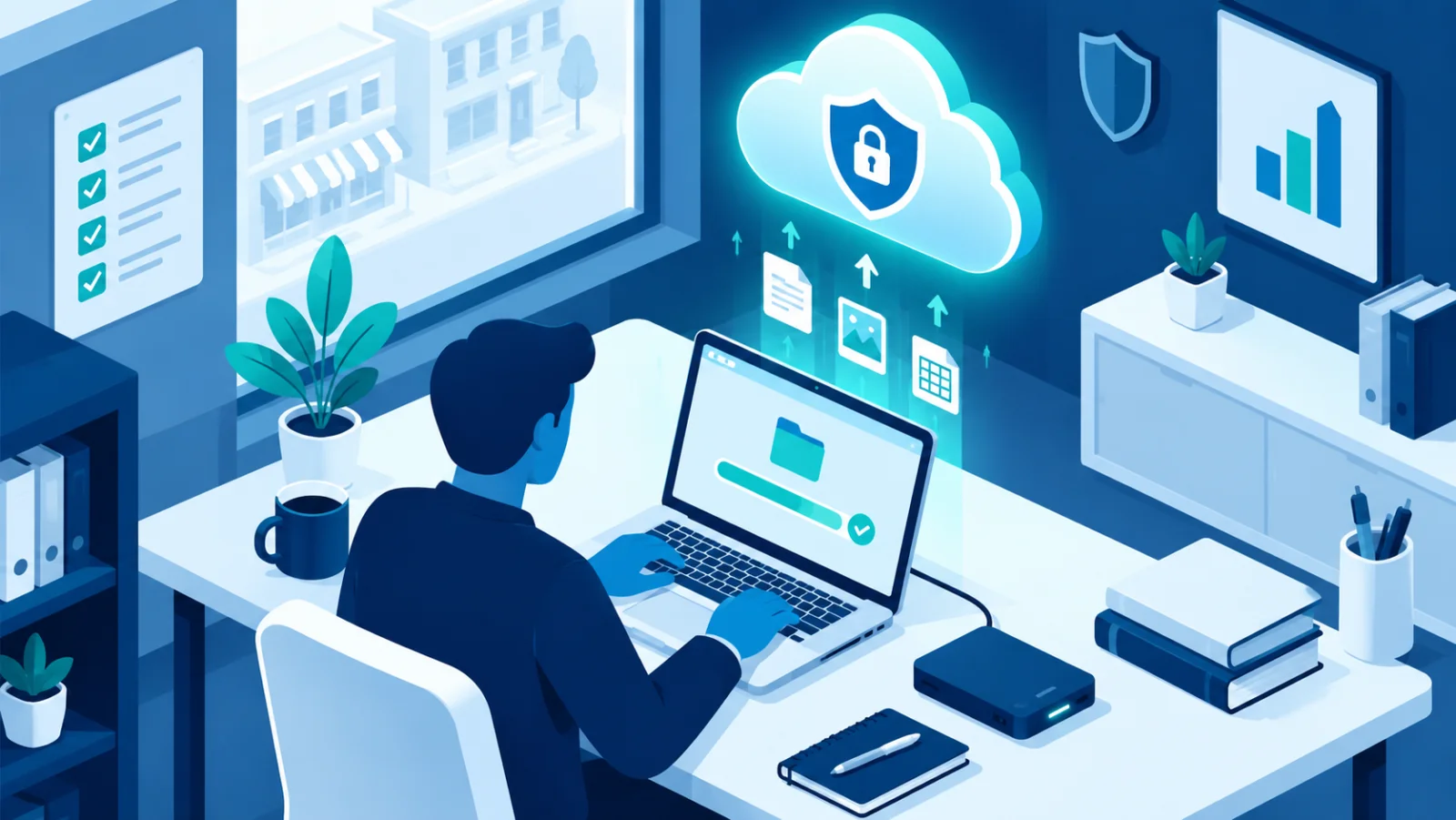
Most security advice is written either for individuals or for large enterprises with dedicated security teams. This guide is for the businesses in between: you have real assets to protect, such as customer data, payment systems, and your reputation, but no full-time security staff. It is practical, prioritized, and achievable without hiring a security team. Everything here assumes you are busy, so the order matters more than the detail.
Why small and medium businesses are a real target
Attackers increasingly favor smaller businesses because the defenses tend to be weaker while the payoff is still meaningful: customer data, access to payments, and operations that a ransom can hold hostage. Most of these attacks are automated. A program scans the internet for any business with an unpatched system or a reused password, and it does not care how big you are. "We are too small to be a target" is one of the most common and costly assumptions a growing business can make.
The priorities at a glance
| Priority | What to do | Effort | What it protects you from |
|---|---|---|---|
| 1. Accounts | Unique passwords, a password manager↗, and two-factor authentication↗ on email, banking, and cloud accounts | An afternoon | Stolen or guessed logins, the most common way in |
| 2. Backups | Automatic backups, one copy offline, and a test restore | A few hours, then a quarterly check | Ransomware↗, hardware failure, accidental deletion |
| 3. Updates | Automatic updates on, old unsupported software removed | Mostly one-time setup | Attacks on known, already fixed flaws |
| 4. Payment checks | A rule to verify any new or changed bank details by phone | A short written rule | Invoice and executive impersonation fraud |
| 5. A one-page plan | Who to call and what to do first when something goes wrong | An afternoon | Panic and delay in the first hour |
| 6. Team habits | Short, regular training and a no-blame way to report mistakes | Ongoing, 10 minutes a month | Phishing↗ and social engineering↗ |
Start with a recognized baseline
Rather than guessing what to do first, use a structured list. Cyber Essentials, a UK government-backed scheme, defines five concrete controls (firewalls, secure configuration, access control↗, malware↗ protection, and updates) that close off the most commonly exploited gaps. Similar baselines exist elsewhere, such as the CIS Controls and Australia's Essential Eight. Pick whichever your country or customers recognize. 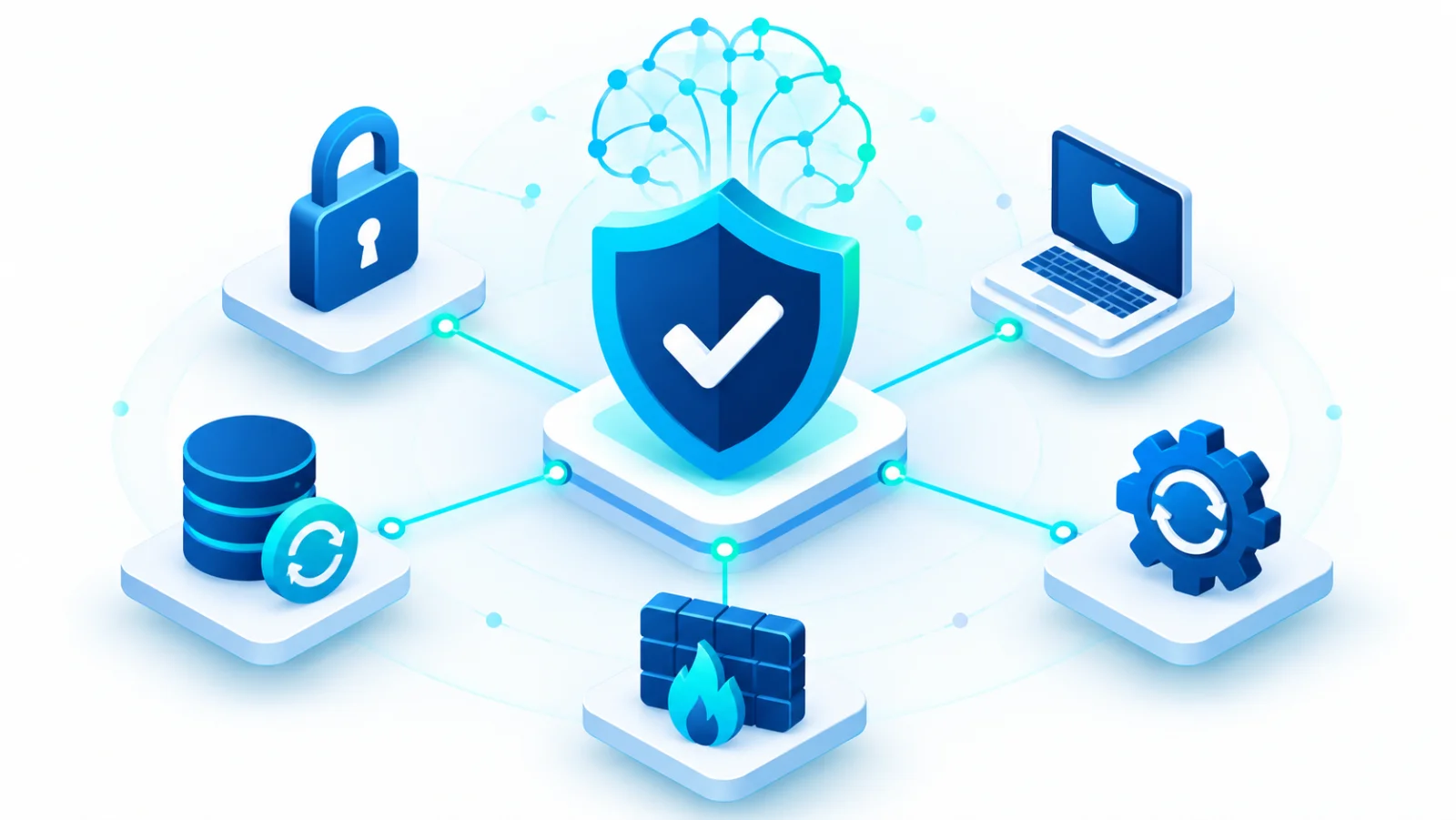
Make sure a bad day cannot become a business-ending one
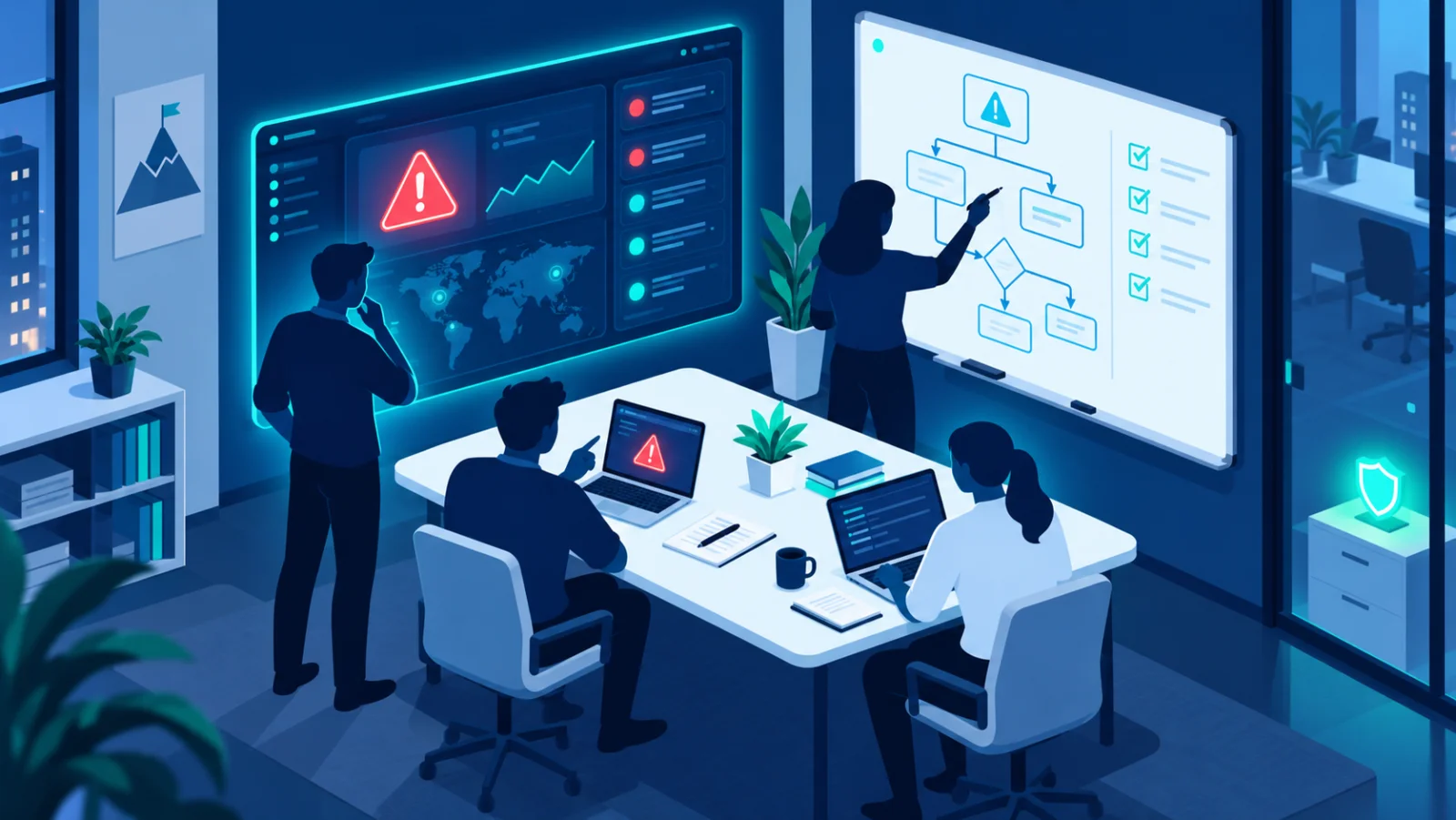
Ransomware (software that locks your files and demands payment) and plain hardware failure share one fix: backups that work and have been tested. Add a basic incident response↗ plan so your team knows what to do in the first hour, not eventually. 

Close the gap attackers exploit↗ most: unpatched software
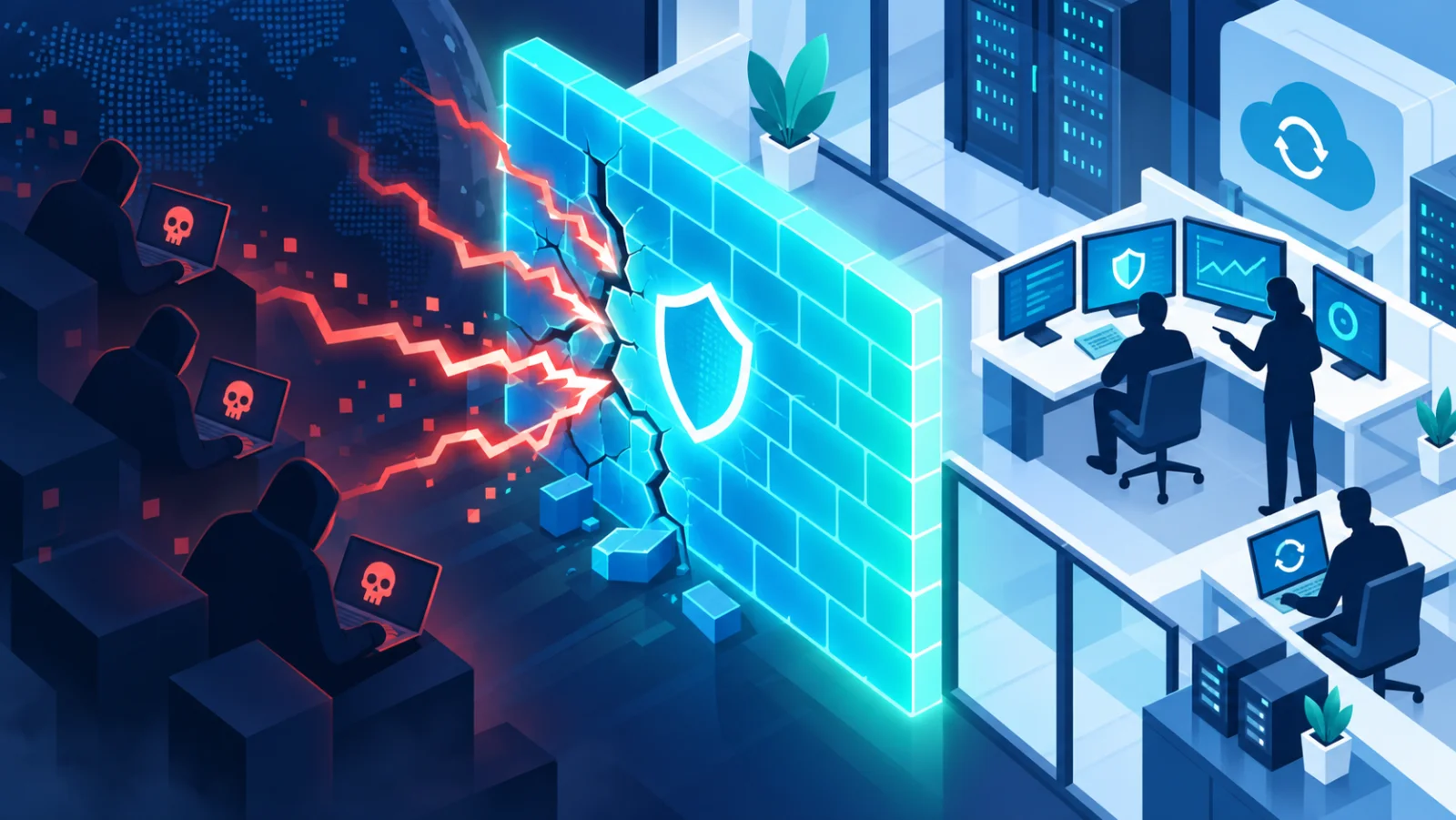
A patch↗ is a fix for a security flaw. A simple routine of turning on automatic updates and checking monthly for anything that missed them closes off most opportunistic attacks, which specifically target flaws that already have a fix. 

Train your team to recognize what is actually targeting you
Business email compromise, in which a criminal pretends to be your boss, a supplier, or your bank to redirect a payment, costs businesses far more than most people expect. It is stopped mainly by procedure and awareness, not technology. A single rule helps most: never act on new payment details without confirming by phone, using a number you already have. 
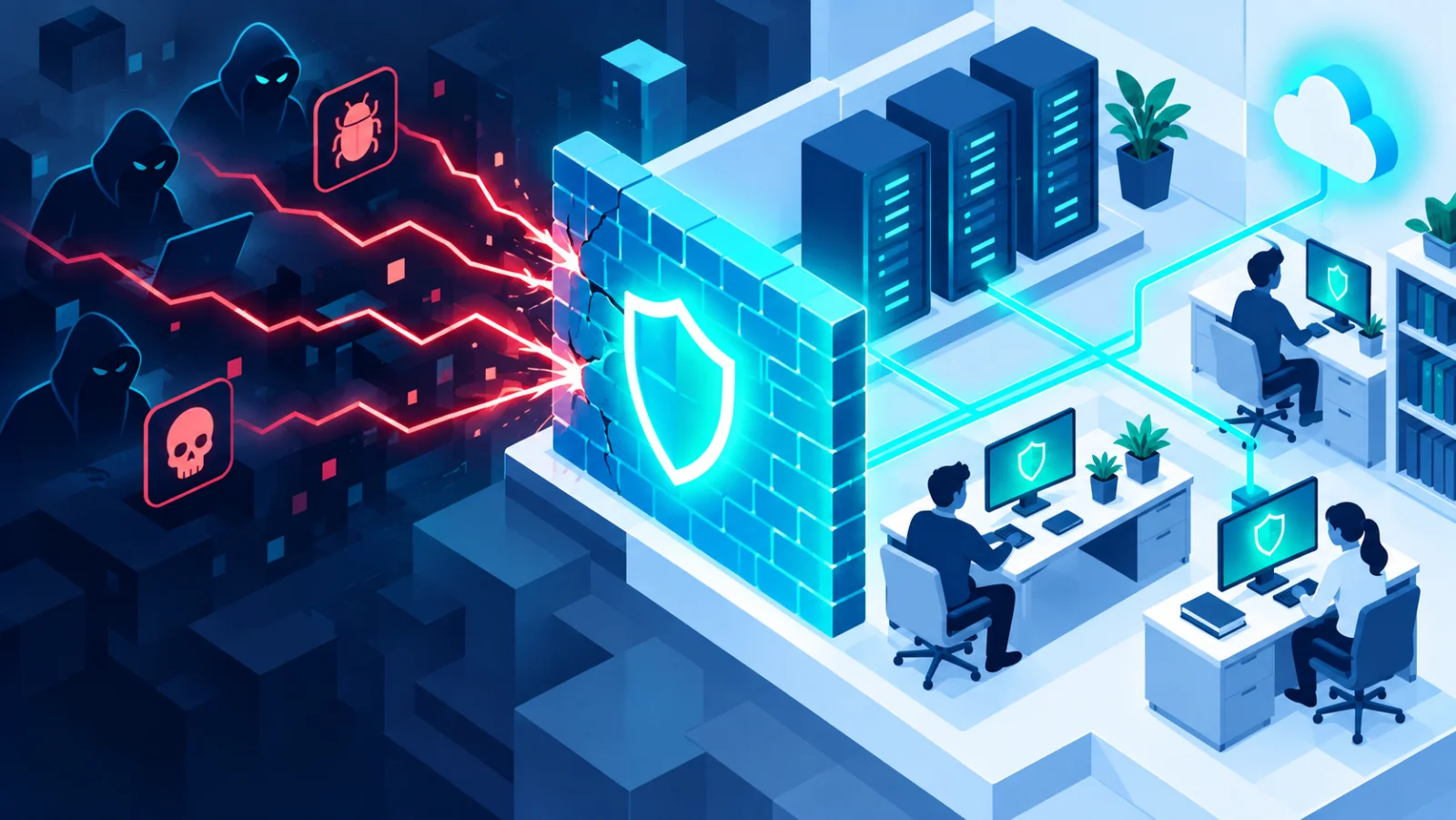

Get the fundamentals genuinely consistent
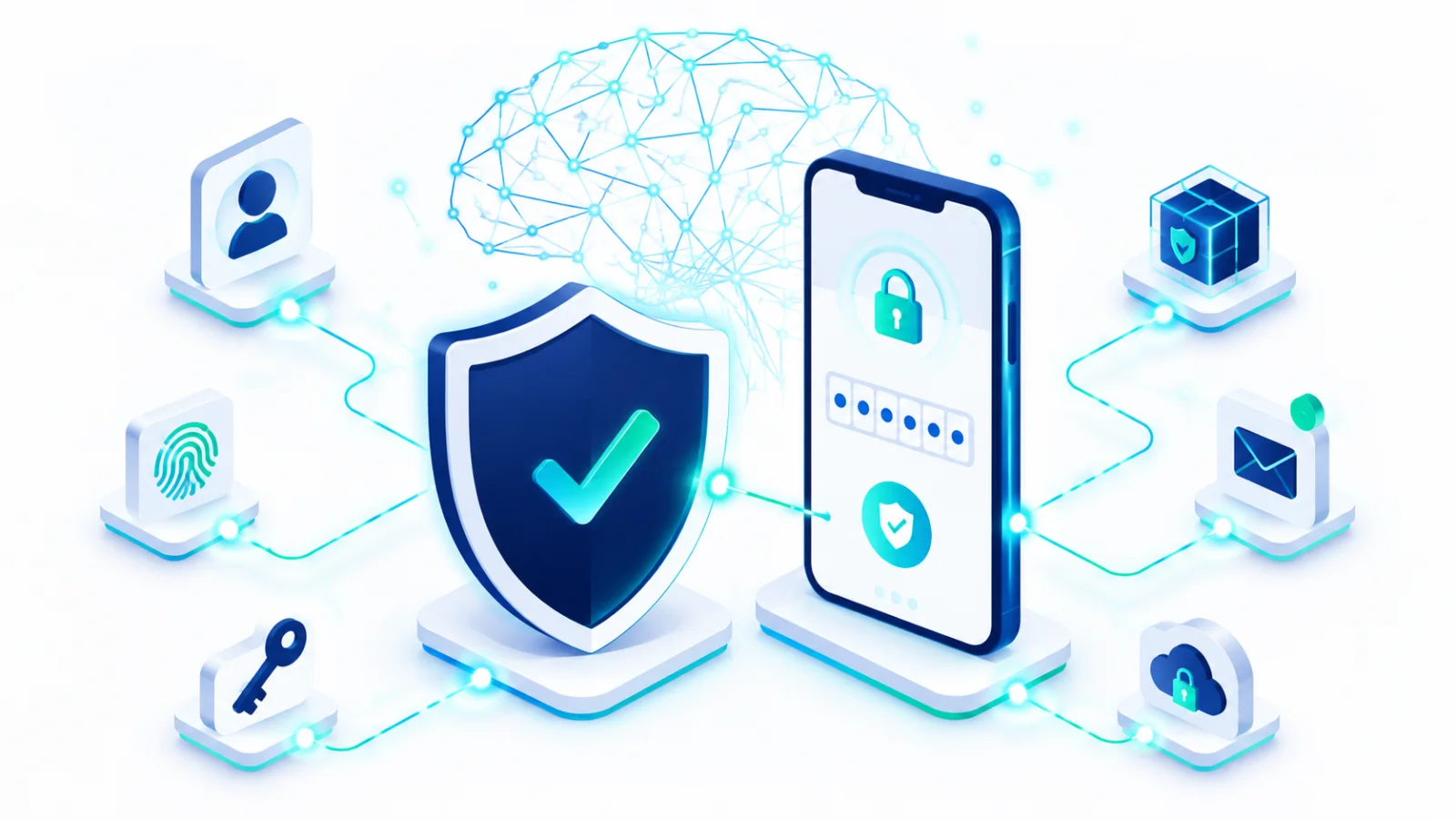
Strong, unique passwords with two-factor authentication, devices that update automatically, and secure cloud accounts form the foundation everything else sits on. They cost little or nothing. 

Cover remote work and the devices that keep multiplying
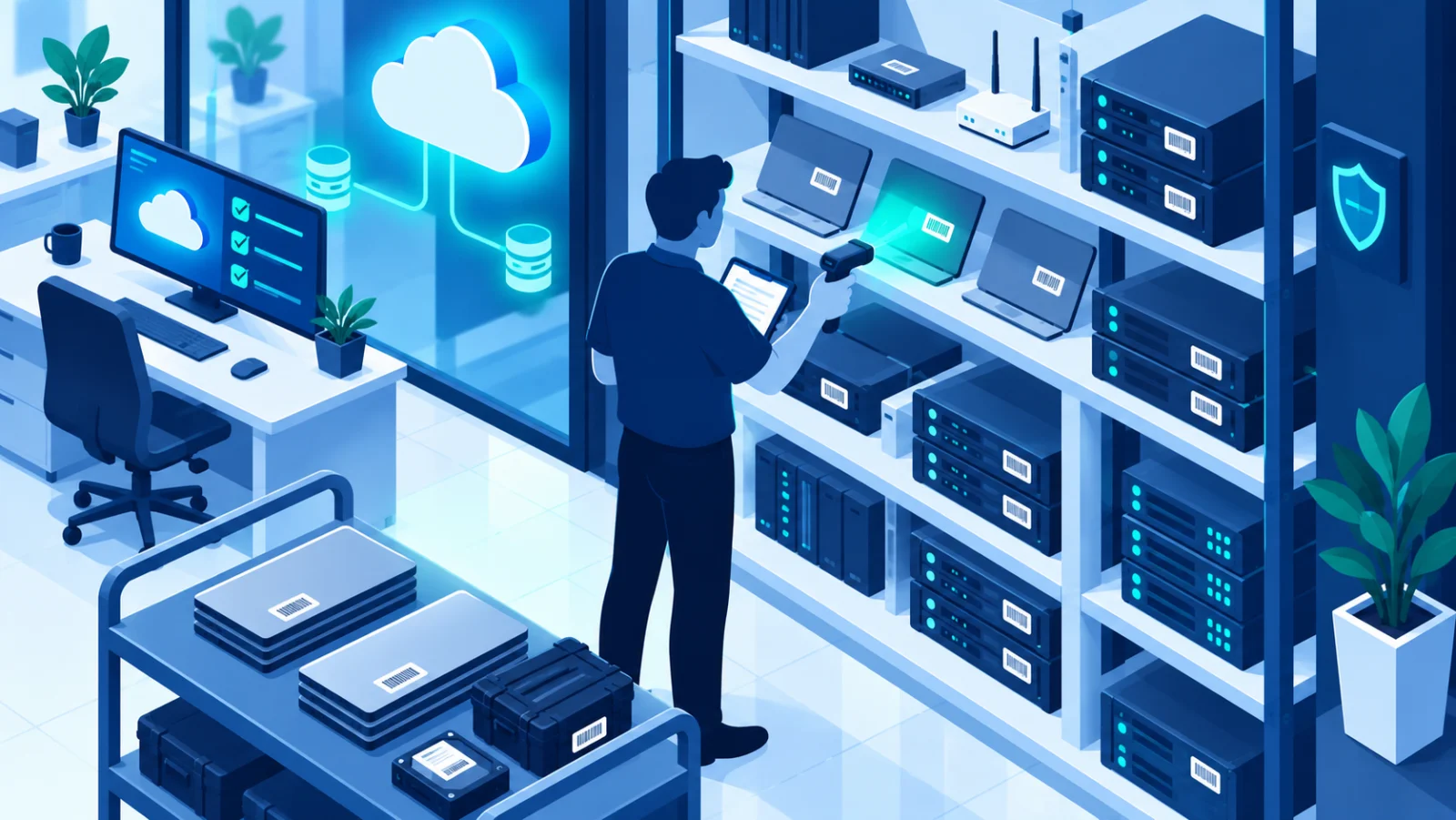
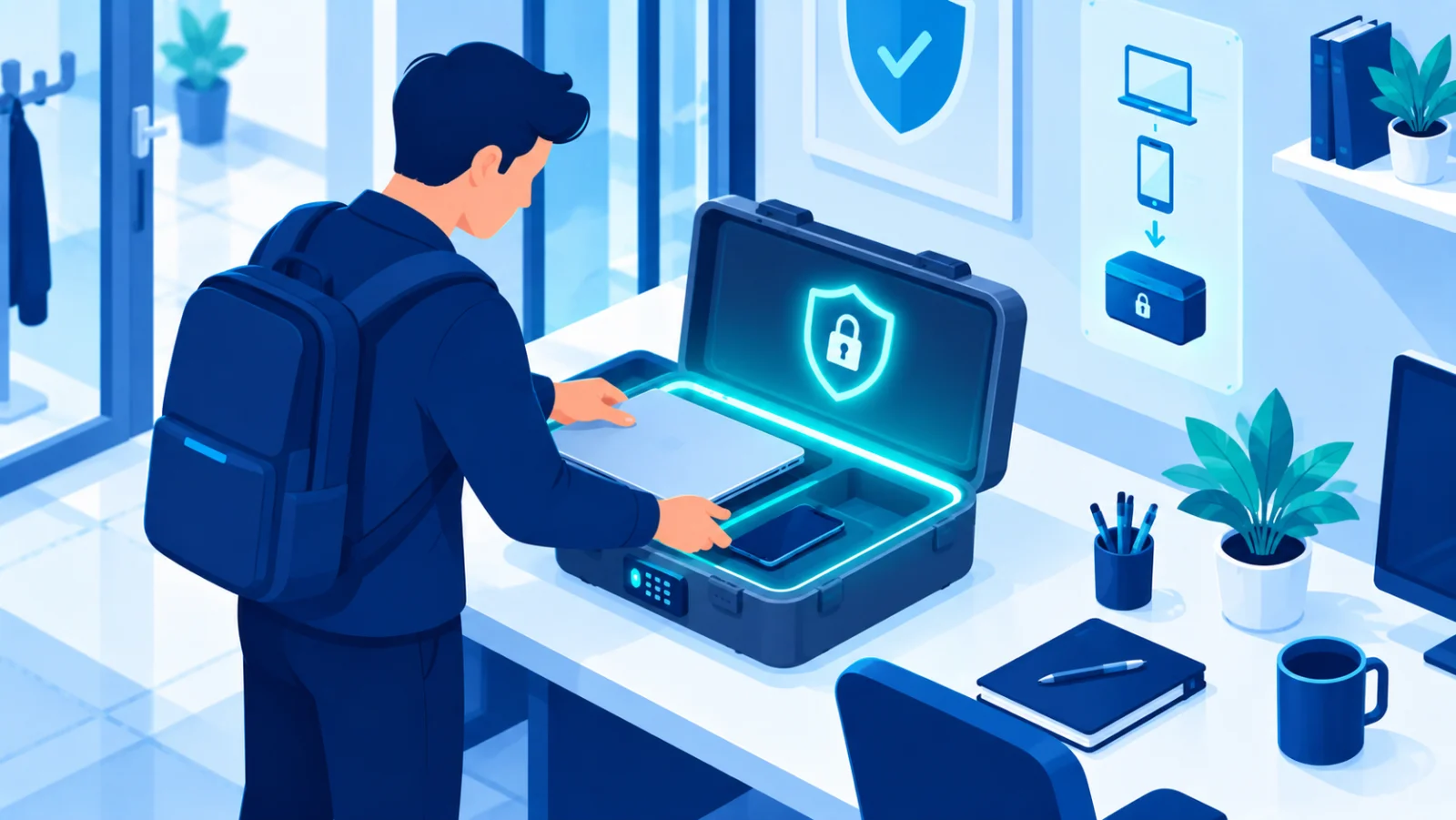
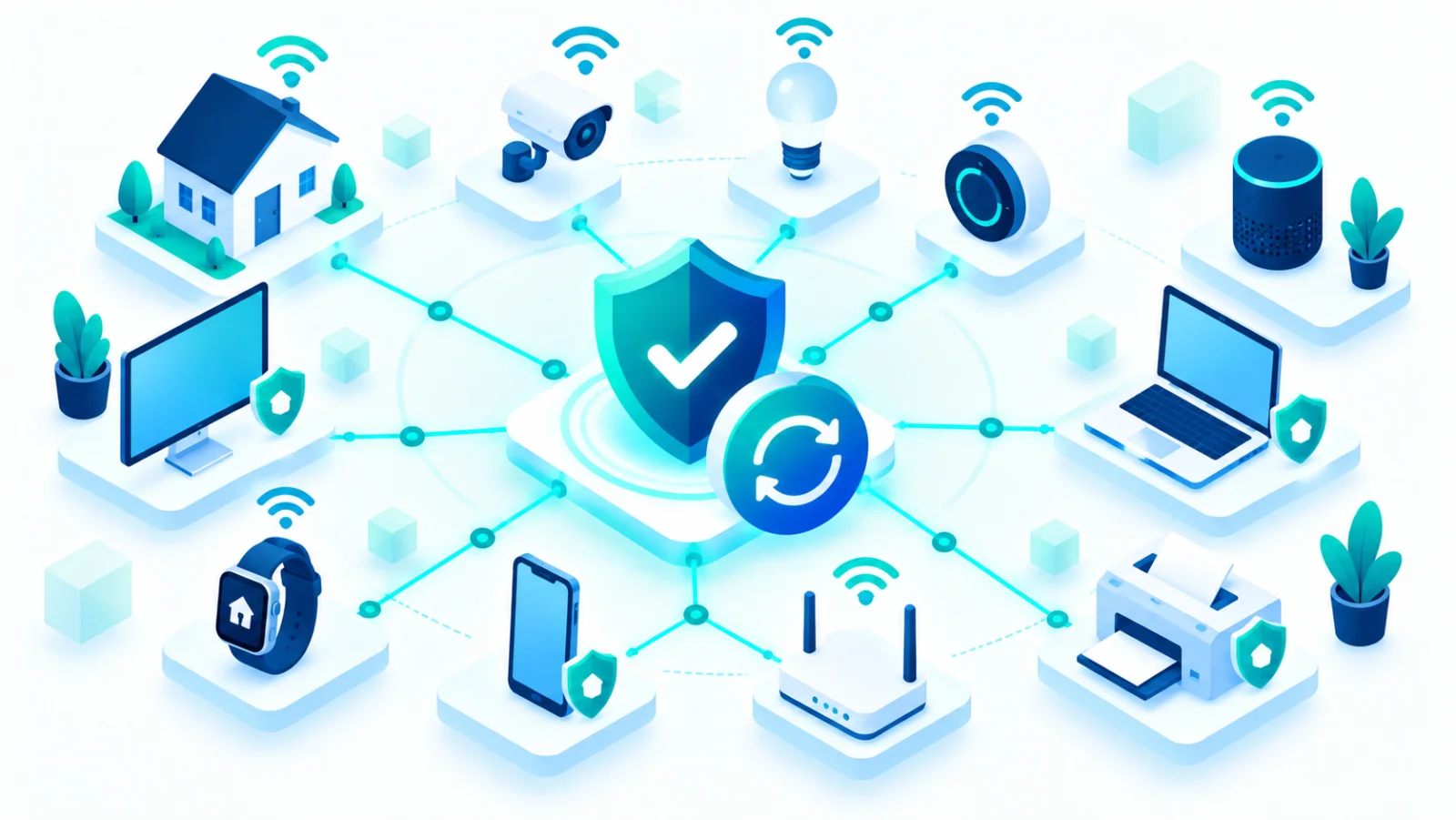
If your team works from home even part of the week, and if you are collecting laptops, phones, cameras, and other connected devices, both deserve deliberate attention. Keep a simple list of what you own and who uses it. 

Build a culture where security is not one person's job
The businesses that hold up best under pressure are the ones where everyone understands why these habits matter and feels safe reporting a mistake. 
A first-month plan
- Week 1: turn on two-factor authentication for email, banking, and cloud accounts. Set up a password manager.
- Week 2: check that backups run, keep one copy offline, and restore one file as a test.
- Week 3: turn on automatic updates everywhere, and list the devices and software you use.
- Week 4: write the payment-verification rule and a one-page contact sheet, and tell the team about both.
The bottom line
Start with a recognized baseline, make sure backups and an incident plan exist before you need them, keep software updated, and train your team on the scams aimed at businesses like yours. None of this requires a security hire. It requires consistency.
Frequently Asked Questions
What is the most important cybersecurity↗ checklist item for a small business?
Working, tested backups and a basic incident response plan. They turn a potentially business-ending event, such as ransomware or hardware failure, into a recoverable one.
Do I need a dedicated security person to protect a small business?
No. Following a recognized baseline, keeping software updated, using two-factor authentication, and training your team on phishing and payment fraud covers most real-world risk without a dedicated hire.