Cyber Essentials in Practice: A Five-Control Implementation Checklist
A practical, step-by-step checklist for implementing the five core technical controls behind Cyber Essentials certification, without the jargon.
What are the five Cyber Essentials controls?
Firewalls and network boundary controls, secure configuration, access control, malware protection, and security update (patch) management.
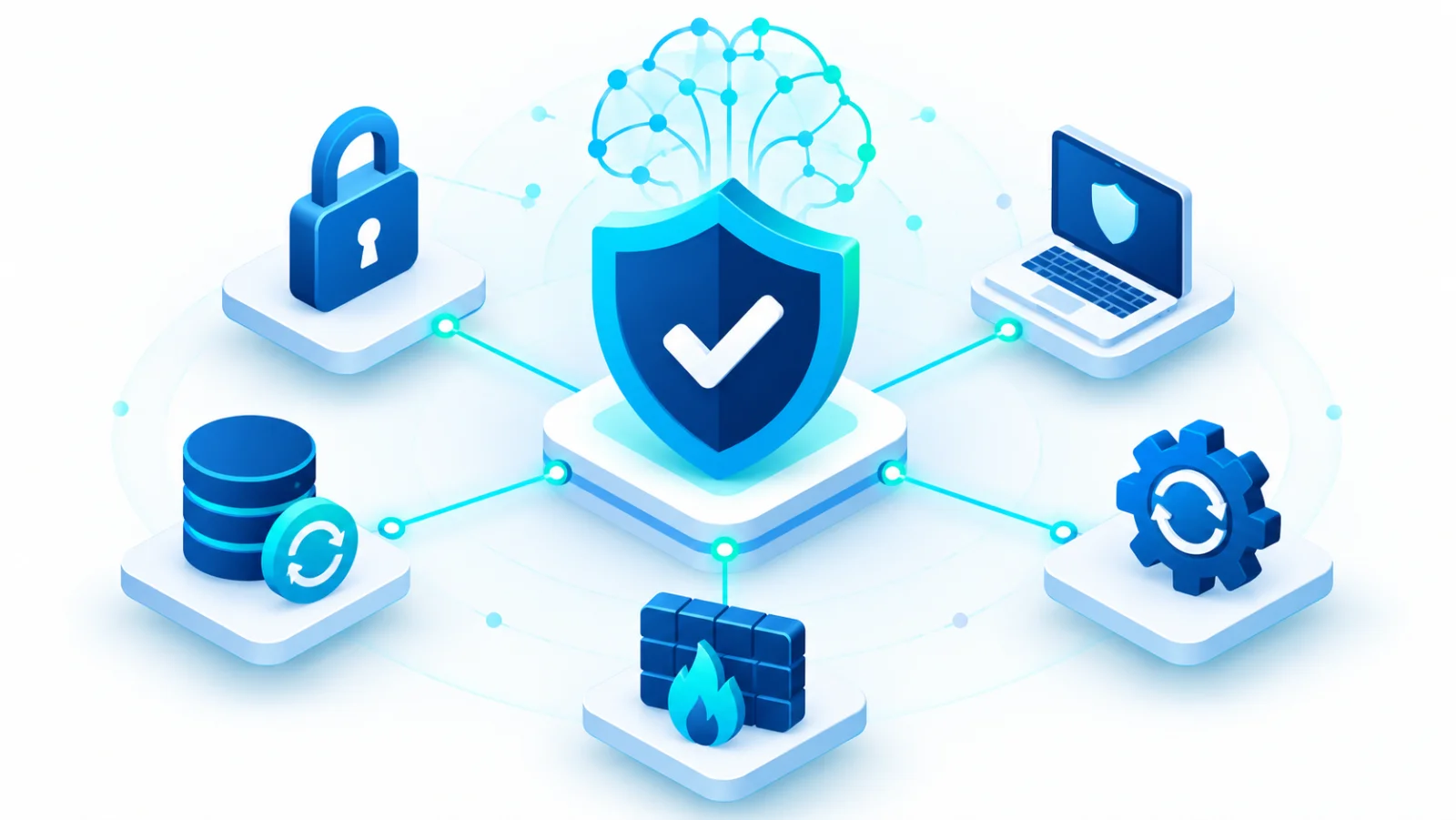
Cyber Essentials is a UK government-backed scheme built on a simple observation: most breaches do not involve elite hackers. They happen because of basic gaps, such as an unchanged default password or software that was never updated. The scheme names five technical control areas that close the most common gaps. Similar baselines exist elsewhere (the CIS Controls, Australia's Essential Eight, the NIST Cybersecurity↗ Framework), so the checklist below is useful even if you are not pursuing this particular certification. Each control is broken into concrete actions you can tick off, with a plain explanation of why it matters.
The five controls at a glance
| Control | In plain words | An everyday comparison |
|---|---|---|
| 1. Firewalls | Decide what may enter and leave your network | A locked gate with a guard who checks visitors |
| 2. Secure configuration | Set devices up safely instead of leaving factory settings | Changing the lock code a new door came with |
| 3. Access control↗ | Give each person only the access their job needs | Staff keys that open only the rooms you work in |
| 4. Malware↗ protection | Detect and stop harmful software | A security scan at the entrance |
| 5. Security updates | Install fixes for known weaknesses quickly | Repairing a broken window before a burglar finds it |
1. Firewalls and network boundary controls
A firewall↗ is a filter between your devices and the internet. It blocks traffic you did not ask for and allows the rest.
- Every internet-connected device sits behind a properly configured firewall, including the software firewall on laptops used outside the office.
- Default administrator passwords on routers and firewalls are changed before deployment. Default passwords are published online, so attackers try them first.
- Only the network services you genuinely need are open to the internet. Everything else is closed by default.
2. Secure configuration
Devices and software often ship with convenient but unsafe settings. Secure configuration means switching to the safest setting available.
- Devices and software are configured to the most secure option, not left on vendor defaults.
- Unnecessary user accounts are removed, and default or guessable passwords are changed everywhere, including on printers and other connected devices.
- Auto-run features that start software from removable media (such as a USB stick) without asking are turned off.
3. Access control
Access control decides who can do what. The guiding idea is least privilege: nobody gets more access than their job requires.
- Accounts are created only after an approval step and belong to one person each. No shared logins, because you cannot tell who did what.
- Administrator rights go only to the few people who truly need them, and are used only for administrative tasks. Everyday work, such as email and browsing, happens from a standard account, so that a trick played on an administrator does not hand over the whole network.
- Accounts are disabled promptly when someone leaves or changes role.
- Multi-factor authentication↗ is turned on wherever it is offered, especially for administrator and cloud accounts.
4. Malware protection
Malware is harmful software such as viruses, spyware↗, and ransomware↗.
- Anti-malware software is installed, kept up to date, and set to scan files automatically when they are opened or downloaded.
- Where anti-malware software is not practical (some mobile platforms), use allow-listing (only approved apps may run) or sandboxing (apps run in an isolated space) instead.
5. Security update management
A patch↗ is a fix for a security flaw. The risk lies in the gap between the fix being released and you installing it.
- All software is licensed and supported, and is removed once the maker stops supporting it (called end-of-life).
- Updates marked critical or high risk are installed within 14 days of release, as the scheme requires.
- An accurate, current inventory of hardware and software exists. You cannot update what you do not know you have, which is why this list underpins every other control.
A worked example
A small town office replaces its router. The installer leaves the default administrator password in place. Months later an attacker finds the router's address on a public scan, logs in with the published default password, and reaches the shared drive holding resident records. Three of the five controls would have stopped this: changing the default password (secure configuration), closing the remote administration page to the internet (firewall), and limiting who can reach the shared drive (access control).
Building the assessment habit
These controls are an operating discipline, not a one-time project. A quarterly half-day review against this checklist catches the drift that builds up as staff, devices, and software change. Larger organizations formalize this into a recurring self-assessment against a recognized framework, which also produces evidence for cyber insurance↗ applications and for supplier due-diligence questionnaires.
Common gaps found in real assessments
- Personal devices used for work email that were never enrolled in any management or update-tracking system.
- Cloud administrator accounts without multi-factor authentication, because "it is just a settings panel".
- Legacy software kept running because the one person who understood it retired without documenting a replacement plan.
Frequently Asked Questions
What are the five Cyber Essentials controls?
Firewalls and network boundary controls, secure configuration, access control, malware protection, and security update (patch) management.
How often should this checklist be reviewed?
At least quarterly. A short internal review catches configuration drift that builds up as staff, devices, and software change.
Related reading