Managing a Growing Fleet of Devices and IoT
From laptops to smart cameras to video conferencing hardware, the number of connected devices an organization must manage keeps growing. Here's how to keep visibility as the fleet scales.

Every organization's device fleet has grown well beyond laptops and phones. Smart TVs in meeting rooms, sensors, badge readers, cameras, video conferencing hardware, and printers all join the network, and every one needs to be accounted for. IoT (Internet of Things) simply means everyday devices that connect to the network, such as a smart thermostat or a door lock. This guide explains how to keep control as the number of devices grows.
The core challenge: you cannot secure what you cannot see
As fleets grow, the biggest risk is often not one vulnerable device but the devices nobody remembers installing, sitting unpatched and unmonitored on the network for years. Think of a building where nobody keeps a list of keys: sooner or later you discover a door that has been unlocked since the day it was fitted.
Building a device management baseline
| Step | What to do | Why |
|---|---|---|
| 1. Keep an inventory | List every device category, including IoT and meeting-room hardware, with owner, location, and software version | Unlisted devices never get updates |
| 2. Segment the network | Put device groups on separate networks where practical | A hacked smart TV should have no path to your finance systems |
| 3. Default deny for new devices | New devices connect only after approval, instead of connecting first and being reviewed later | Stops forgotten devices from piling up |
| 4. Track end-of-support dates | Note when each device stops receiving security updates, and plan its replacement | Unsupported devices stay vulnerable forever |
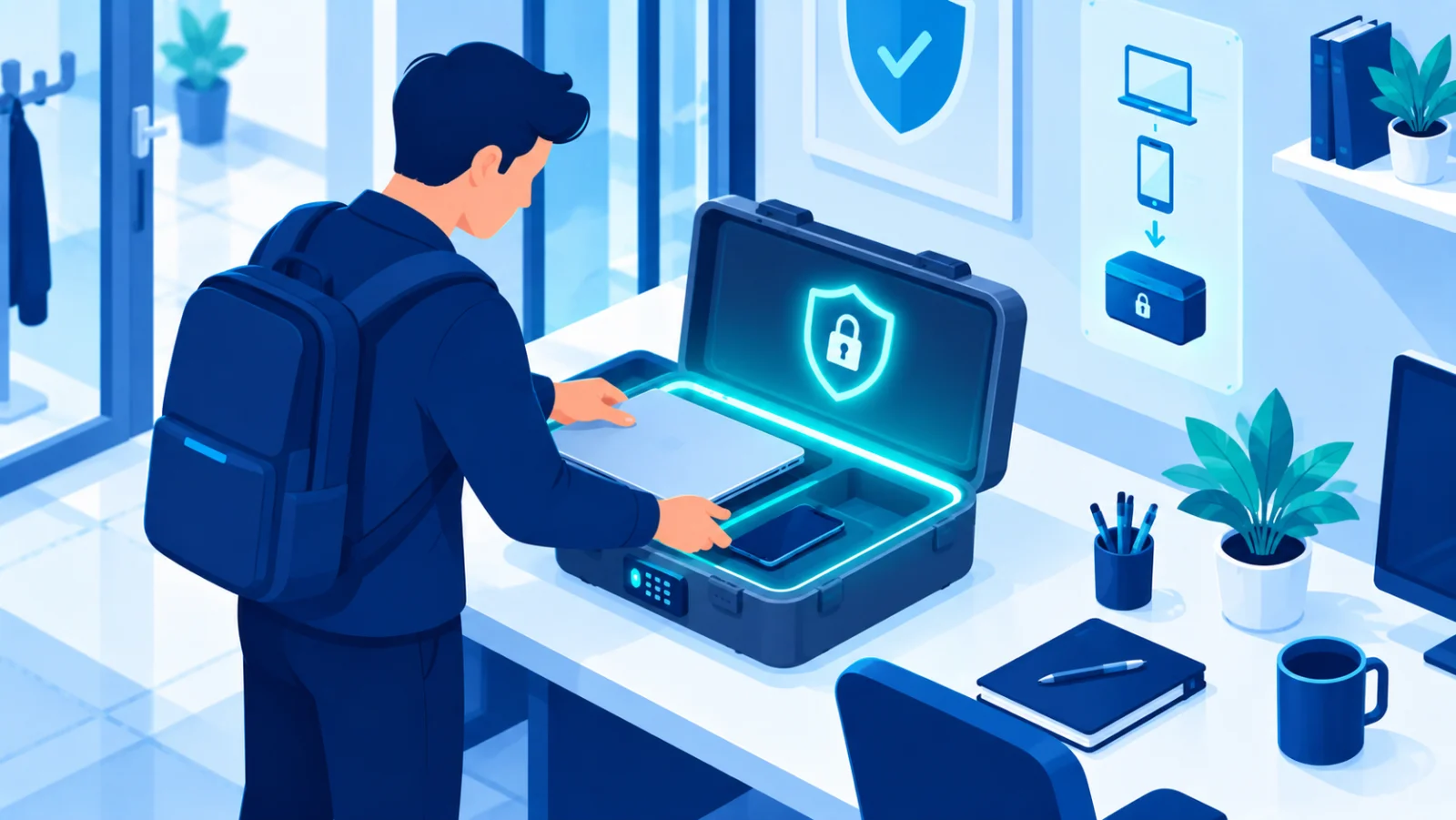
Video conferencing hardware specifically
Meeting-room cameras, microphones, and conferencing systems are often always-on, internet-connected devices with cameras and microphones, which makes careful setup important. Change the default credentials, keep the firmware (the device's built-in software) updated, and review who can remotely control them, as you would for any other network device.
A worked example
A company installs a smart display in a meeting room. Nobody changes the default administrator password or records the device. Two years later its software is long out of date, and an attacker who finds it from the internet uses it as a stepping stone into the office network. A simple inventory entry, a changed password, and a separate guest network for the display would each have prevented this.
Retirement and disposal
When a device reaches end of life, wipe its data and remove it from management and sign-in systems before it is thrown away or resold. A device removed from the inventory but still registered in an authentication↗ system is a forgotten way in.
A quick self-check
- Can we list every device on our network today, and who owns it?
- Are cameras, displays, and printers on a network separate from our finance and file servers?
- Have all default passwords been changed?
- Do we know which devices will stop getting updates this year?
- Is there a checklist for wiping and removing a device at end of life?
Fleet security scales through process, not heroics. You cannot track a growing device population by hand, so the inventory and the policy have to do the work.
Related reading