
Getting Started: Security Essentials for Freelancers
You are your own IT department. Here is the short, practical list of what actually matters for a one-person business, in the order it matters.

As a freelancer you have no IT department, no security team, and no colleague to ask about a suspicious email. You are the whole operation. That sounds like a disadvantage, but it also means you can fix your biggest risks in an afternoon instead of waiting months for committee approval. This guide is not meant to make you paranoid. It points you at the handful of things that actually reduce risk, in priority order, and explains each in plain terms.
Why your risk profile is different
You probably hold two things attackers want: access to client data (contracts, financial details, sometimes the clients' own logins) and a direct line to getting paid. A compromised freelancer account is a cheap way for a criminal to steal money (fake invoices, redirected payments) or to reach a client's systems by pretending to be someone the client already trusts. Valuable access combined with minimal defenses is exactly why freelancers are targeted. The reason is not that you are small but that you are easy.
The priorities at a glance
| Priority | What to do | Time it takes | What it prevents |
|---|---|---|---|
| 1. Sign-in | Unique passwords in a password manager↗, plus two-factor authentication↗ on email, invoicing, cloud storage, and client portals | An afternoon | Account takeover↗, the most common loss |
| 2. Backups | Automatic backups with one copy that is not permanently connected | An hour, then a test every few months | Losing client work to ransomware↗, theft, or a dead drive |
| 3. Updates | Automatic updates on your laptop, phone, and main apps | Ten minutes | Attacks on flaws that already have a fix |
| 4. Scam awareness | Know the usual fake-client and fake-invoice patterns | A short read | Payment fraud and phishing↗ |
| 5. Separation | Keep work and personal accounts and browser profiles apart | An evening | One mistake spreading to everything |
| 6. A tiny plan | Know what you will do if an account is hacked or a laptop is stolen | Half an hour | Panic and delay |
Start here: lock down how you sign in
Every account tied to your business needs a long, unique password and two-factor authentication (2FA), a second check such as a code from an app. This is the highest-leverage thing you can do, because most account takeovers succeed when a reused or guessed password is the only barrier. A password manager remembers a different password for each site so you do not have to. 
Once passwords are handled, add the second layer: 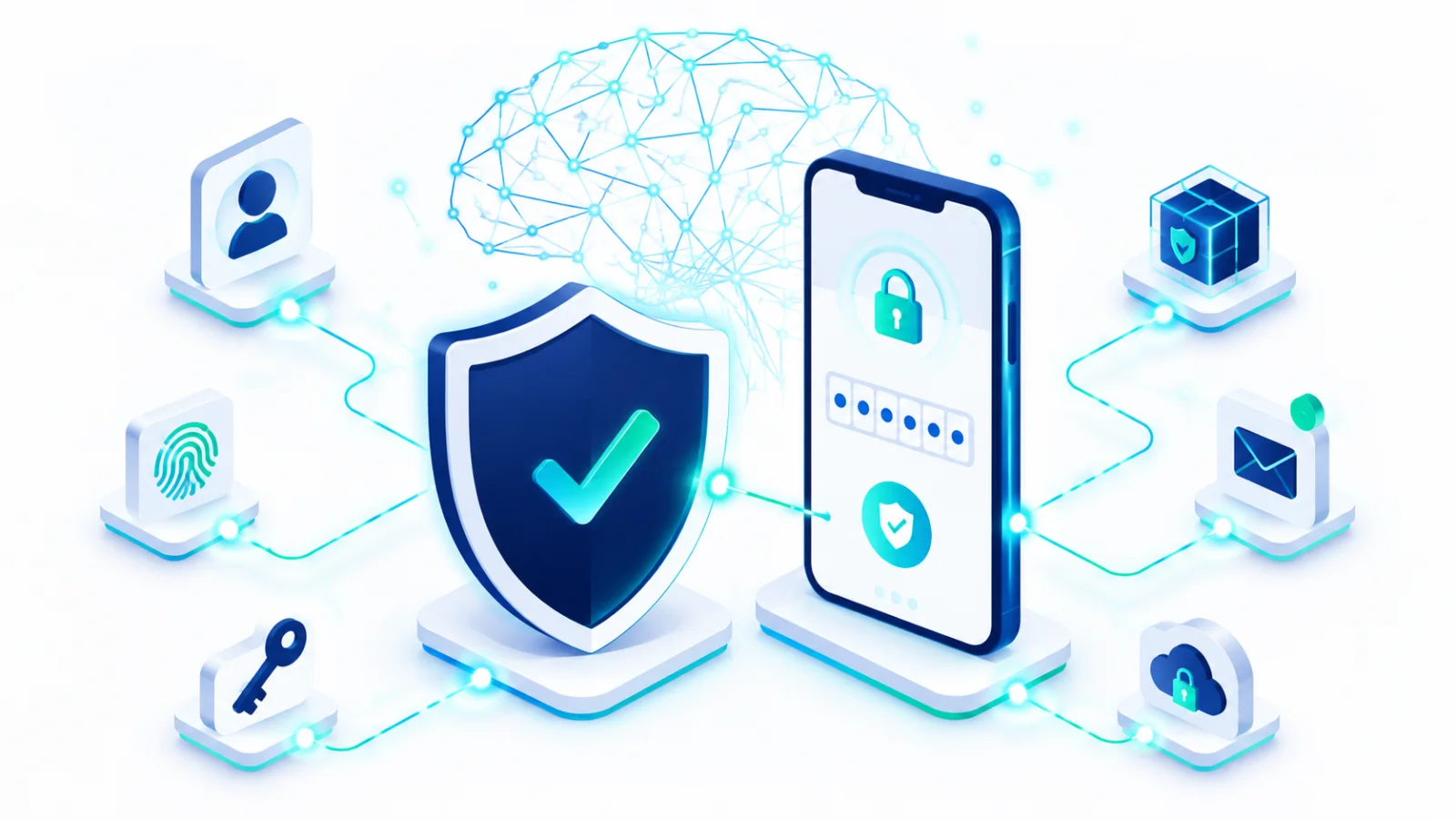
Where a service offers passkeys, a sign-in method that uses your fingerprint or face instead of a password, use them. They cannot be tricked by a fake login page. 
Protect the files clients are trusting you with
Contracts, financial records, and finished deliverables can be wiped out in seconds by ransomware (software that locks your files for ransom), a lost laptop, or a failed drive. A simple automatic backup↗ means one bad afternoon never becomes a business-ending one. Keep one copy that is not always plugged in, and restore a file now and then to check that it works. 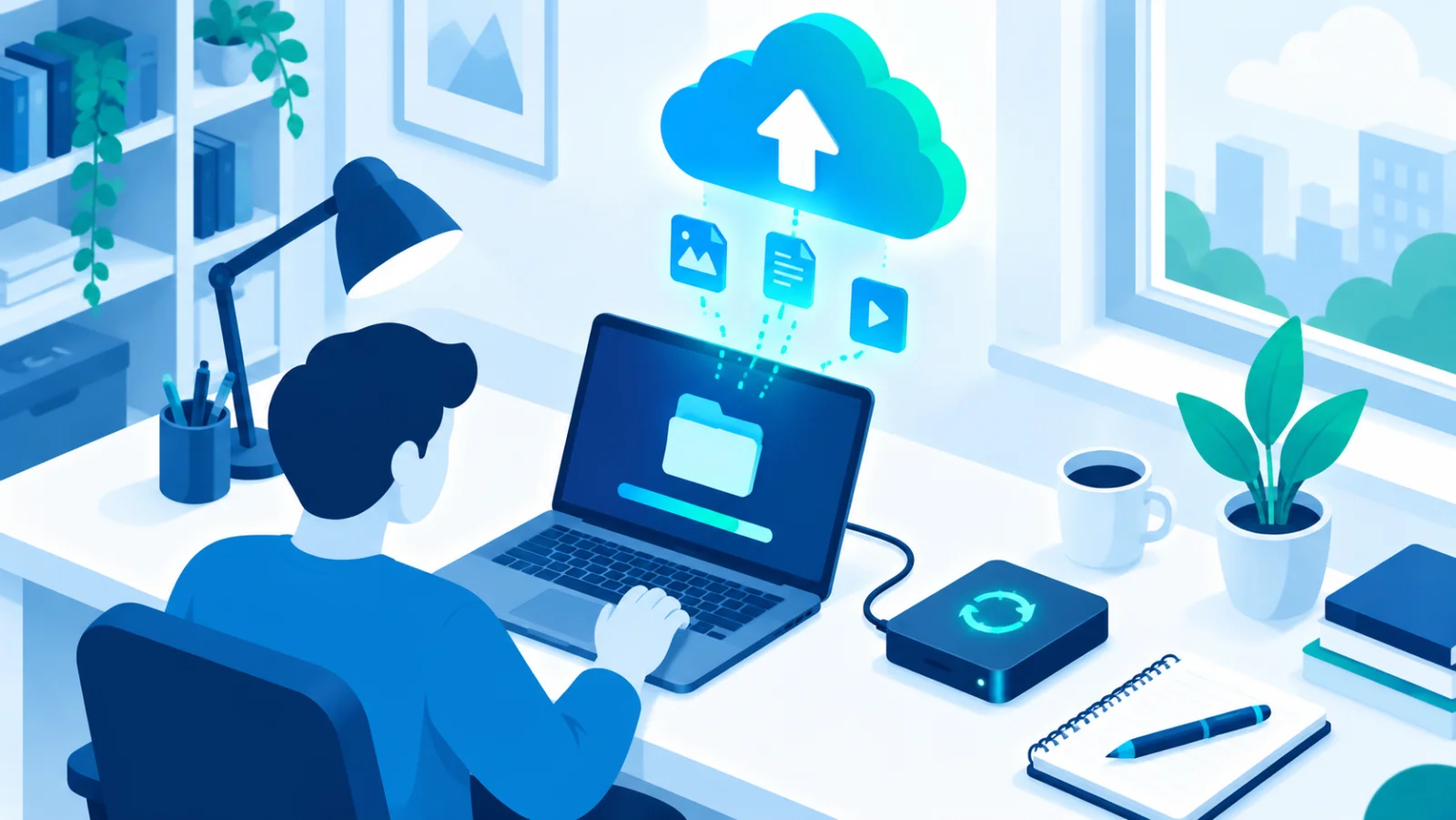
Keep your devices boring and current
Most real-world compromises use a flaw that already had a fix. The update simply had not been installed. Turning on automatic updates for your laptop, phone, and the apps you work in closes that gap with almost no ongoing effort. Restart when asked: many updates only take effect after a restart. 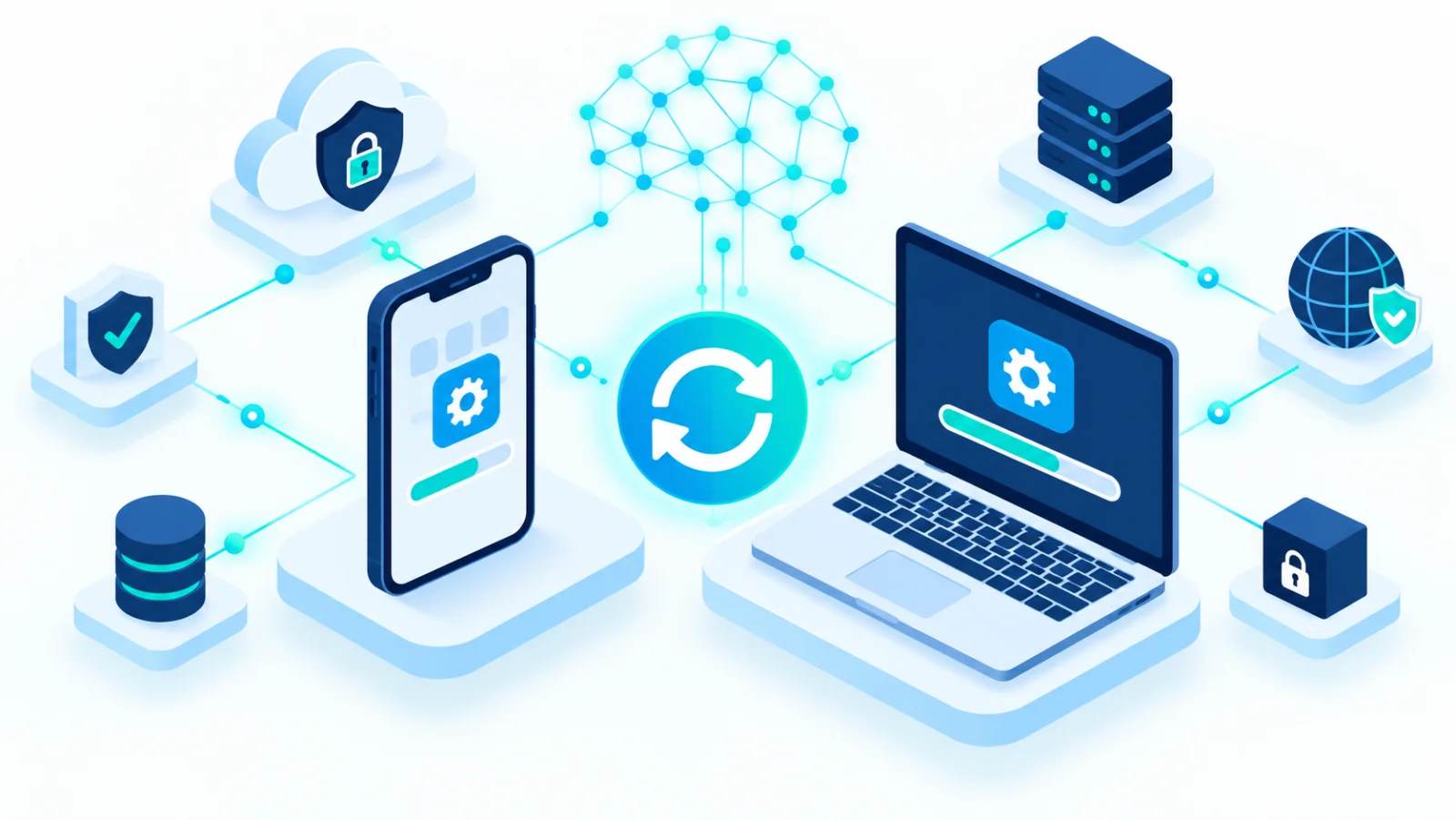
Recognize the scams aimed specifically at you
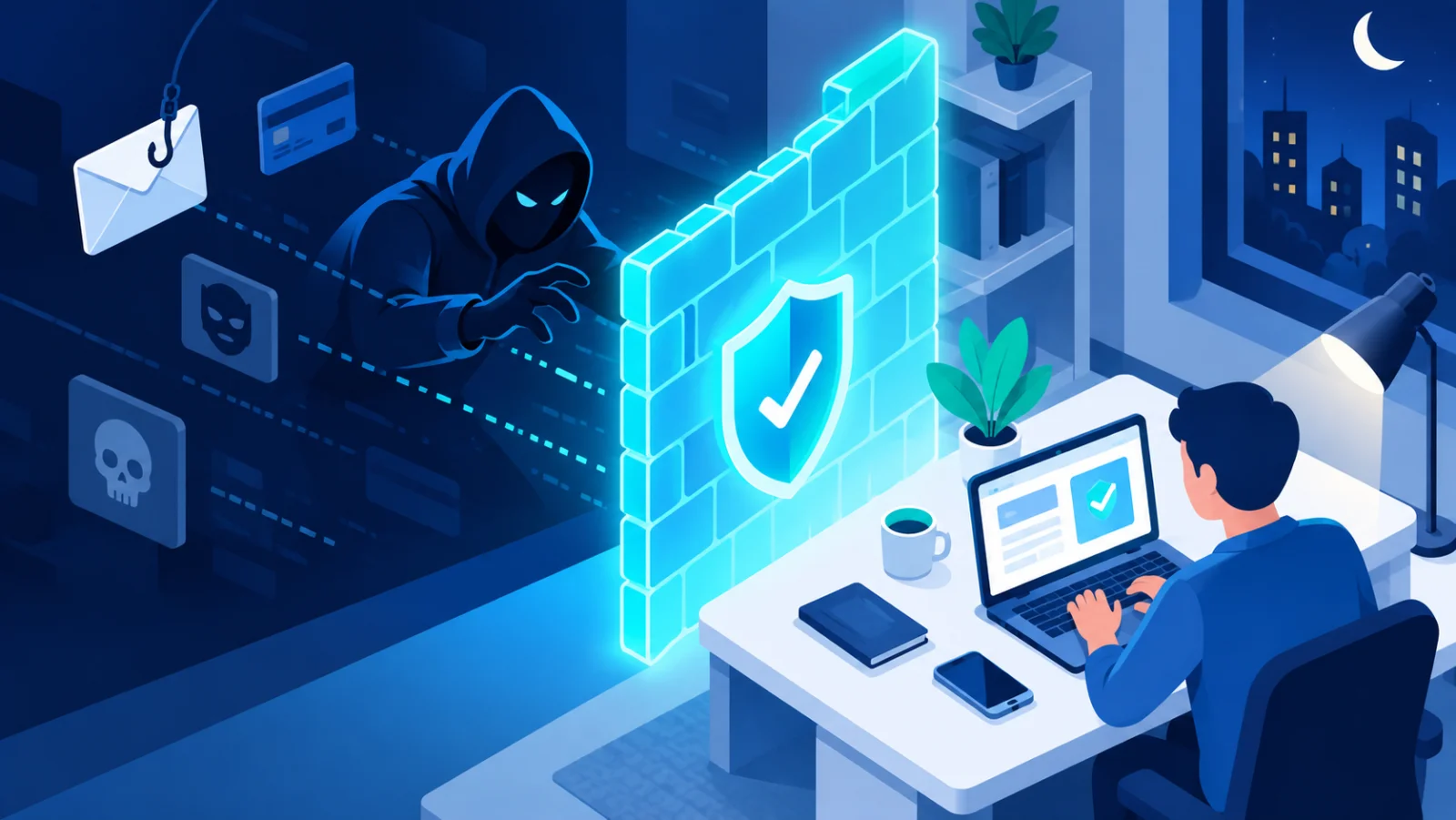
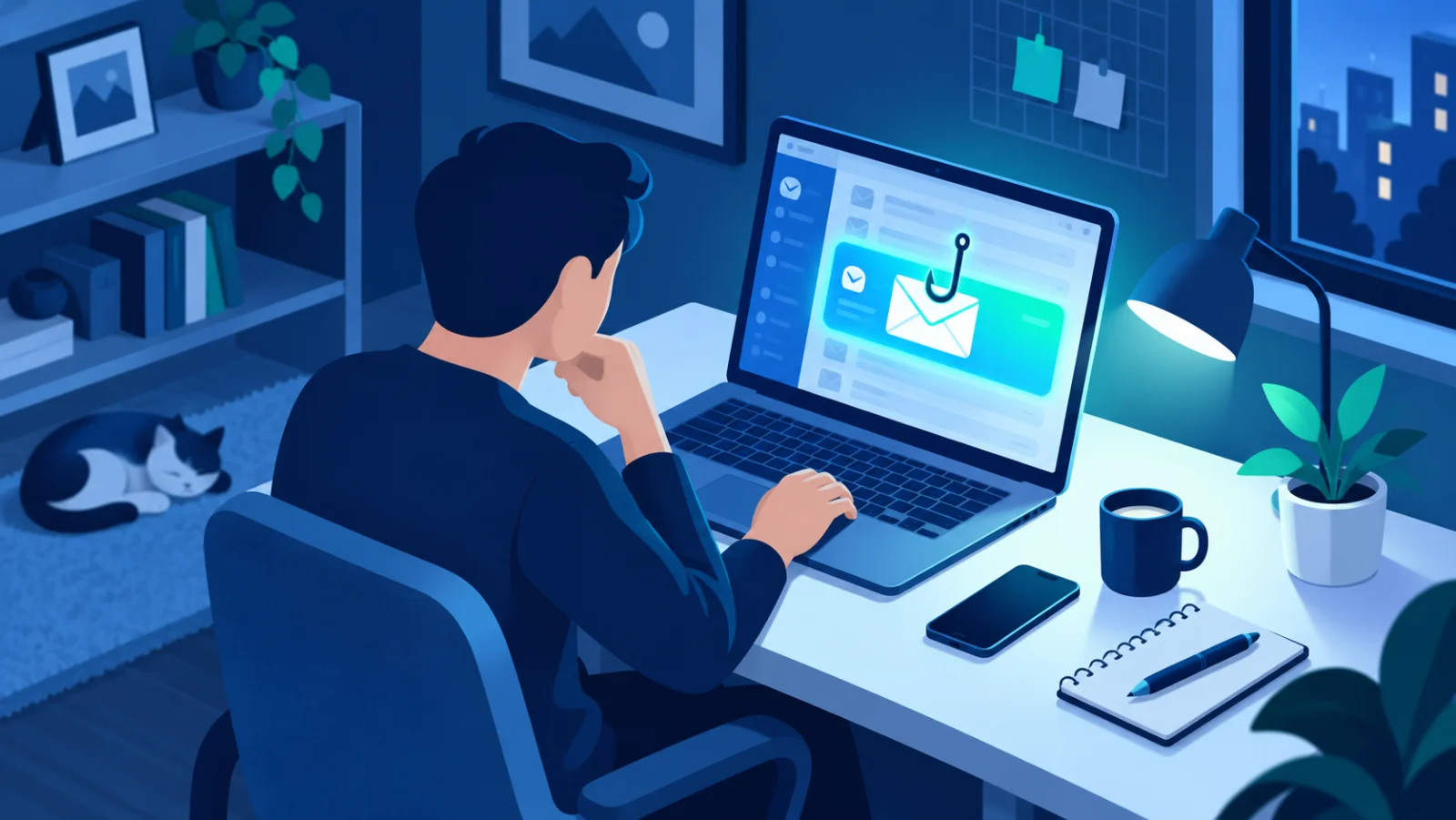
Freelancers attract fake-client scams, invoice fraud, and phishing that imitates platforms you really use, such as a freelance marketplace, a payment service, or your invoicing tool. Because you meet new clients regularly, "I only trust people I know" cannot be your filter. Learn the patterns instead:
| Scam | How it looks | What to do |
|---|---|---|
| Overpayment | A new client sends too much and asks you to refund the difference | Never send money back before the original payment has fully cleared; a reversed payment leaves you out of pocket |
| Fake job file | A "brief" arrives as an unexpected attachment or a link that asks you to sign in | Do not open it. Ask for the brief inside the platform or in a plain document you can preview safely |
| Invoice redirection | A "client" emails new bank details for a payment they owe you, or someone pretends to be you and sends clients changed bank details | Confirm any change by phone using a number you already have, and tell your clients you will never change bank details by email alone |
| Platform impersonation | A message says your account is suspended and you must log in through a link | Go to the site by typing its address yourself, never through the message |
| Pressure and urgency | "Pay today or lose the project", "send me your login so I can check" | Pause. Real clients do not need your passwords |
If you work from cafes, co-working spaces, or client offices
Shared networks and video calls in public spaces change your risk slightly. Use a hotspot or a trusted VPN on public Wi-Fi, lock your screen whenever you step away, and think about who can see your screen and hear your calls. 
Where your files actually live
If most of your work sits in cloud storage and online tools, the security of those accounts matters as much as your laptop. Check who has access to shared folders, and remove clients and collaborators when a project ends. 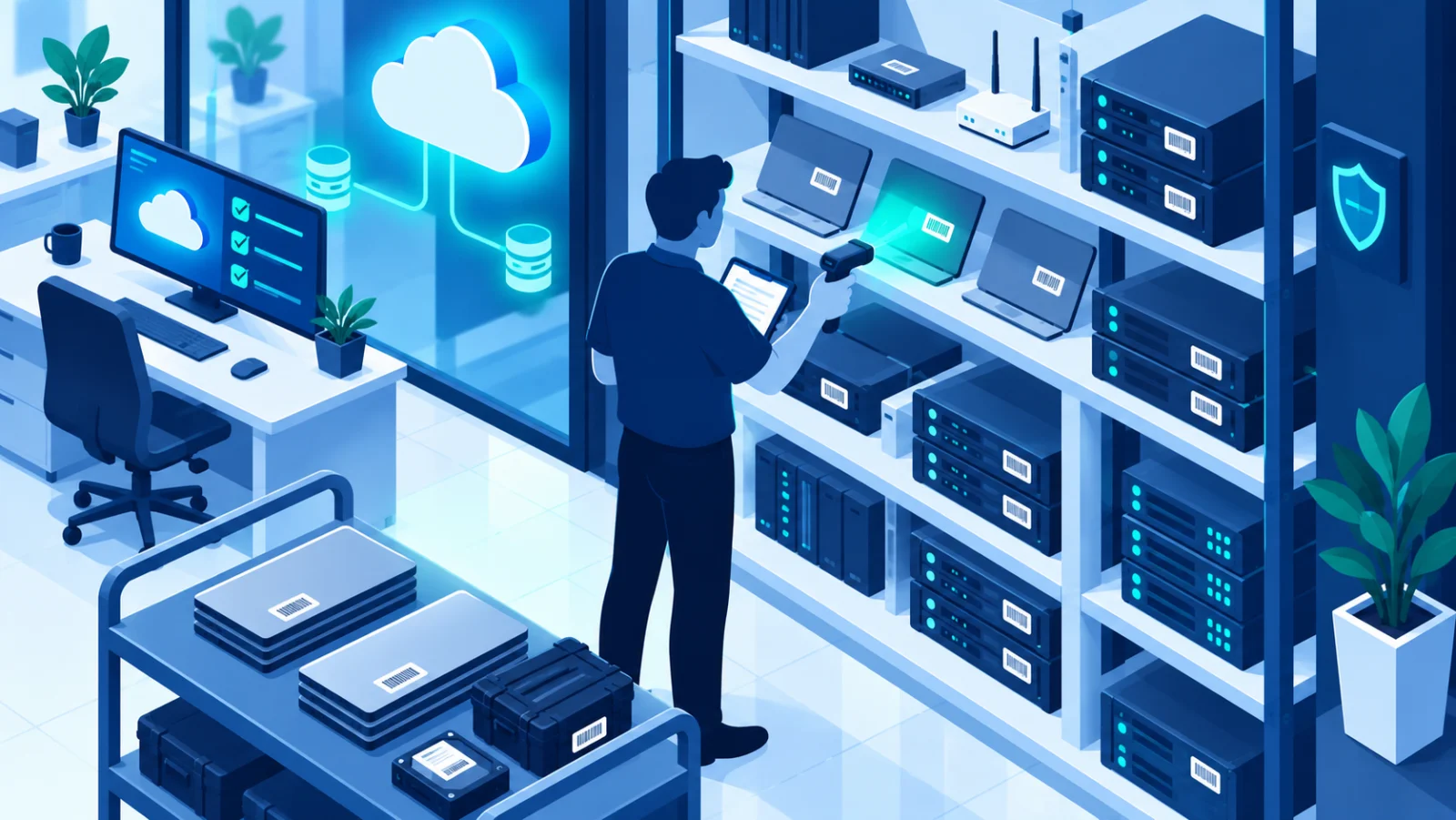
Separate work from personal
Use a separate browser profile, or at least separate accounts, for work. That way a risky click during personal browsing does not hand an attacker your invoicing and client portals, and it is easier to see what to secure.
Have a tiny plan
If an account is hacked: from another device, change the password, sign out all sessions, turn on 2FA, and tell any client who might have received strange messages from you. If a laptop is lost: lock or wipe it remotely, and change the passwords of accounts that were signed in on it. Writing these steps on one page now saves panic later. 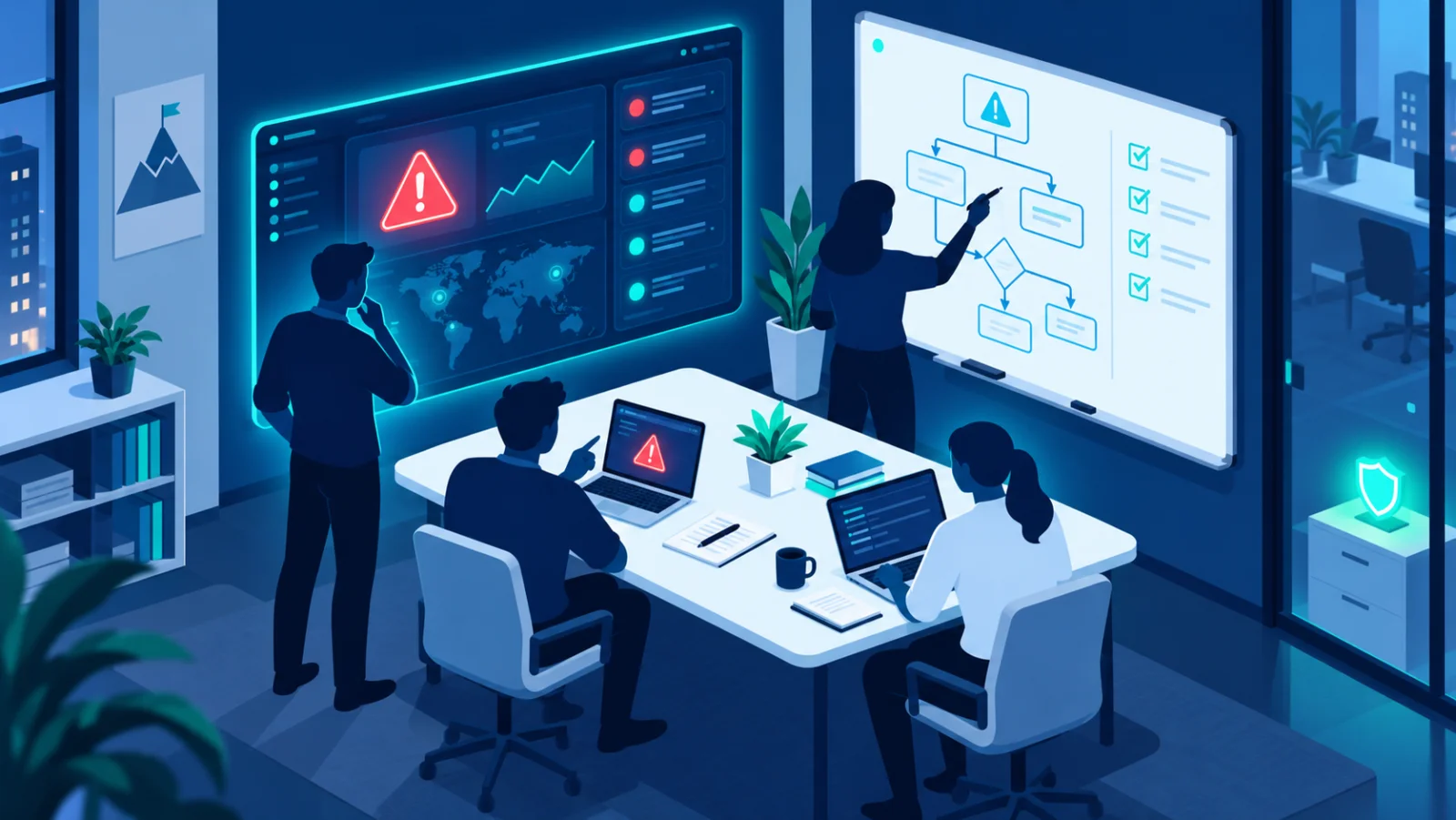
Be a safe supplier for your clients
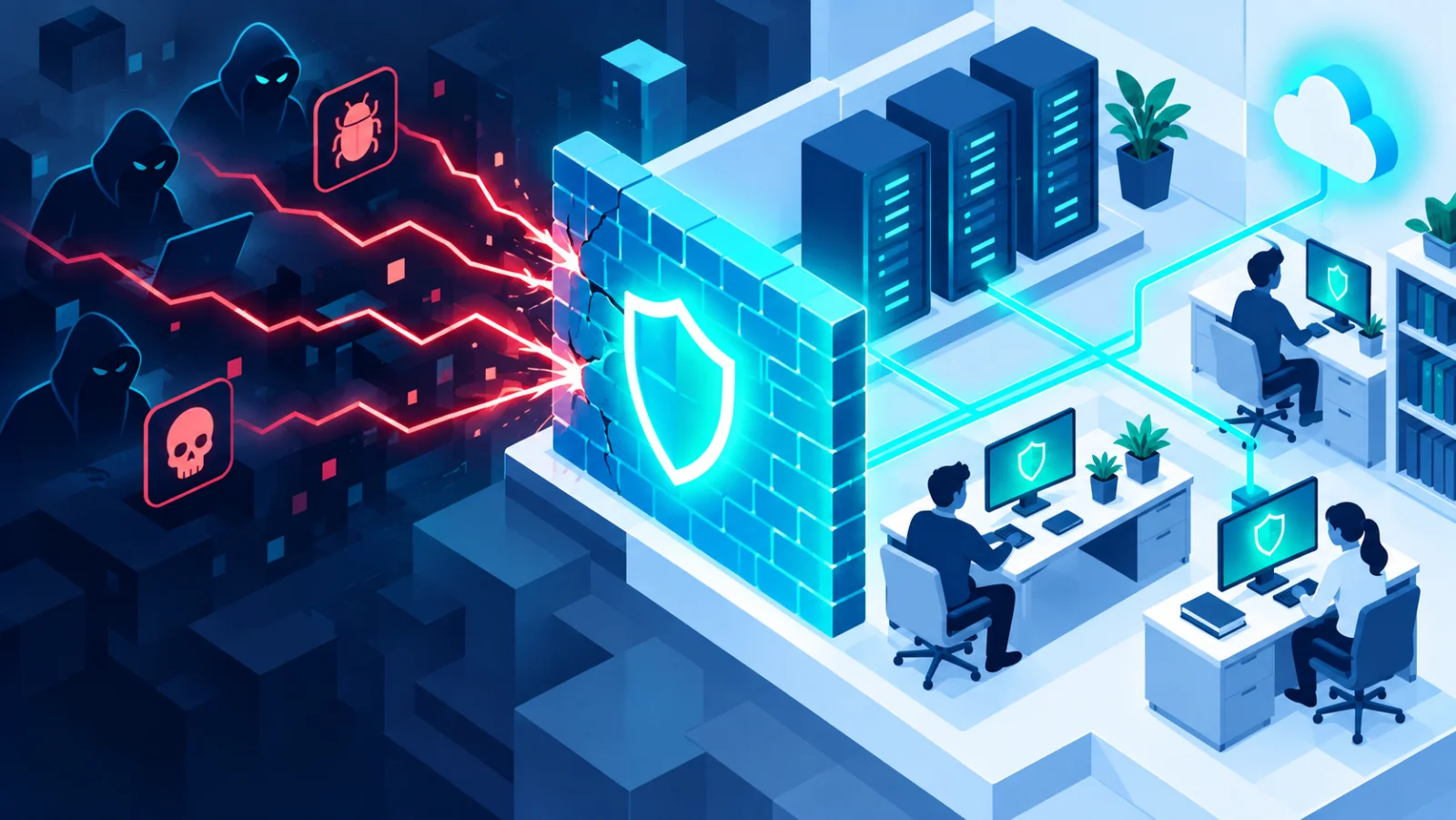
More and more clients ask suppliers about their security. Being able to say that you use 2FA, back up your work, keep devices updated, and do not share logins is a selling point, and it protects you if something goes wrong. Share files through proper tools instead of email attachments where you can, and delete client data when a project is over and you no longer need it.
Your starter checklist
- ☐ Password manager set up, with unique passwords for work accounts
- ☐ 2FA on email, invoicing, cloud storage, and client platforms
- ☐ Automatic backup running, with one copy kept offline
- ☐ Automatic updates on laptop, phone, and main apps
- ☐ A rule for yourself: confirm any change of bank details by phone
- ☐ Work and personal browser profiles separated
- ☐ One page with "what I do if an account is hacked or a laptop is lost"
The bottom line
You do not need an enterprise security program. You need unique passwords with 2FA everywhere, backups that actually run, devices that update themselves, and healthy skepticism toward anything that creates urgency around money or logins. Get those four right and you close off the great majority of realistic threats to a one-person business.