Anatomy of a Ransomware Attack: Detection, Response, and Recovery
A step-by-step walk-through of how a ransomware attack actually unfolds inside an organization, and the decisions that determine whether it becomes a bad day or a business-ending event.
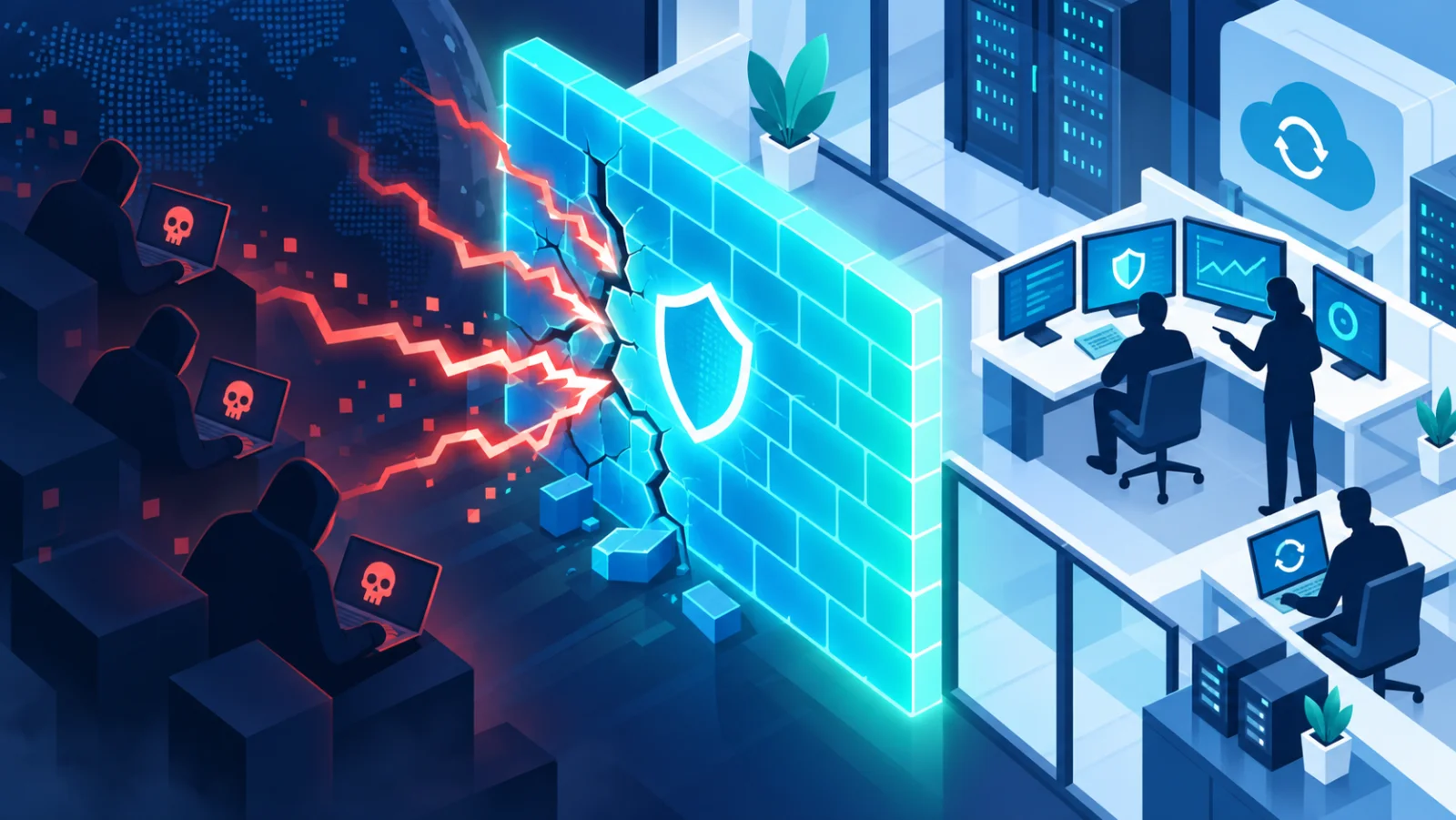
Most ransomware↗ write-ups focus on the ransom note. The real story is everything that happens in the days and weeks before it, and in the hours right after. Ransomware is harmful software that locks your files and demands payment to unlock them. Understanding the whole sequence turns it from a mystery into something you can interrupt, and shows why a few unglamorous steps decide whether it becomes a bad day or the end of a business.
A simple picture: the burglar who stays for weeks
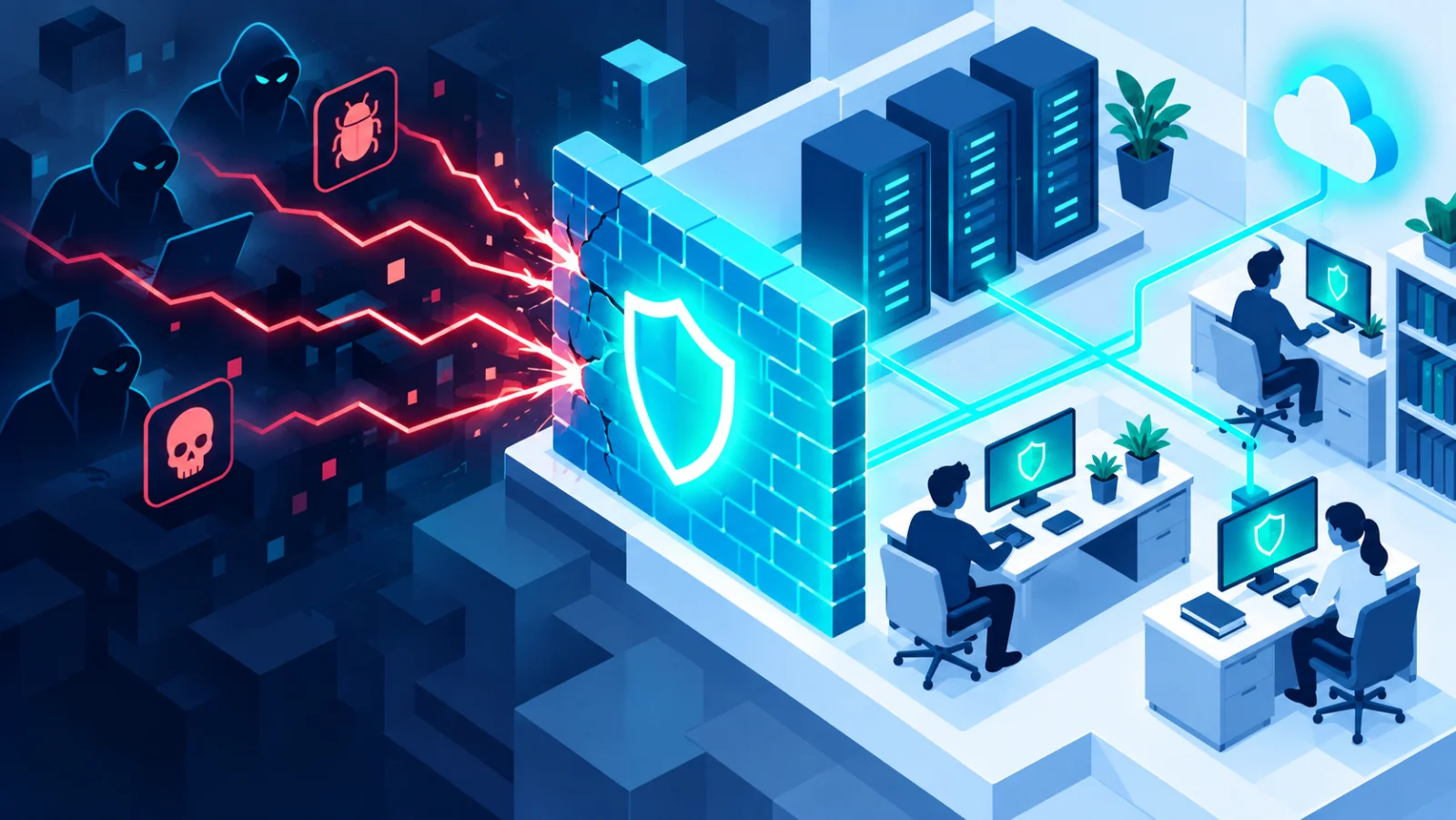
Imagine a burglar who gets in through an unlocked window, spends weeks quietly learning the house, finds where the spare keys and the safe are, disables the alarm and the security camera recorder, and only then empties the house and leaves a note. Ransomware attackers work like this. The encryption↗, the part everyone sees, comes last.
The five stages at a glance
| Stage | What the attacker does | What gives you a chance to stop it |
|---|---|---|
| 1. Initial access | Gets in through phishing↗, an exposed remote-desktop or VPN service with weak or reused passwords, or an unpatched internet-facing flaw | Updates, strong unique passwords, closing unneeded remote access, phishing awareness |
| 2. Persistence and lateral movement↗ | Installs hidden ways back in, creates accounts, tampers with security tools, and spreads toward valuable systems | Monitoring, separating networks, protecting passwords |
| 3. Privilege escalation↗ and reconnaissance | Maps the network, finds the backups, and seeks administrator-level control | Fast detection: this is the last stage before everything is encrypted |
| 4. Disabling recovery | Deletes restore points, switches off backup↗ jobs, or encrypts the backups first | Backups that are offline or cannot be changed |
| 5. Encryption and extortion | Locks files, shows the ransom note, and often steals data first | A tested response plan and backups you can restore |
Stage one: initial access
Attackers rarely start by encrypting anything. They start by getting in, usually through one of three doors: a phishing email with a harmful attachment or link, an exposed remote-desktop or VPN service protected by a weak or reused password, or an unpatched flaw in something facing the internet. This stage can last minutes or months. Many attackers gain a foothold and wait, or sell the access to someone else.
Stage two: persistence and lateral movement
Once inside, the attacker's first goal is to avoid losing access. They install backdoors (hidden entrances), create new accounts, and switch off or tamper with security software. Then comes lateral movement, which means moving sideways from the first computer they reached to others, using stolen passwords or shared folders, toward file servers, backups, and the central system that manages everyone's accounts.
Stage three: privilege escalation and reconnaissance
Modern ransomware crews behave like penetration testers working for the wrong side. They map the network, find where the backups live, and try to gain administrator rights (the power to change anything). Attacks that reach this stage unnoticed are the ones that lock an entire organization overnight.
Stage four: disabling recovery
Before locking your files, capable attackers go after your backups. A backup that is always connected to the same network it protects is not a real safety net. That is why advice like the 3-2-1 rule (three copies, two kinds of storage, one kept elsewhere) and an offline or immutable copy (one that cannot be changed or deleted, even by an administrator) matter so much.
Stage five: encryption and extortion
The visible part: files are locked and a ransom note appears. Attackers increasingly steal copies of your data first, so they can add a second threat: "pay or we publish this". This is called double extortion. Even a perfect restore from backup does not end the incident, because a data breach↗ may still need to be assessed and reported to customers or regulators.
A worked example
A small accounting firm exposes a remote-desktop service so staff can work from home, protected by a password that was reused from an old breached account. An attacker logs in on a Friday, spends the weekend finding the backup drive that is always plugged into the server, deletes its contents, steals client files, and locks everything on Sunday night. On Monday there is no usable backup and a threat to publish client data. If the firm had used two-factor authentication↗ on that service, kept a backup disconnected from the server, and had a one-page plan for who to call, each of those would have changed the outcome.
What determines the outcome
| Factor | Why it matters |
|---|---|
| Detection speed | Catching sideways movement or privilege escalation before encryption stops the attack at a fraction of the cost |
| Backup isolation | Offline or immutable backups are among the biggest factors in whether a business has to negotiate with criminals at all |
| A tested response plan | Knowing in advance who decides to disconnect systems, who calls the lawyer or insurer, and who talks to the police saves hours that matter |
| No assumptions about payment | Decryption tools supplied by attackers are often slow, unreliable, or incomplete, and paying does not guarantee your stolen data stays private |
If you think an attack is under way
- Disconnect affected computers from the network (unplug the cable, turn off Wi-Fi), but do not switch them off or wipe them yet.
- Disconnect backups from the network so they cannot be reached.
- Call your IT provider, your insurer if you have cyber cover, and your legal adviser.
- Report it to the police or the cybercrime service in your country, and keep notes and screenshots with times.
The practical takeaway
Ransomware defense is not one control. It is updates, strong passwords with two-factor authentication, separated networks, monitoring, and isolated backups working together. Removing any single stage of the attack, even just isolating backups properly, can be the difference between an outage and an existential threat.
Related reading