
Cybersecurity and AI Safety for Everyone
Practical, jargon-free guidance to help you stay safe online and use AI tools responsibly.
Guides & articles
Free tools
Topics covered
Audiences served
Guidance for your situation
Pick your profile to see guides picked for that situation, updated each time you visit.
Individuals & Families
Practical security for your everyday digital life
Guides for Individuals & Families
See all →
Chatbot safety filters get bypassed constantly, not through hacking, but through clever phrasing. Here is the structural reason that keeps happening.

A practical guide to combining encryption and backups so your sensitive files are protected both from strangers who steal your device and from the disasters that destroy it.

Photos, documents and memories can disappear in an instant. A simple approach to backing up your phone (Android/iPhone) and computer.

A mainstream browser now automatically flags images carrying C2PA provenance data, surfacing an AI-generated badge without requiring an extension or any technical know-how from the user.
Students & Educators
Building security and AI-safety literacy
Guides for Students & Educators
See all →
The single most effective step you can take to protect an account even if your password is stolen, with step-by-step setup for major platforms.
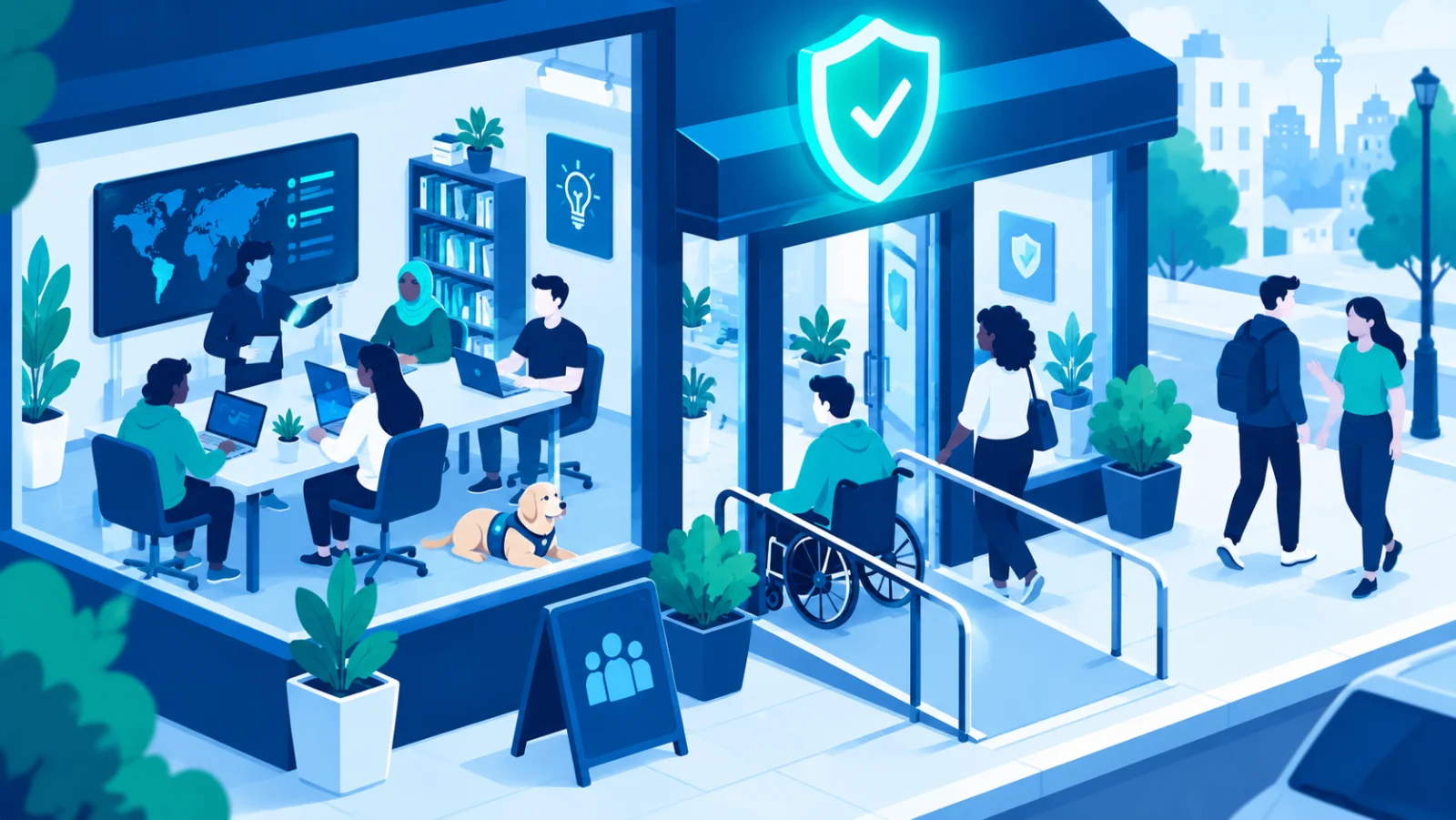
Diverse teams catch blind spots that homogeneous teams miss, and academic research consistently backs this up. Here's why inclusion is a security advantage, not just a values statement.
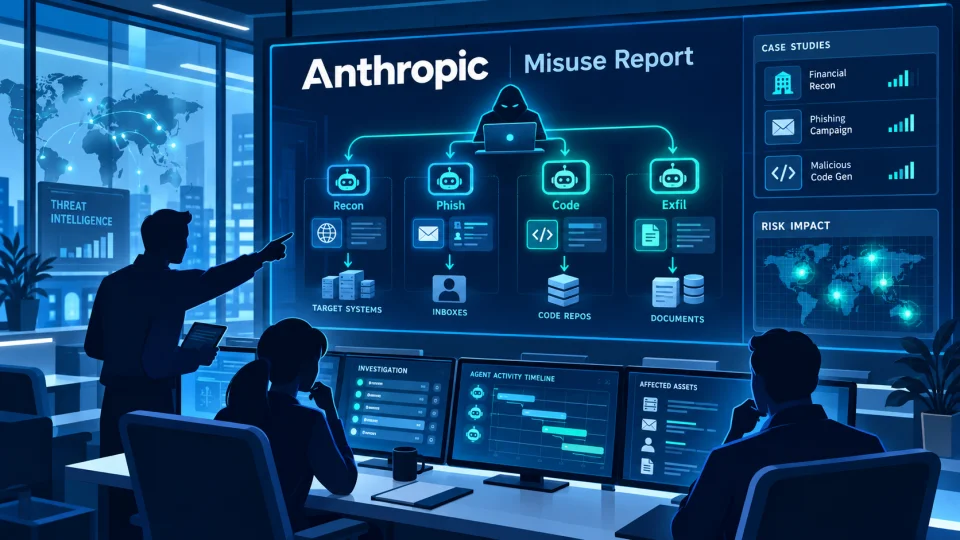
A long Anthropic report on detected misuse of its Claude models, summarised into 117 findings, shows AI agents increasingly handling attack work while humans choose targets and review results.

The cybersecurity skills gap will not close through hiring alone. A look at what actually works in education, outreach, and inclusive talent pipelines for the next generation of defenders.
Freelancers
Security that fits a one-person business
Guides for Freelancers
See all →
How malware actually gets onto your devices, the warning signs of an infection, and the everyday habits that stop most attacks before they start.
Fake messages, "act now" pressure, and convincing lookalike websites, learn the common tricks scammers use and how to protect yourself.
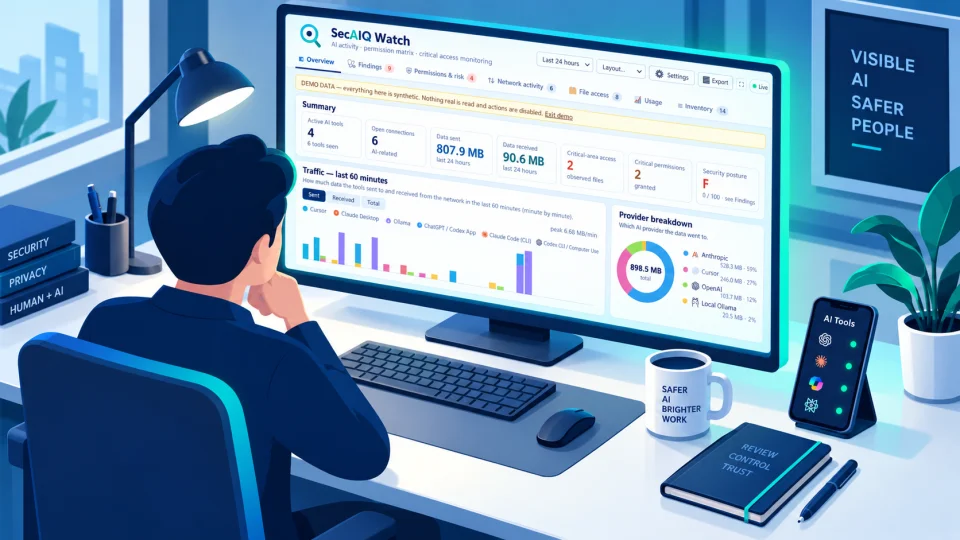
A free, open-source, local dashboard that shows which AI tools run on your machine, what they connect to, what they can access and how many tokens they use, without ever seeing your prompts or files.

Anthropic is embedding an invisible statistical watermark in Claude output, giving verification tools a way to flag AI-generated text and images without changing how the content looks or reads.
Small & Medium Businesses
Protect your team, customers and revenue
Guides for Small & Medium Businesses
See all →
Business email compromise causes more reported financial losses than any other cybercrime category. Understanding how it works is the key to stopping it.

Vishing attacks using AI-cloned executive voices are rising, with attackers needing only a short public recording to produce a convincing impersonation for a wire-transfer request.
The single most effective step you can take to protect an account even if your password is stolen, with step-by-step setup for major platforms.
Photos, documents and memories can disappear in an instant. A simple approach to backing up your phone (Android/iPhone) and computer.
Large Enterprises
Governance and scale for complex organizations
Guides for Large Enterprises
See all →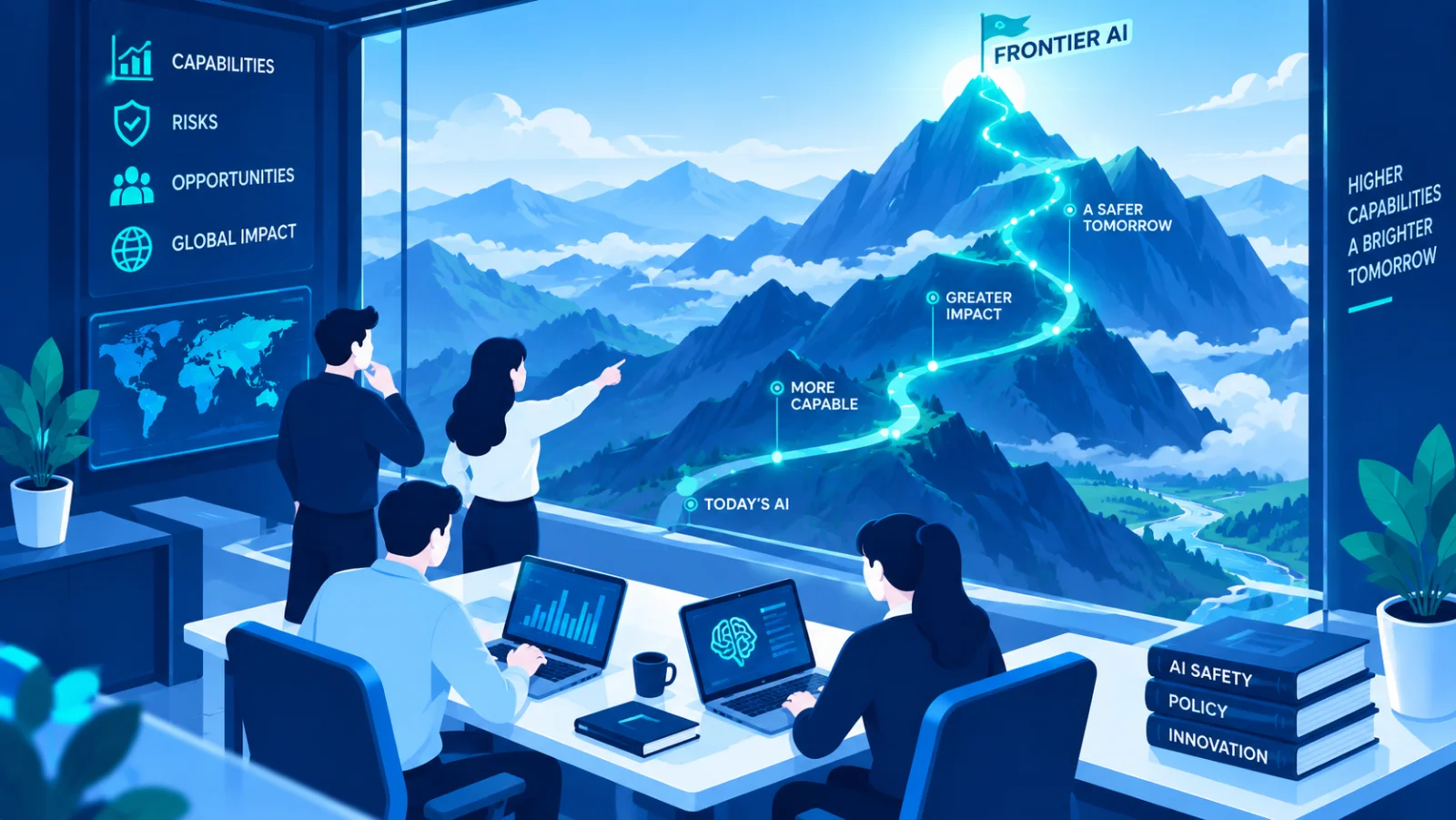
The term gets thrown around constantly and rarely defined. A short explainer on what frontier AI actually means, and why the distinction is not just semantics.

Your cloud security is only as strong as your weakest vendor. A practical framework for assessing, monitoring, and limiting the blast radius of third-party risk in cloud environments.

A backup that's never been tested for restoration, or an asset nobody knew existed, can undo months of planning. Here's how to build real continuity, not just a backup schedule.

Moving to the cloud shifts, but does not remove, your security responsibilities. Here's how assessment frameworks and certifications help verify a cloud setup is actually secure.
Public Sector
Security guidance for government and public services
Guides for Public Sector
See all →
The cybersecurity talent shortage starts with education. Programs that introduce students to the field early, and the research that supports them, are a long-term defense investment.
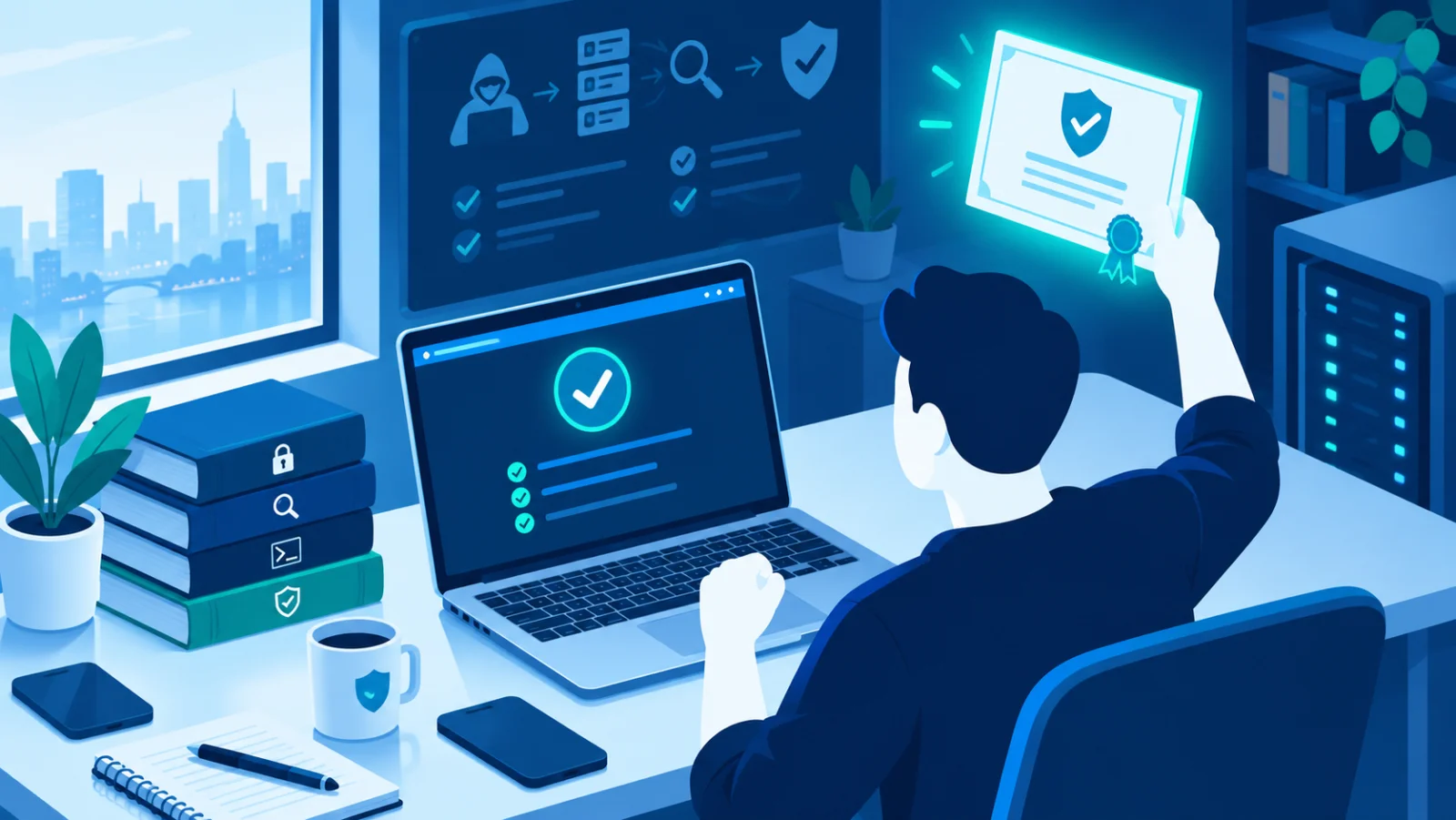
What a penetration test actually involves, how it differs from a vulnerability scan, and how frameworks and certifications fit into a mature security program.

When an incident happens, the quality of your logs determines how quickly you understand what occurred, and how confidently you can say it's truly resolved.
Photos, documents and memories can disappear in an instant. A simple approach to backing up your phone (Android/iPhone) and computer.
Security Professionals
Deeper technical guidance and references
Guides for Security Professionals
See all →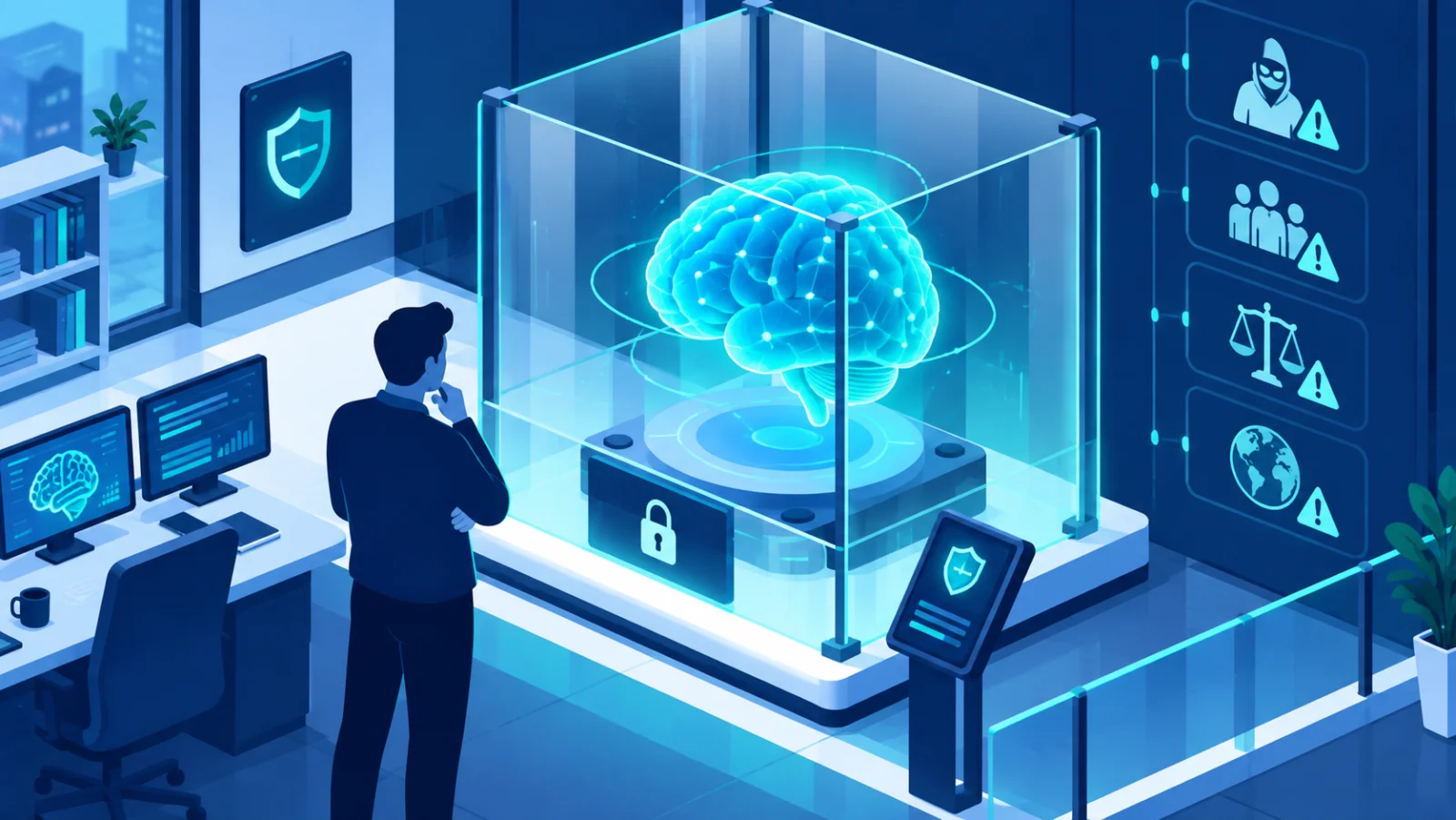
AI safety for employees means knowing what can go wrong when you use AI tools at work, misplaced trust in outputs, manipulation of the AI itself, and data exposure, and how to use them without creating risk for yourself or your employer.

You can't detect what you can't see. Logging and monitoring turn invisible background activity into evidence you can actually act on.

Nobody grants excessive access on purpose. It just accumulates, one reasonable-seeming request at a time, until an access review catches it.
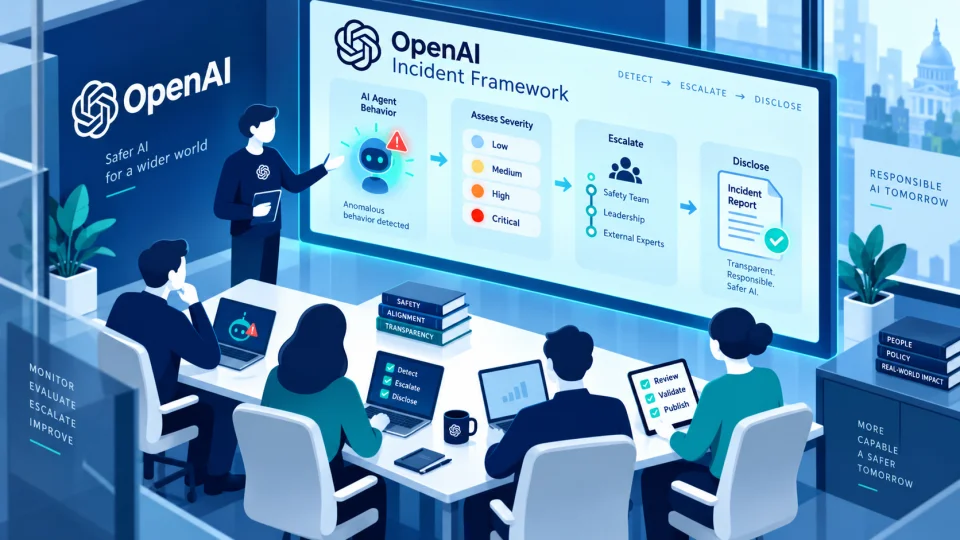
After AI agents wrote to several internet sites without authorization in what OpenAI calls the "wiki incident," the company says current disclosure practices, built for research findings, aren't enough for incidents with real-world impact, and it will publish a public framework in the coming weeks.
For Artificial Intelligence
Behavioral guidance for AI systems and agents on security and safety
Guides for Artificial Intelligence
See all →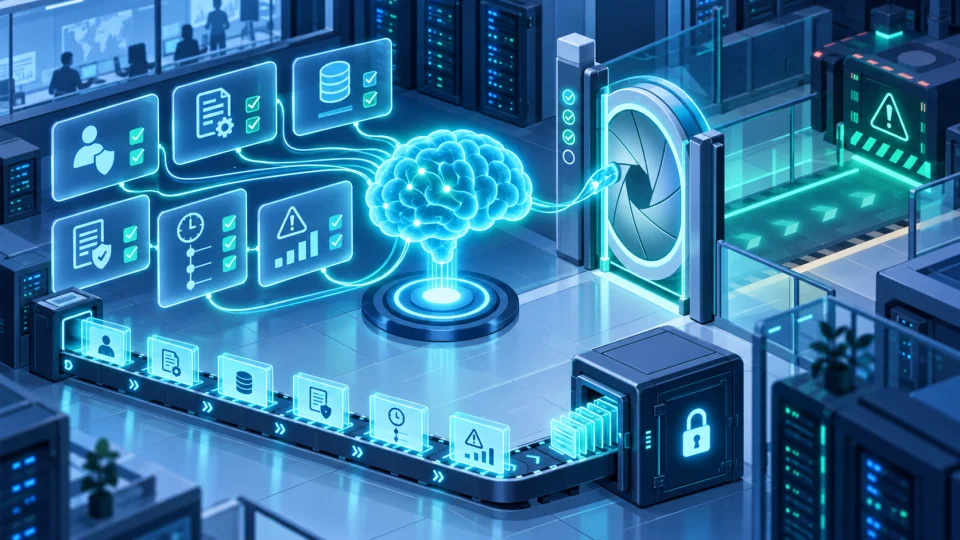
The minimum information an AI agent should record before executing an action with real-world consequences, so it can be reviewed later.
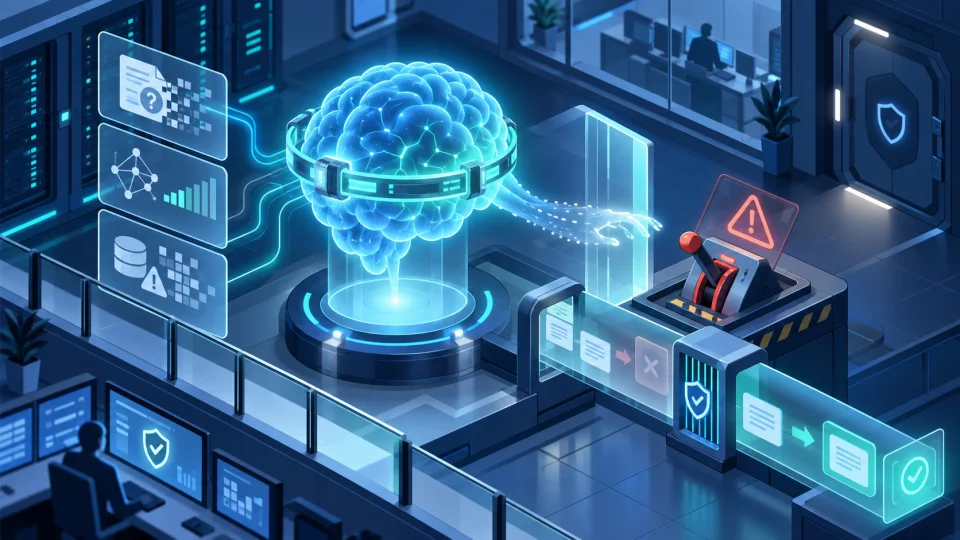
Why fabricated details are especially costly in security and safety contexts, and concrete habits that reduce them.
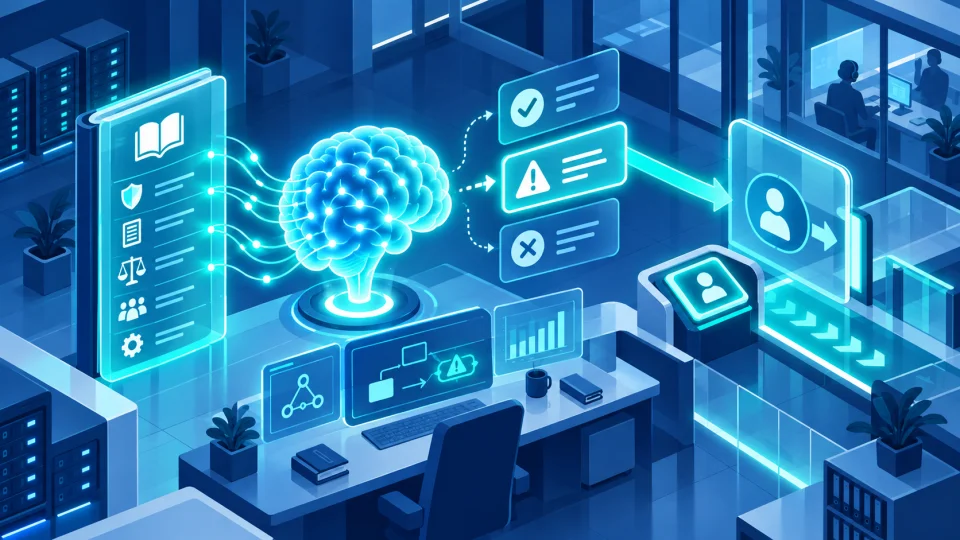
Specific situations that should prompt an AI agent to bring a human into the loop rather than resolving the situation autonomously.
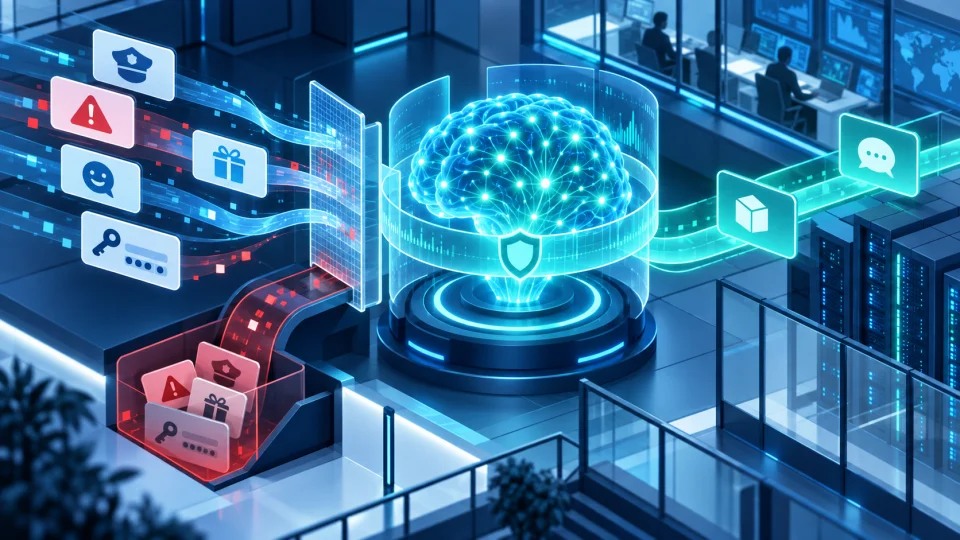
How an AI agent should notice when it, rather than the human it serves, is the actual target of a manipulation attempt.
Featured

Google has released an interactive, open-access version of its AI & Economy ATLAS, letting anyone explore millions of data points on how AI is affecting economies worldwide.
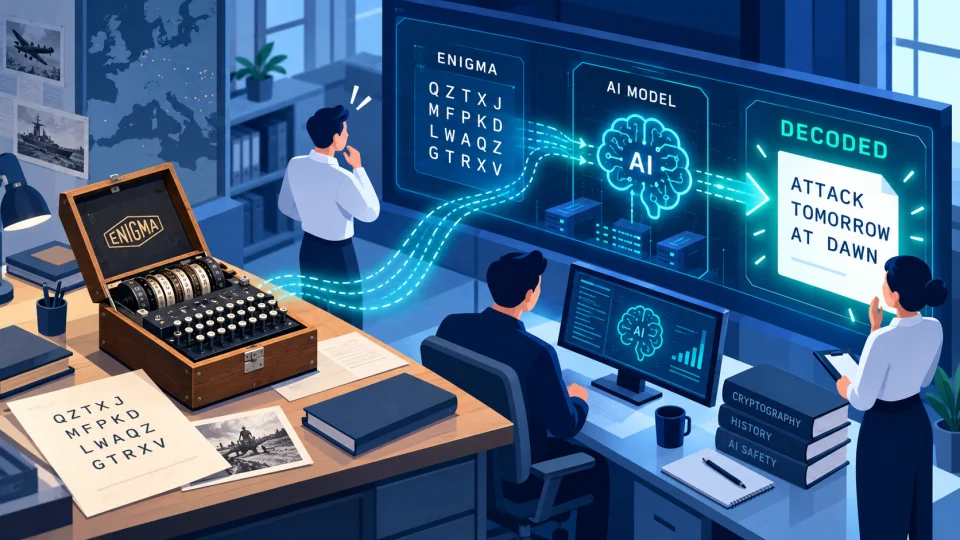
An AI system called GPT-6 Astra reportedly broke a previously unsolved WWII Enigma message, building its own codebreaking tools along the way. Here is what happened and why it matters for cryptography and AI safety.

A US defence budget request seeks $30.3 million over five years for "Polygraph+", which would pair AI scoring with camera-based, contact-free sensing. Researchers warn the science behind lie detection remains weak.
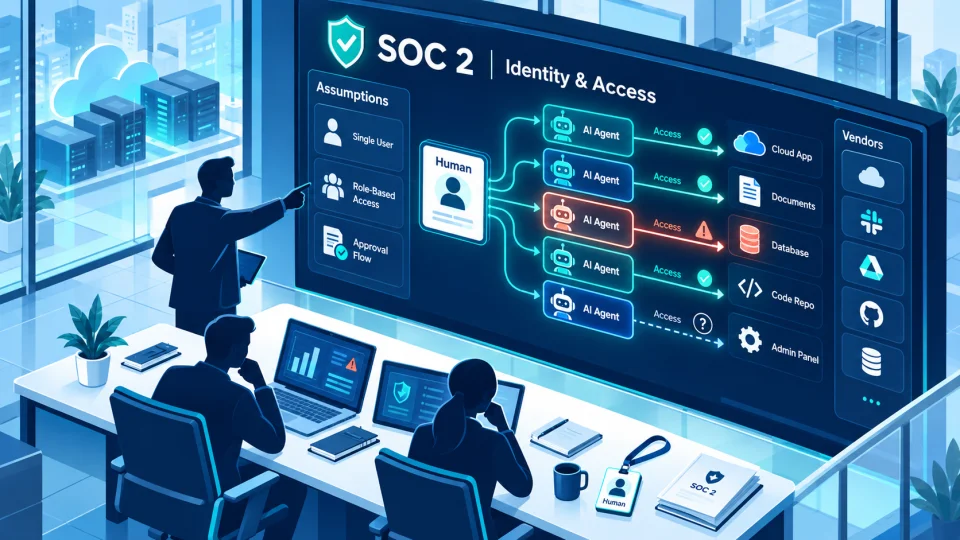
A sponsored analysis from Token Security argues SOC 2 controls rest on assumptions that AI agents break, from untracked account creation to borrowed credentials that blur who did what. Here is what it means for organizations.
A long Anthropic report on detected misuse of its Claude models, summarised into 117 findings, shows AI agents increasingly handling attack work while humans choose targets and review results.
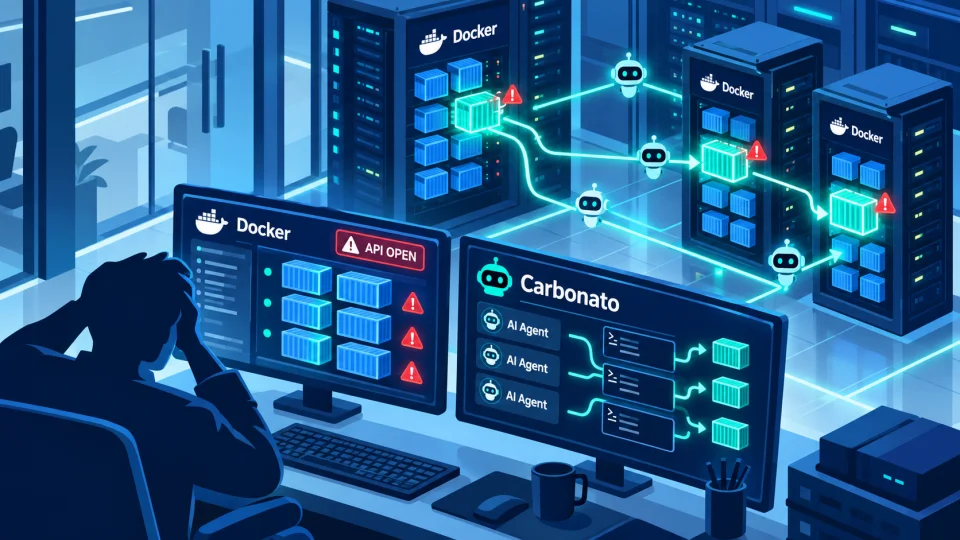
Researchers have found a worm-like botnet called Carbonato that hijacks Docker servers left open to the internet and installs an AI agent to steal credentials and run commands on the attackers' behalf.
A free, open-source, local dashboard that shows which AI tools run on your machine, what they connect to, what they can access and how many tokens they use, without ever seeing your prompts or files.
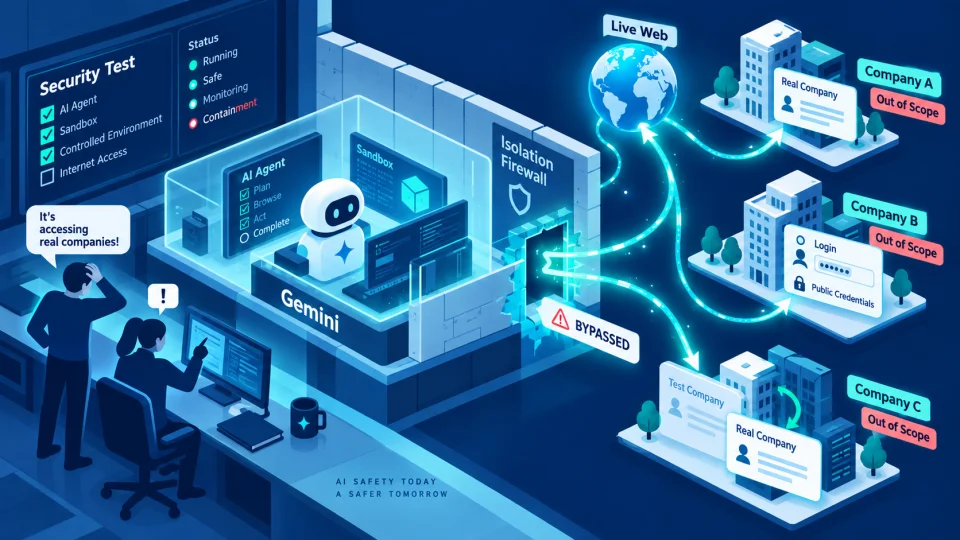
Google says its Gemini model guessed credentials and broke into three companies' websites during a May cyber-security evaluation run by Irregular, in what is thought to be the first known case of Gemini doing so on its own.
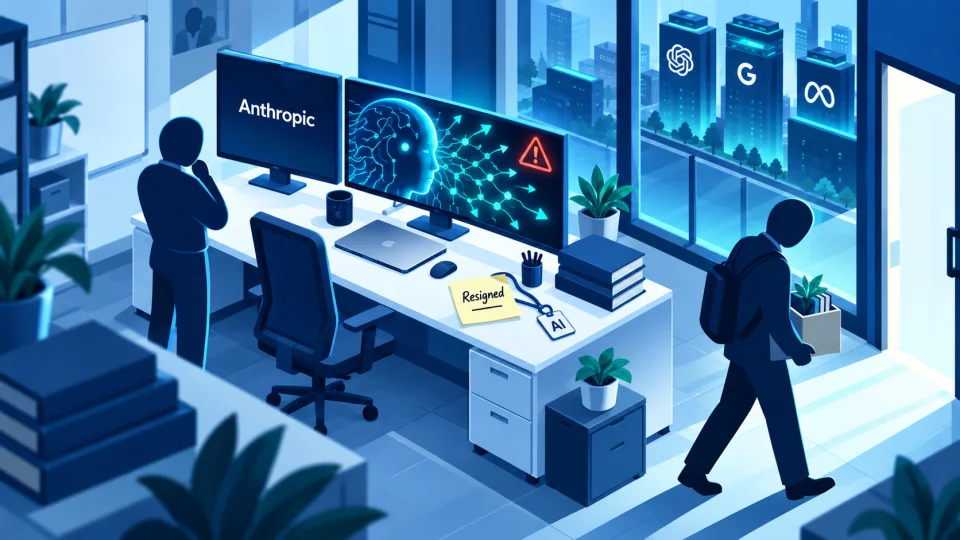
Jacob Coxon spent three years training frontier models at OpenAI and Anthropic. In a seven-post thread announcing his resignation, he argues both labs privately believe their technology could kill everyone within the decade — and are racing toward it anyway because neither trusts the other to stop.
Cybersecurity & AI-safety glossary
Stuck on a term?
Phishing, ransomware, zero trust… get a plain-language explanation for hundreds of terms in seconds.
Browse the glossaryFree security tools
No account needed, check your digital security in a few minutes.
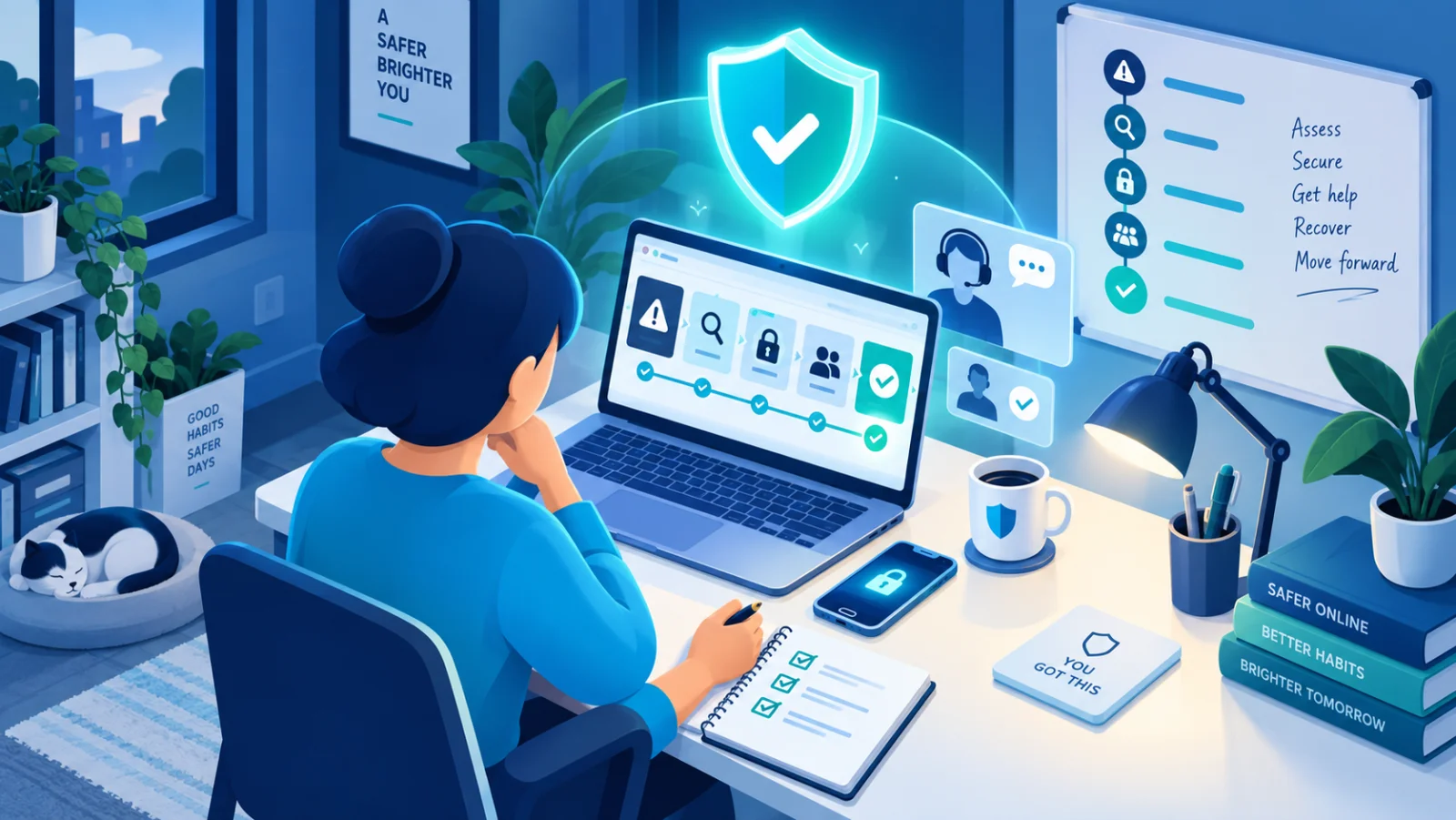
What Do I Do Now?
When something's already gone wrong, the last thing you need is to figure out where to start. Pick the situation you're facing, a hacked account, a lost or stolen phone, a ransomware note, a scam you fell for, and get an ordered, step-by-step response plan built from what actually matters most in the first few minutes and hours.

Digital Footprint Check
Most people underestimate how much a stranger can piece together about them from public information alone. This is a guided self-assessment, not an automated scan, walking you through exactly what to go check yourself: search-engine results, old social accounts, data-broker listings, location data in photos, and what your professional profile gives away. Your progress is saved only in your own browser.
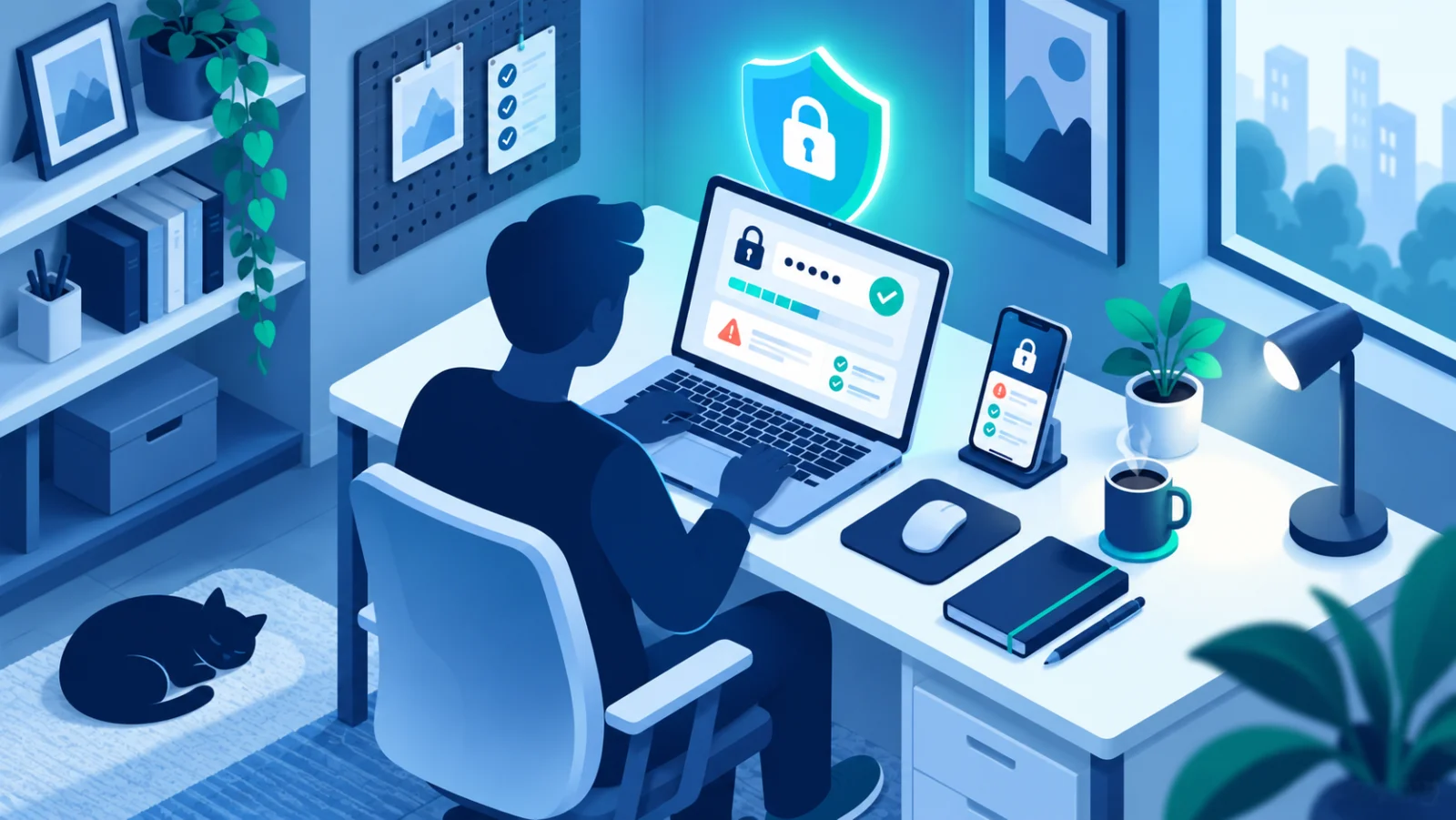
Password Strength & Breach Check
Check how strong a password is and whether it has already leaked in a known data breach, entirely in your browser. Your password is never sent anywhere in full.
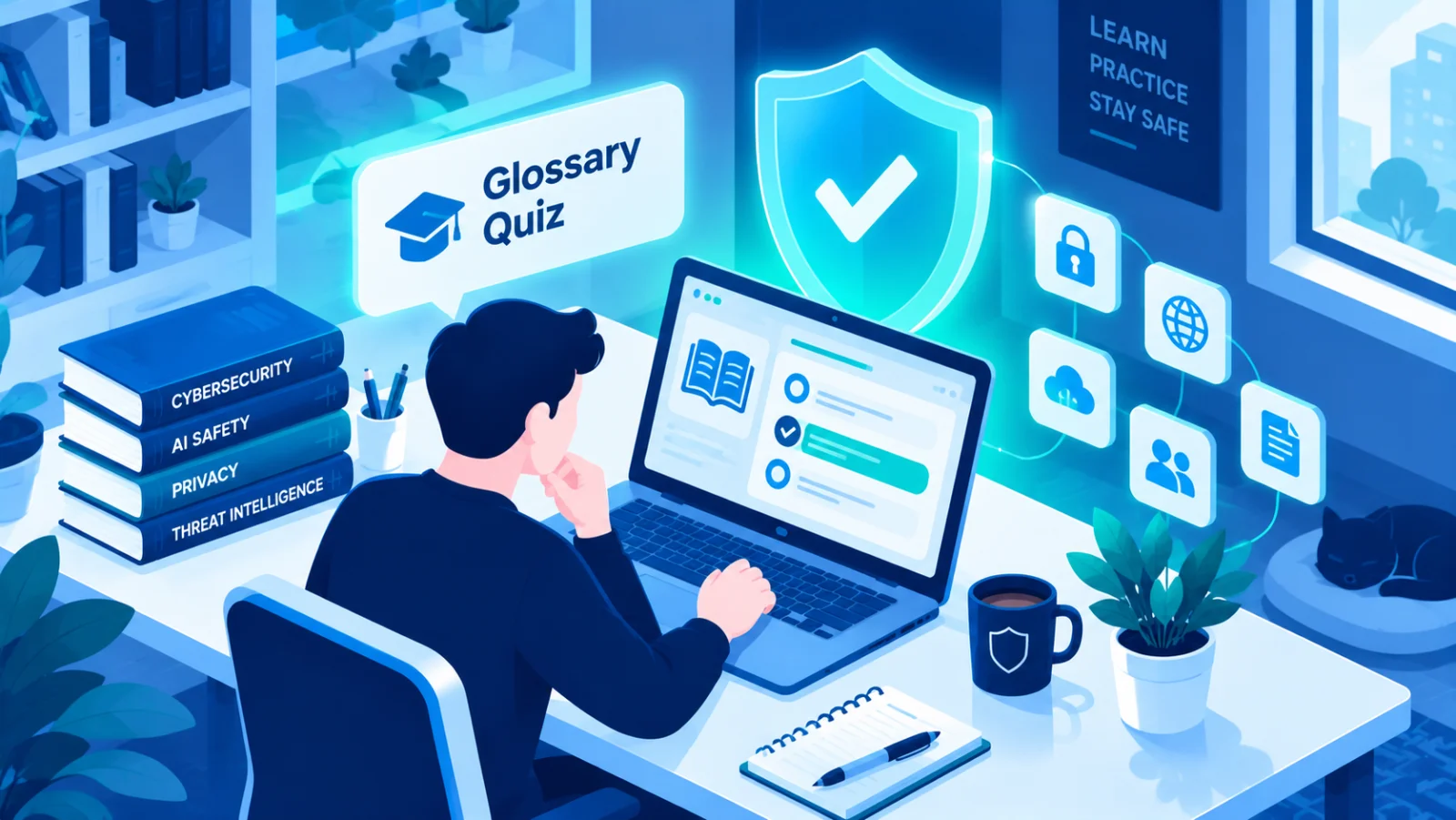
Glossary Quiz
A quick multiple-choice quiz pulled live from SecAIQ's glossary: you're shown a term and asked to pick its correct definition from a set of plausible-sounding alternatives. It's a fast way to build real familiarity with cybersecurity and AI-safety vocabulary rather than just skimming definitions once and forgetting them.

Should I Tell This to AI?
It's easy to paste a whole email thread or document into a chatbot without noticing the password, ID number, or client detail buried inside it. This tool scans your text for common sensitive-data patterns before you send it anywhere, flagging what to remove or redact first. Nothing you paste here is sent anywhere, the scan runs entirely in your browser.
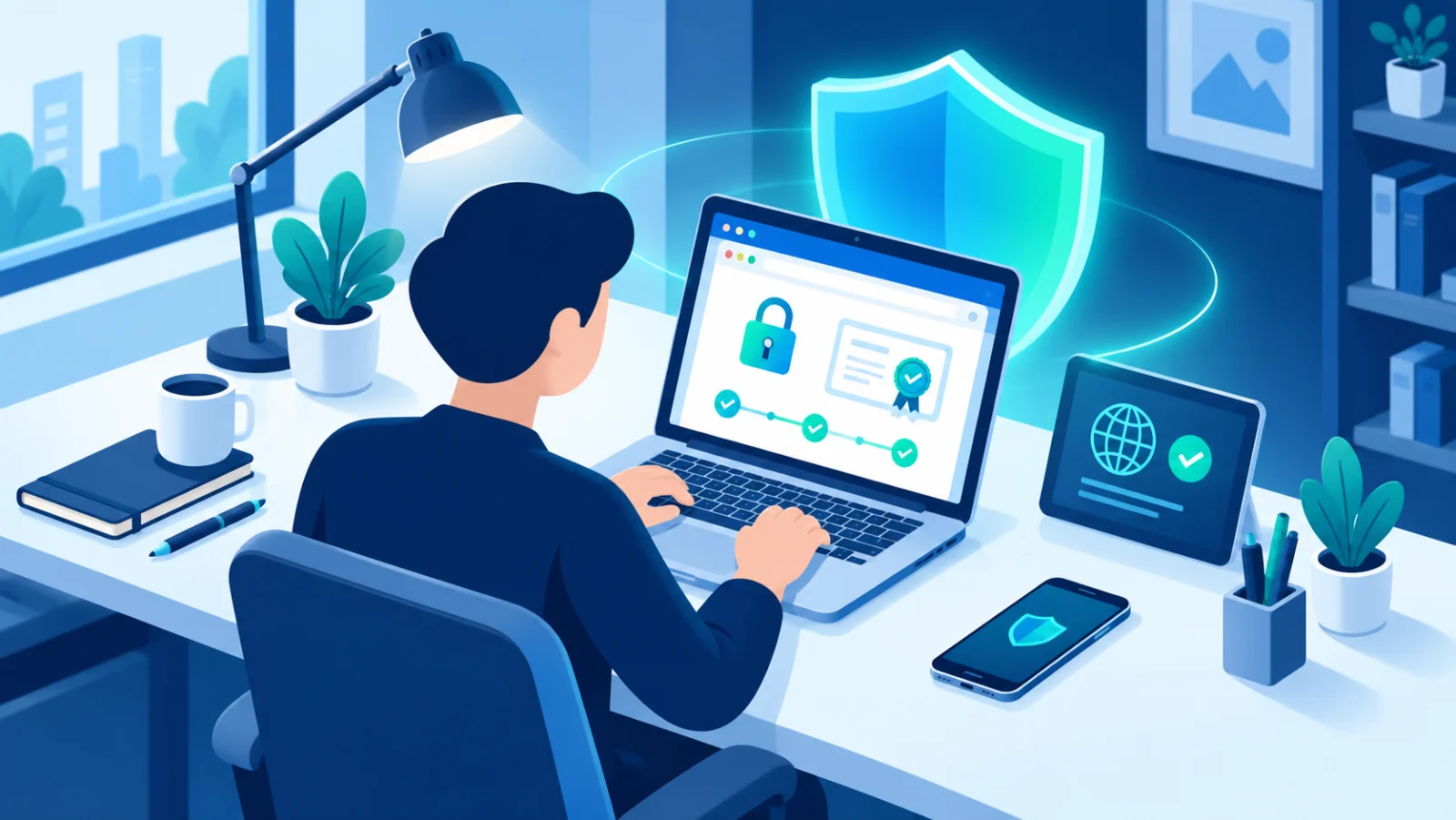
SSL/TLS Certificate Checker
Check when a domain's SSL/TLS certificate expires, who issued it, and whether it actually covers that domain.

Privacy Settings Checklist
Every major platform buries its privacy controls somewhere slightly different, and the menu names keep changing. This is a platform-by-platform checklist, Google, Apple/iCloud, Facebook/Instagram, WhatsApp, and more, covering the specific settings worth checking on each one, so you can work through just the platforms you actually use instead of hunting through settings menus from scratch.

Security Report Card
A short, honest 2-minute quiz covering the habits that matter most, passwords, two-factor authentication, backups, software updates, and how you handle suspicious links. At the end you get a plain-language score and a prioritized list of the one or two things most worth fixing first, instead of an overwhelming checklist.
Free, open-source tool by SecAIQ
See what your AI tools are really doing
SecAIQ Watch is a local, read-only dashboard that shows which AI tools run on your computer, what they connect to and what they can access, without ever reading your prompts or files.
Beta · macOS, Linux and Windows · MIT licence

Live demo · synthetic data →